

LINE STORE is a service where you can purchase LINE paid stamps and various items. It supports a variety of payment methods and is sometimes cheaper than purchasing currency within the LINE app.
In this article, we will introduce an overview of LINE STORE and what you can purchase. We will also explain the benefits of using LINE STORE, how to use it, and answer frequently asked questions, so please be sure to refer to it.
What is LINE STORE?
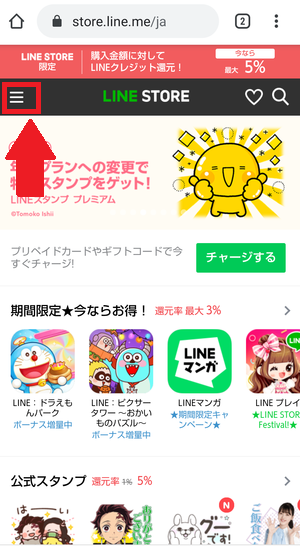
First, I will explain the overview of LINE STORE. LINE STORE is a service that allows you to purchase LINE stamps, in-app currency, dress-up functions, etc. on your browser. It can be used on any device such as a computer, smartphone, or tablet. Since it can be used on a browser, there is no need to install a specific app like the chat service LINE.
LINE STORE supports various payment methods. Examples include LINE prepaid cards, electronic money, and carrier billing. Additionally, LINE credits are returned based on the purchase amount, so in some cases it can be used at a discount compared to in-app purchases.
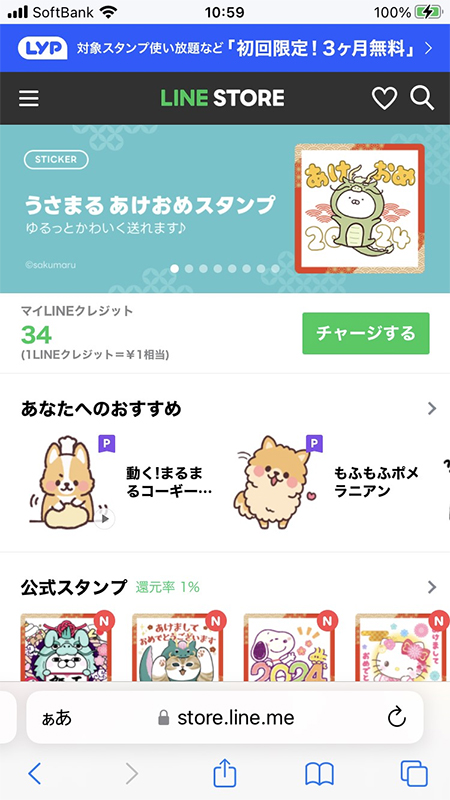
Two ways to purchase LINE stamps
There are two ways to purchase LINE stamps:
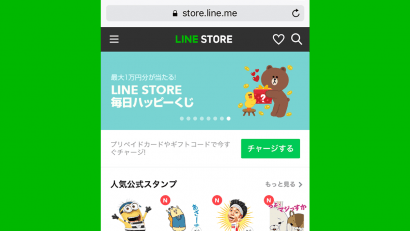
Purchase on LINE STORE
LINE STORE is LINE’s official online store. Since it can be accessed via a browser, you can purchase products not only from your PC but also from your smartphone or tablet.
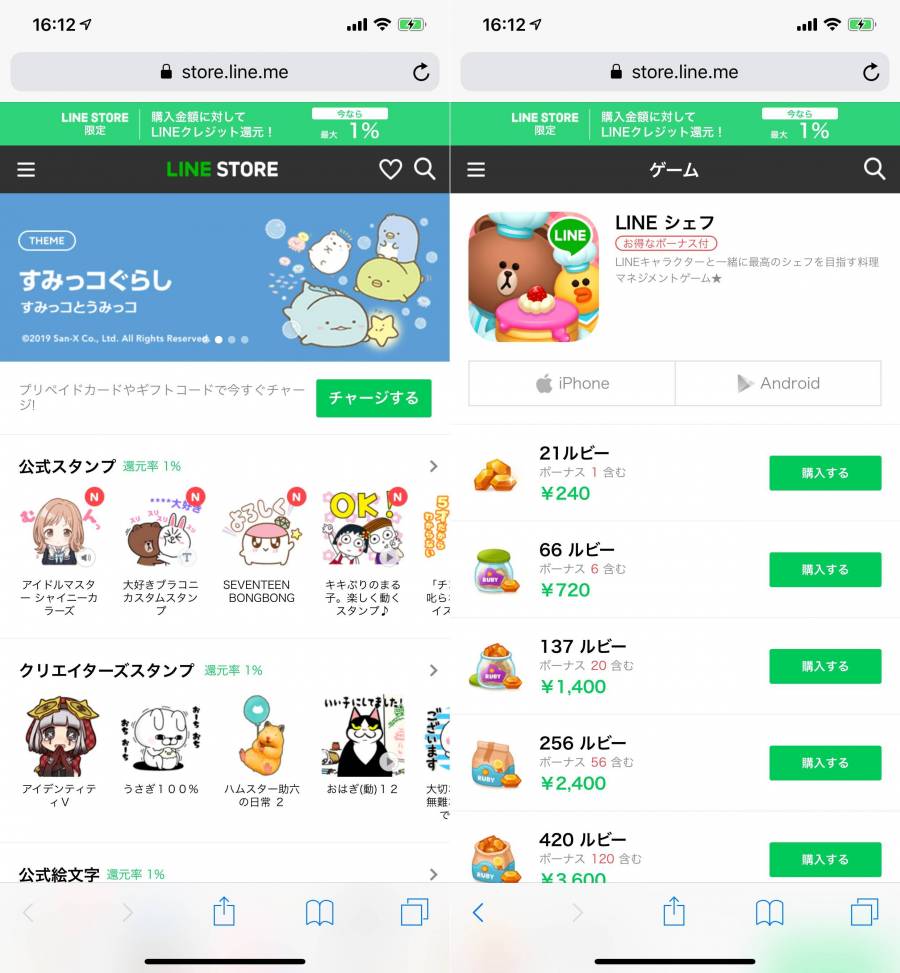
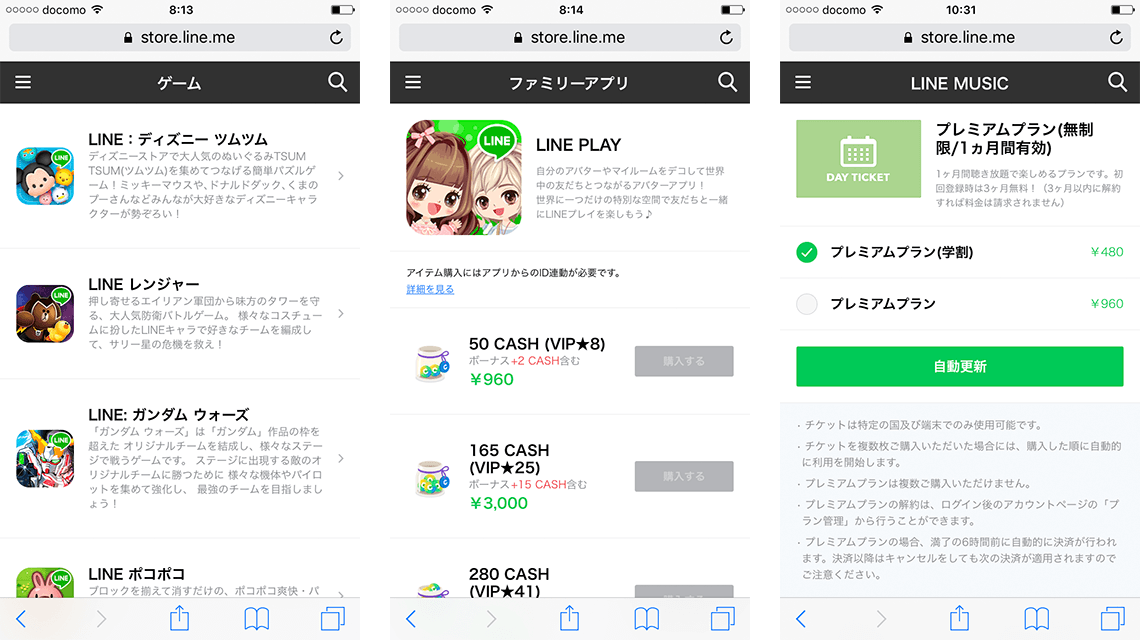
The main products we handle include LINE’s “paid stamps” that can be used in chats, “dress-up” that allows you to change the appearance of your LINE screen, and “coins (virtual currency)” that can be used in LINE games. Please note that “Extra Heart”, which allows you to send hearts to other avatars and your pets, cannot be purchased on LINE STORE.
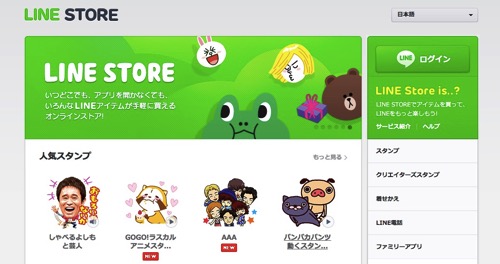
Purchase at stamp shop
On the other hand, the stamp shop is a shop that can be accessed from the official LINE app. Since it does not go through a browser, it can only be accessed from a device on which the app is installed.
The main products we handle include LINE’s “paid stamps” and “emoji” that can be used in conversations, and “dress-up” that allows you to change the appearance of your LINE screen. Please note that only LINE coins can be used to purchase products at the stamp shop.
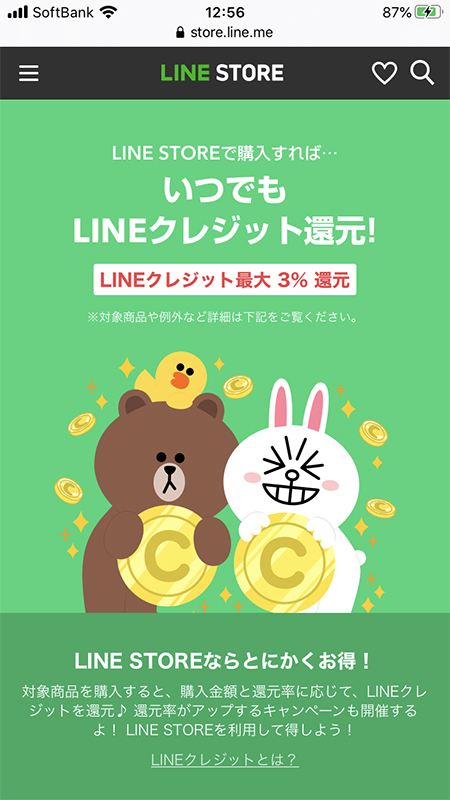
Differences and features between LINE STORE and stamp shop
We will explain the differences and features between LINE STORE and stamp shops. First of all, the major difference is that “LINE STORE” is accessed via a browser, and “Stamp Shop” is accessed via an app, but there are other differences in “products handled” and “payment methods”. .
Differences in products handled
There are differences in the products available at LINE STORE and stamp shops. It is mainly as follows.
| LINE STORE products | |
| LINE stamp | ● Unlimited use of stamps for a flat rate ● Official stamps ● Creator’s stamps |
| LINE Emoji | ● Official emoji● Creators emoji |
| LINE dress-up | ● Official theme● Creators theme |
| LINE related services |
● LINE Manga “Manga Coin” ● LINE GAME “Ruby” ● LINE MUSIC “Various unlimited listening plans” ● LINE fortune telling “Fortune telling coin” ● LINE play “Cash” (LINE Play will end its service on Monday, May 20, 2024) |
| Stamp shop products | |
| LINE stamp | ● Unlimited use of stamps for a flat rate ● Official stamps ● Creator’s stamps |
| LINE Emoji | ● Official emoji● Creators emoji |
| LINE dress-up | ● Official theme● Creators theme |
Differences in payment methods
There are also differences in payment methods between LINE STORE and stamp shops. It is mainly as follows.
| Payment methods at LINE STORE | |
|
Credit card payment |
●VISA ● MasterCard ●JCB ● American Express ● Diners Club |
| Mobile carrier payment |
● au ● SoftBank ● docomo |
| electronic money |
●LINE Pay ● JCB PREMO ● Rakuten Edy ● Mobile Suica ● WebMoney ● NET CASH ● BitCash |
| others |
● LINE Credit (LINE prepaid card) ● LINE points |
| Payment method at stamp shop | |
| Credit card payment |
●VISA ● MasterCard ●JCB ● American Express ● Diners Club |
| Mobile carrier payment |
● au ● SoftBank ● docomo |
Characteristics of LINE STORE and stamp shop
We will explain the characteristics of LINE STORE and stamp shop.
Features of LINE STORE
One of the features of LINE STORE is that it carries a wide variety of products. While the stamp shop only sells LINE stamps, LINE emojis, and LINE dress-ups, LINE STORE sells LINE products such as LINE manga and LINE games in addition to the stamp shop products. We also offer related services.
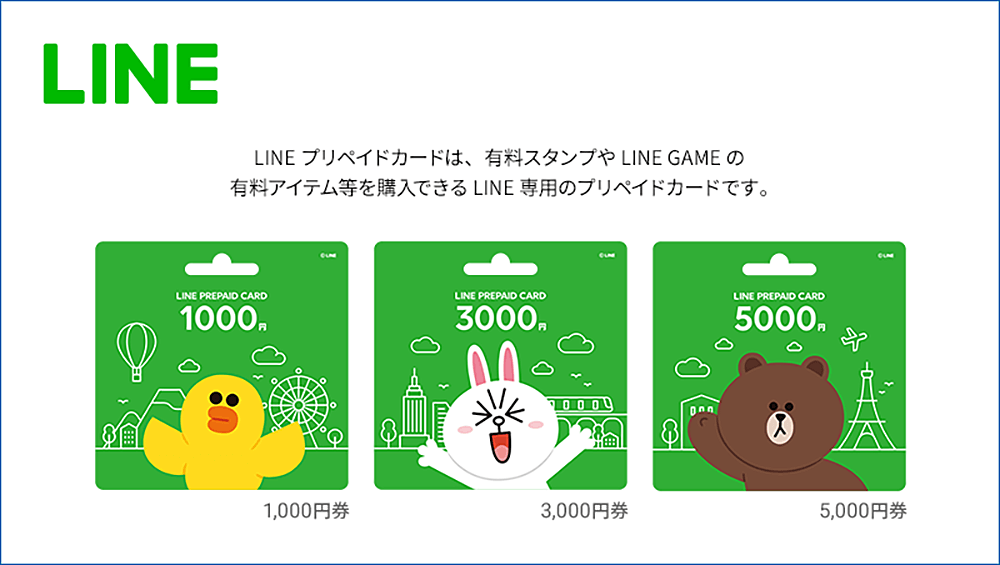
In addition to a wide variety of payment methods, you can also use LINE prepaid cards and LINE Credit.
Characteristics of stamp shop
On the other hand, one of the characteristics of stamp shops is that they are very easy to access. Just launch the LINE app and tap the stamp shop icon to go to the stamp shop.
Although it carries fewer products than LINE STORE, it is very easy to purchase products because you can also use LINE Coins, which cannot be used at LINE STORE.
Advantages of using LINE STORE
So far, we have explained the overview of LINE STORE and what you can purchase. From here, we will explain the benefits of using LINE STORE.
Let’s look at each in turn.
Get LINE credits
LINE STORE issues exclusive LINE credits that can only be used on LINE STORE. LINE credits will be returned for 1% to 5% of purchased items on LINE STORE. In other words, if you purchase an item worth 5,000 yen, you will receive 50 to 250 points as LINE credits.
However, LINE Credit cannot be used in conjunction with other payment methods. Therefore, you need to accumulate LINE credits for the amount you want to purchase.
Many payment methods available
LINE STORE has a wide variety of payment methods. Normally, when purchasing LINE-related items as in-app purchases, there are few payment methods, and many people may have had trouble with that. However, LINE STORE mainly offers the following payment methods.
A total of 6 types of electronic money are available, including Mobile Rakuten Edy and JCB PREMO, and all major brands of credit cards are supported. However, LINE Points can only be used to purchase some items on LINE STORE. Therefore, it can be said that there are many cases where customers choose payment methods other than LINE services.
May be available at a discount
When purchasing LINE-related items, there are two ways to purchase them: in-app purchases directly from the app, or from the LINE STORE. Therefore, when purchasing some items, you may be able to use LINE STORE at a better price.
A typical example is LINE Manga. Regarding the number of coins required to read LINE manga, as of May 2022, if you purchase in-app, you can get 1010 coins for 980 yen. On the other hand, LINE STORE is unique in that you can get 1040 coins for 980 yen, and you will also get 29 points of LINE credits back. Therefore, if you use LINE STORE for LINE Manga, you will receive 30 more coins. It can be said that the larger the amount charged, the greater the return on LINE STORE.
There are other cases like the above, so if you want to get a better deal, be sure to check the amounts and points for both LINE STORE and in-app purchases.
How to use LINE STORE
So far, we have explained the benefits of LINE STORE. Here, we will explain how to use LINE STORE.
Let’s look at each step in turn.
Log in to LINE STORE
First, you need to log in to LINE STORE. To log in to LINE STORE, press the login button at the top right of the LINE STORE main screen and try to log in with your LINE account. Click on the “Log in with LINE app” button. If you successfully log in, you will receive a notification from LINE STORE to the LINE app that your login has been completed.
LINE credit charging
LINE STORE allows you to issue a special currency called LINE Credit. 1 LINE Credit = 1 yen, and you can charge LINE Credit using the various payment methods mentioned above. The recommended charging method is to use LINE Pay. At LINE STORE, you will receive up to 25% bonus credit only when you charge using LINE Pay.
For example, if you charge 5,000 yen worth of LINE credits, you will receive 1,000 credits as a bonus, giving you a total of 6,000 yen worth of LINE credits.
Therefore, we recommend that you first charge LINE Credits with LINE Pay and then purchase items with the charged LINE Credits.
Purchase products at LINE STORE
Once charging is complete, check out what products are actually sold on LINE STORE. From there, you can purchase the items you are interested in. Please note that when paying with LINE Credit, the confirmation screen will not be displayed and the payment will be made as is, so please be careful.
Use your wish list
In LINE STORE, heart buttons are available on item pages. By pressing this heart button, you can save it as a wish list. You can view your wish list all at once, so use it if you want to buy in bulk later. You can also share your wish list with your friends on the LINE app.
How to purchase stamps on LINE STORE
We will explain how to purchase stamps at LINE STORE. You can purchase it using the same steps on both PC and smartphone.
1. Log in to LINE STORE
2. From the menu, select “Unlimited use of stamps for a flat rate,” “Official stamps,” or “Creators’ stamps” (here, select the official stamps)
| The meaning of each stamp | |
| Unlimited use of stamps for a flat rate | Unlimited use of only stamps eligible for the flat rate system |
| official stamp | Stamps produced by LINE Corporation and LINE Corporation affiliated companies |
| Creator’s stamp | Stamps created by companies and individuals, both professional and amateur |
3. The stamps will be displayed in a list, so select the stamp you want to purchase.
4. You will be redirected to the individual page, so check the price and press the “Purchase” button.
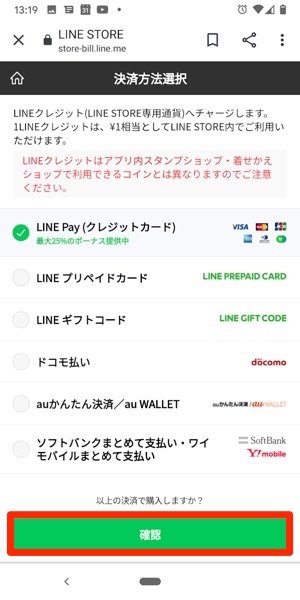
5. You will be redirected to the “Select Purchase Method” screen, so select your payment method and press the “Confirm” button (here, select “LINE Pay/Credit Card”)
6. A pop-up screen will appear asking, “Do you want to open this page in LINE?” Select “Open.”
7. You will be redirected to the password entry screen, so enter the password registered in LINE Pay.
8. You will be redirected to the payment method selection screen, so select “Payment method” and press the “Pay 〇〇 yen” button.
Your purchase is now complete.
How to charge at LINE STORE
We will explain how to charge at LINE STORE. You can charge both your PC and smartphone using the same steps.
How to charge using LINE Pay/credit card payment
The charging method for LINE Pay/credit card payment is as follows.
1. Log in to LINE STORE
2. Press the “Charge” button
3. You will be redirected to the “Payment Method Selection” screen, so select “LINE Pay/Credit Card” and press “Confirm” button.
4. You will be redirected to the “Select charge amount” screen, so select the desired charge amount and click the “Charge” button.
5. A pop-up screen will appear asking, “Do you want to open this page in LINE?” Select “Open.”
6. You will be redirected to the password entry screen, so enter the password registered in LINE Pay.
7. You will be redirected to the payment method selection screen, so select your desired payment method and press the “Pay 〇〇 Yen” button.
Charging is now complete.
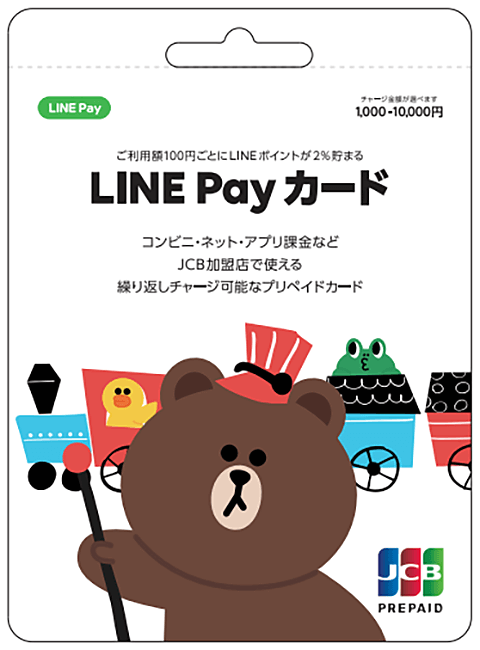
How to charge with LINE prepaid card payment
The charging method for LINE prepaid card payment is as follows.
1. Purchase a LINE prepaid card at a convenience store
2. Log in to LINE STORE
3.Press the “Charge” button
4. You will be redirected to the “Payment Method Selection” screen, so select “LINE Prepaid Card” and “Press the Confirm Button”
5. You will be redirected to the “PIN code entry” screen, so enter the PIN code written on the prepaid card you purchased at the convenience store and press the “Charge” button.
Charging is now complete.
How to gift LINE stamps on LINE STORE
At LINE STORE, you can also gift LINE stamps to your LINE app friends. They will be happy to use it for anniversaries and birthdays. There is a “Send Gift” button on the item page you would like to gift, so click it and select the LINE friend you want to send the gift to. Once the payment is completed, the gift will be automatically sent to your friend.
Q&A about LINE STORE
Finally, we will answer some questions you often have when using LINE STORE.
I will answer each one in turn.
What should I do if I can’t log in?
Only people who have registered their phone number in the LINE app can log in to LINE STORE. Therefore, if you have not registered your phone number, you will not be able to log in. Be sure to register your phone number before logging in.
What should I do if my purchase is not reflected?
If the item you purchased on LINE STORE does not appear, it is possible that the payment was not completed successfully. Therefore, please check again to confirm that the payment has been completed.
If the payment has been completed successfully, we recommend that you reload your browser once. In most cases, doing these two things will resolve the issue, but if it does not resolve the issue, please contact us from the inquiry or help page within each app.
summary
In this article, we have explained about LINE STORE. LINE STORE allows you to purchase a variety of digital content and offers a wide variety of payment methods. Another feature is that it may be cheaper to use than in-app purchases.
First, why not log in to LINE STORE and check what kind of digital content is on sale?