
When you usually view
a homepage
in your browser, do you ever notice the icons that appear on tabs or when you bookmark a website? It may even recognize pages based on them.
In addition to the roles and benefits of homepage icons, we will also introduce simple setting methods and precautions for those who are creating a homepage from now on.
What is the homepage icon?
When you think of homepage icons, most people probably think of the logo of a company or site. For example, if you bookmark a Twitter page, the Twitter company logo icon with its iconic blue bird and the page title will be recorded.

Homepage icons are displayed on the far left side of browser tabs and in the bookmark list, as well as in various places, such as shortcut icons on the desktop on PCs, and icons on the home screen on smartphones.
These are symbols that represent or identify each homepage, and are called “icons” or “favicons.”

Advantages of setting homepage icons

Setting an icon or favicon on your homepage is not essential to building your homepage. In fact, there are many websites that do not have one. However, if your company is creating a homepage, we highly recommend that you set it up. Because it has the following benefits:
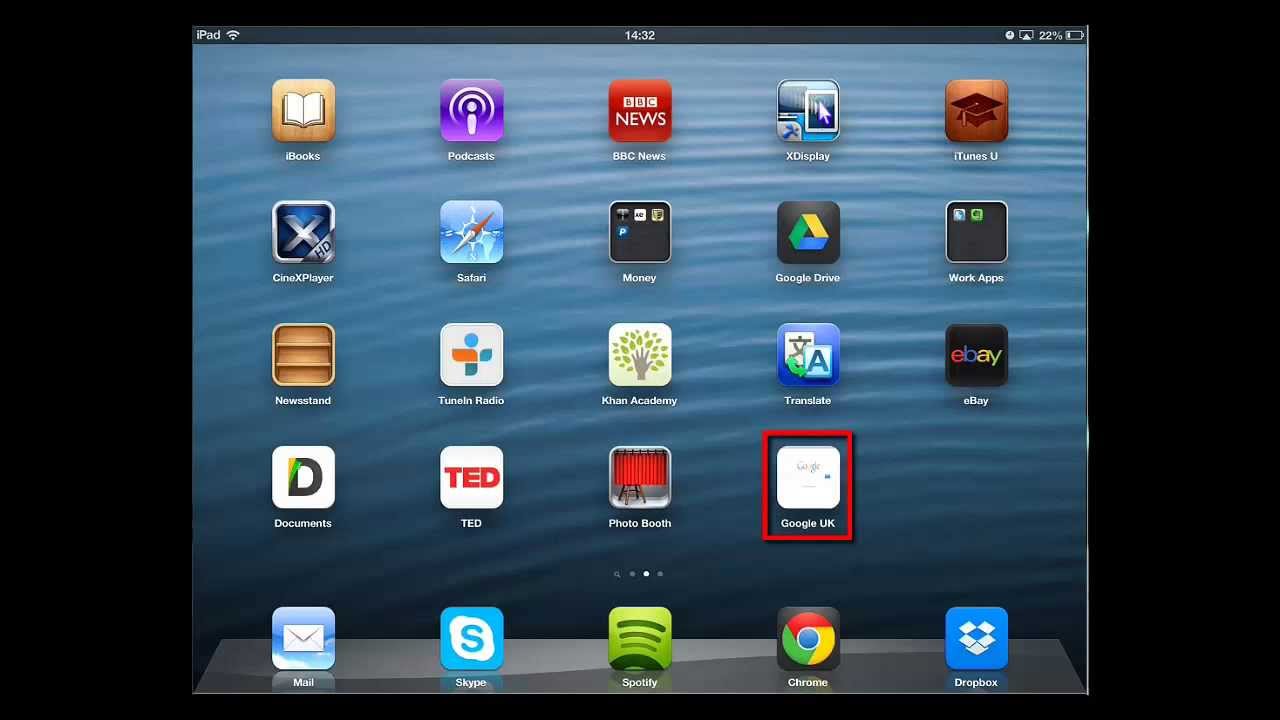
On smartphones and tablets, you can place a shortcut to the homepage on the desktop or home screen, but if an icon is set at that time, that icon will be placed on the desktop or home screen. The homepage itself is laid out like an app, making it easier to identify and remember.
How to make a homepage icon
In order to set an icon or favicon for your homepage, you first need to create an icon or favicon. Here we will explain what size and format you should make, and how you can make it.

1.favicon.ico
The extension is “ico” and the name is “favicon”. Different sizes are used for different purposes, so we make multiple sizes. All are squares. For IE, it should be 16px x 16px, for Chrome/Firefox/Safari it should be 32px x 32px, and for things like pinning the Windows start screen, it should be 48px x 48px.
2.apple-touch-icon.png
This is an icon called the “web clip icon” that is used on the home screen of iOS and Android smartphones such as iPhones and iPads. It is said that you only need to prepare one size: 180px x 180px. Automatically resized for each device.

There are generally two ways to make it:
1. Create with drawing tools/drawing software
There is a way to create it using Windows standard “Paint” or drawing/graphics software such as “Adobe Illustrator” or “Adobe Photoshop”. If you are familiar with these tools, you may want to use them.
2. Use a free tool If you don’t have a drawing tool or are not familiar with its operation, one way is to use a free tool that allows you to easily create a favicon on the web. There is “favicon.cc” which allows you to create a favicon by drawing it with dots, and “Favicon generator” which converts an existing image into a favicon.

How to set the homepage icon
Once you have created the homepage icon and favicon, it’s time to set them up. Here we will explain how to set an icon and favicon on your homepage, and how to set an icon in WordPress.
1. When setting an icon on the homepage
(1) Place the icon and favicon in the root directory of the server Upload the two files “favicon.ico” and “apple-touch-icon.png” to the root directory of the homepage. The root directory is the topmost directory.
(2) Write the code in the head tag of the HTML file Next, write the following code in the head tag of the page where you want to display the icon or favicon.
<link rel=”apple-touch-icon” href=”./apple-touch-icon.png” sizes=”180×180″>
<link rel=”icon” type=”image/x-icon” href=”./favicon.ico”>
The icon settings are on the top, and the favicon settings are on the bottom.
If you want to write it in an HTML file in a directory different from the root directory where the icon or favicon is installed, use “href=”./apple-touch-icon.png” and “href=”./favicon.ico Please change the route description method for “”.
For example, if you want to specify an icon and favicon from an HTML file placed under a directory called “information” in the root directory,
Let’s write “href=”../apple-touch-icon.png”” and “href=”../favicon.ico” to specify the location of the icon and favicon image.
On a PC, simply place the favicon in the root directory with the file name favicon.ico, and the browser will automatically load it without writing any code in the head tag, and whenever you open any page of the homepage. The favicon is now displayed. However, some browsers do not support it, and it will not be displayed on smartphones, etc., so it is better to write the favicon and icon code in the head tag of every page as much as possible.
2. When setting an icon in WordPress

If you are creating a homepage with WordPress, you can set the icon from the WordPress admin screen.
WordPress uses a 512px x 512px png image. Prepare this image and open “Appearance” → “Customize” → “Site basic information” from the management screen. Then, there is a place where you can specify a “site icon”, so upload a PNG image. This allows you to set the icon without writing it directly in the head tag.
However, even if you make this setting, it will not be applied to the smartphone shortcut icon, so if you want to apply it, please write the code directly in the WordPress head tag using method 1.

Notes regarding homepage icons
When setting an icon or favicon for your homepage, be sure to keep the following in mind.
- Set an icon that makes it easy to tell that it is your company’s homepage.

Use your company’s or brand’s logo in the icon so that users can immediately recognize your website as soon as they see it. This will make it easier to identify and be remembered, so you can expect a branding effect.

summary
◆Homepage icons are symbols used on the far left side of browser tabs, bookmark lists, shortcut icons placed on the desktop, icons placed on the home screen of smartphones, etc., and are used to represent or identify each homepage. Also called an “icon” or “favicon”.
◆Create multiple homepage icons of two types: “favicon.ico” and “apple-touch-icon.png” in the required size, place them in the root directory of the server, and write the code in the head tag of the HTML file. It can be set with .
◆When creating an icon for your homepage, be careful not to infringe on the copyright of the image you use for the icon, set an icon that makes it immediately recognizable as your company’s homepage, and try to keep it as simple as possible.