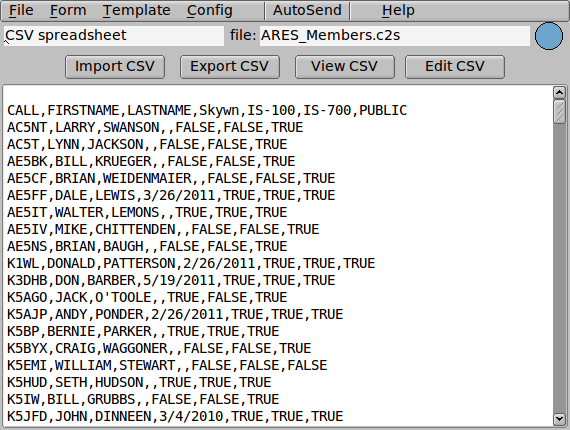
CSV is an abbreviation for Comma-Separated Values. CSV is a text data format that is written with items separated by commas (,). The file extension of CSV is “.csv”, and when multiple items are grouped together as a record, use line breaks to indicate the record.
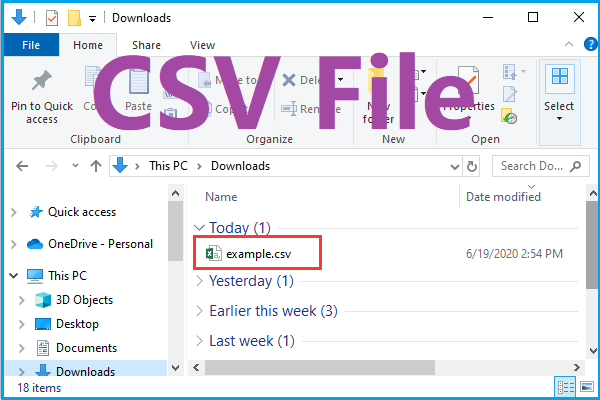
With CSV, data can be written vertically and horizontally, like a table. CSV is supported as standard in various
IT
tools, systems, and database software, and has excellent compatibility between systems.
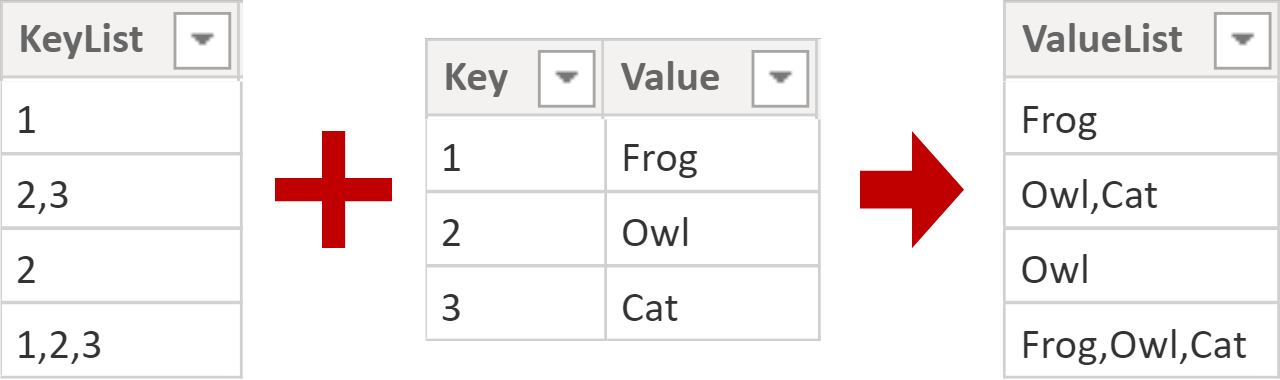
It’s highly compatible, so you can even import CSV files between systems. For example, you might want to download Google Analytics keyword data as a CSV file and import it into Google Sheets. Most database software and systems support CSV files, so there is no doubt that using them properly will lead to improved business efficiency.
CSV is text data that is very easy to write. Therefore, it is easy to program, and it is also possible for humans to directly change the contents of CSV files. However, although it is common to use commas to limit items, other specifications often vary depending on the writer. Specifically, CRLF (0x0D+0x0A) is often used as a line feed character, but depending on the handling of text data, LF (0A) or CR (0D) may also be used.
There are other formats that separate records with line breaks.
In addition to CSV, there are other formats that separate records with line breaks. Regardless of the format, one line up to the line break is referred to as a record. A typical example is the TSV (Tab-Separated Values) format. TSV format is separated by tab character (0x09). In addition, the SSV (Space-Separated Values) format is also a typical example of text data that separates items into records, and SSV is characterized by separating items with a space character (0x20).
In some parts of Western Europe, where commas are used to separate digits, a semicolon (;) may be used in place of a comma.

Difference between CSV file and Excel file
.+Easily+parsed..jpg)
When working with CSV, a frequently raised problem is not knowing the difference between CSV files and Excel files. CSV has the same content as explained so far, but the Excel file extension is “.xlsx”. Therefore, first of all, the extension itself is different for CSV files and Excel files.

While CSV files are very compatible, Excel files are not. Due to these characteristics, if it is unclear whether the client (customer) can handle Excel files, data is often exchanged using CSV files, which have excellent compatibility.

However, Excel files have better editing and decoration features. Excel files are often used to compile complex data or create visually beautiful reports. In addition, since it is possible to use functions in Excel files, they are increasingly being used in companies’ budget and actual management tables.
Reference article