.png?ssl=1 "What does permalink mean?")
What is a permalink?
A permalink is a URL set for each page of a website.
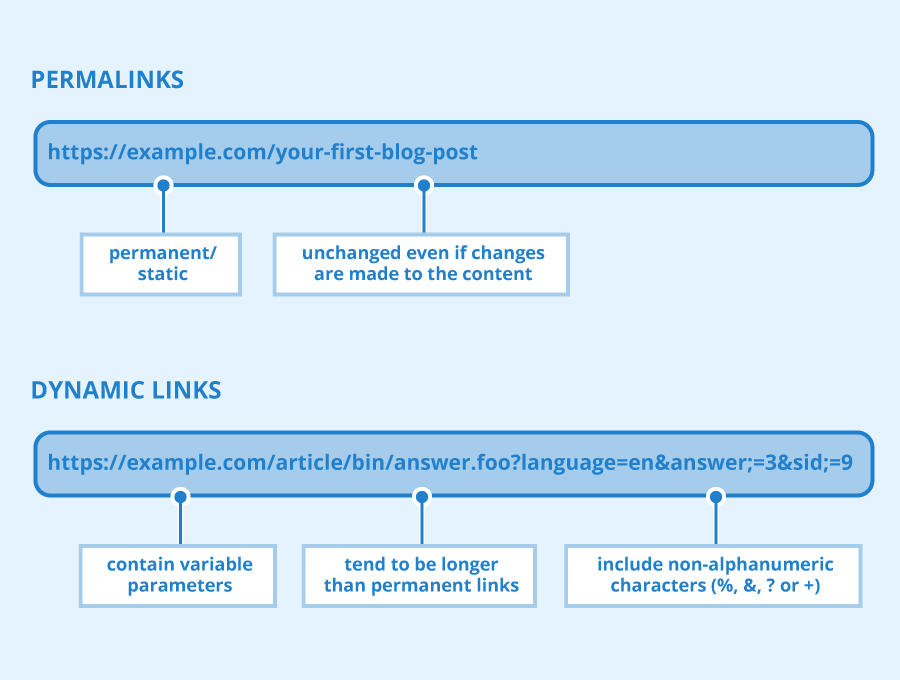
If you do not set permalinks first in
CMS
etc., problems may occur, so it is necessary to set permalinks at the first stage.
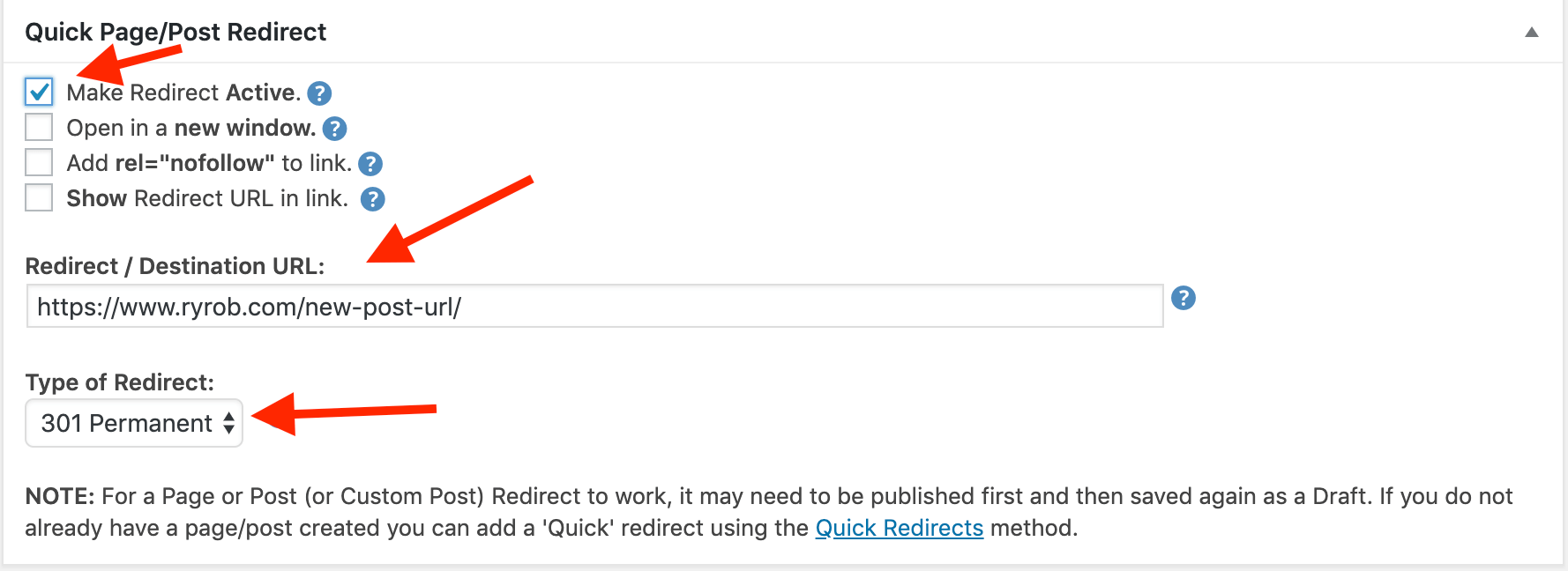
How to set permalinks in WordPress

Here we will explain how to set permalinks using WordPress, a type of CMS, as an example.
We recommend setting the permalink using the post name (post name). Google has stated that it evaluates websites with URLs such as the following.
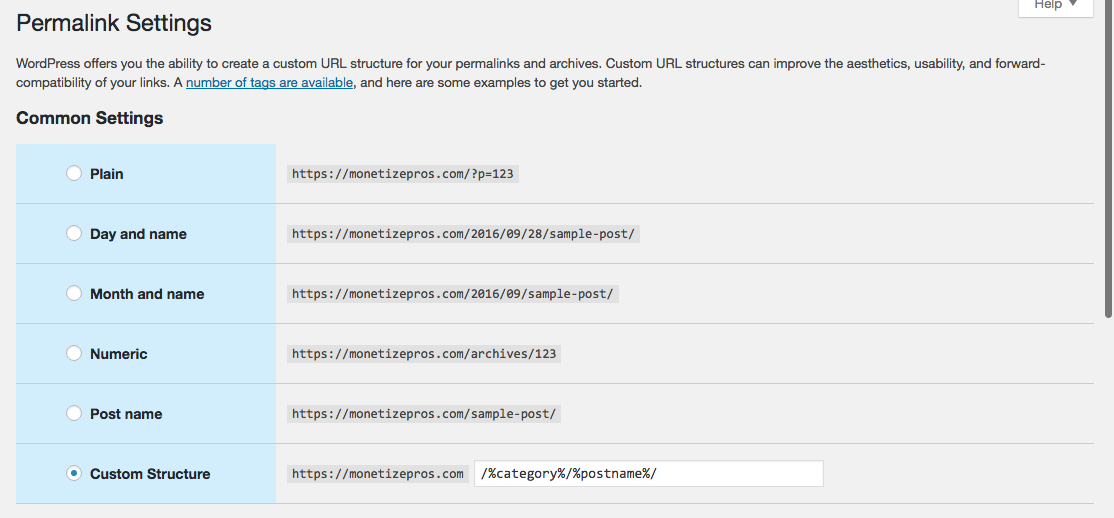
In other words, if you set the permalink with the post name (post name), your website will be evaluated by Google, so it is better to set the permalink with the post name (post name). Now, I will explain the steps to set a permalink to the post name (post name).
Select “Settings” from the menu on the left side of
the WordPress
admin screen and click the “Permalink Settings” button. Then, check “Post Name” from the displayed items. The initial settings are now complete.

However, at this stage, the permalink is in Japanese, so you need to change it to English. When you submit an article, the submission screen will be displayed, so don’t forget to click the “permalink” on the right side of the screen and change the article title to English.
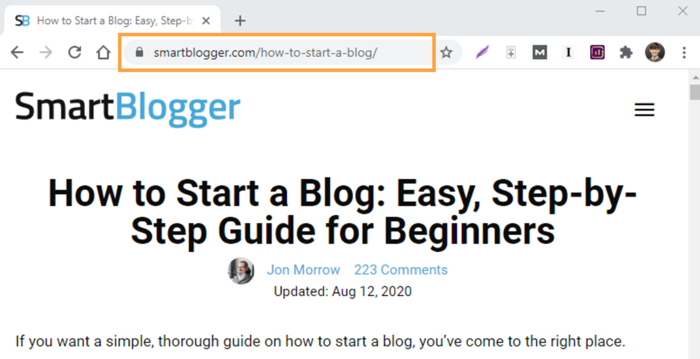
Reference article