

In the IT field, a technology called ”
cloud
” has been attracting attention year by year.
The number of services that utilize cloud mechanisms, such as data storage and software usage, is increasing. However, although the word “cloud” is increasingly being heard and seen, there may be some people who do not really understand its meaning.
In this article, we will explain the meaning, types, advantages and disadvantages of the term cloud.
If you don’t know much about clouds, or if you know an overview but can’t explain them in detail, read this article to understand clouds.
What is cloud?
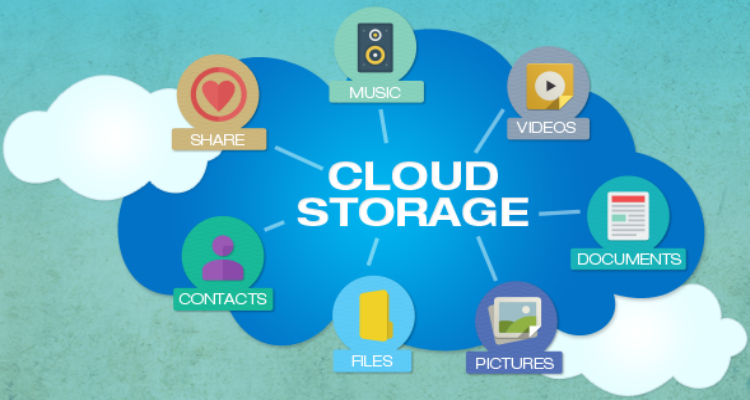
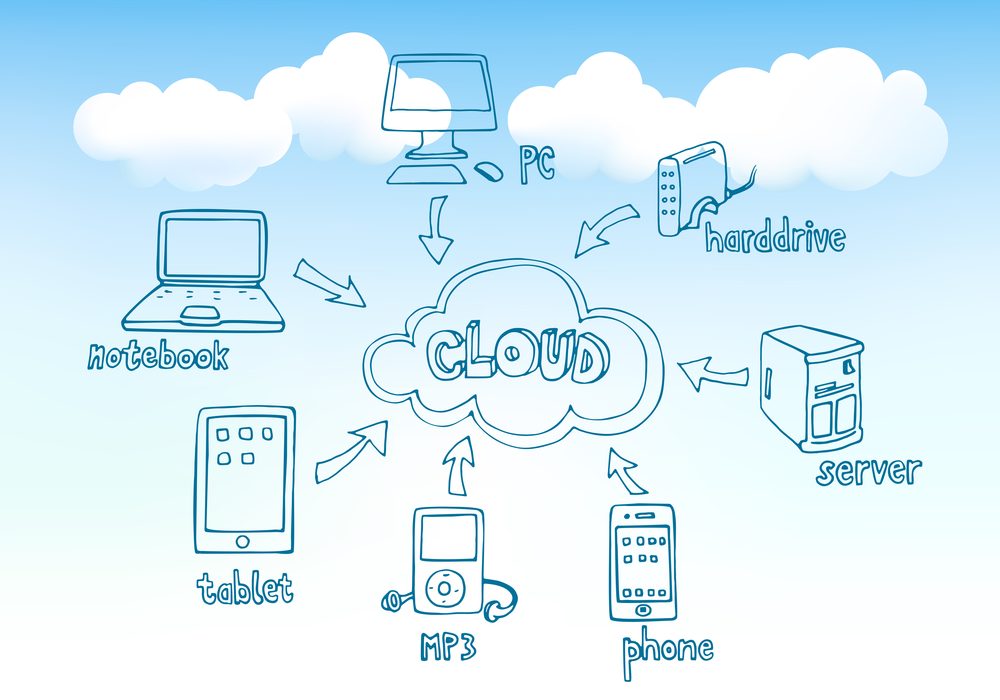
Cloud refers to the concept of using storage and software via a network. Taking storage as an example, the cloud has dramatically changed the way data is stored.
Until now, it was common for data to be saved on a computer, or on a USB memory or external hard disk.
In this case, if you want to access your data on the go, you will need to carry your computer, USB memory, or hard disk with you.
However, as the speed of Internet connection lines has improved and large-capacity communication has become possible, methods of storing data in storage installed in a remote location and handling data in the remote storage via the Internet line have become popular. I’ve been doing it.
When storage is installed in a remote location such as a data center, it is called a “cloud” because it is assumed that the data is stored in a “cloud.” In addition to storage, there are also services such as software and virtual operating systems that are provided by the cloud.
Cloud type
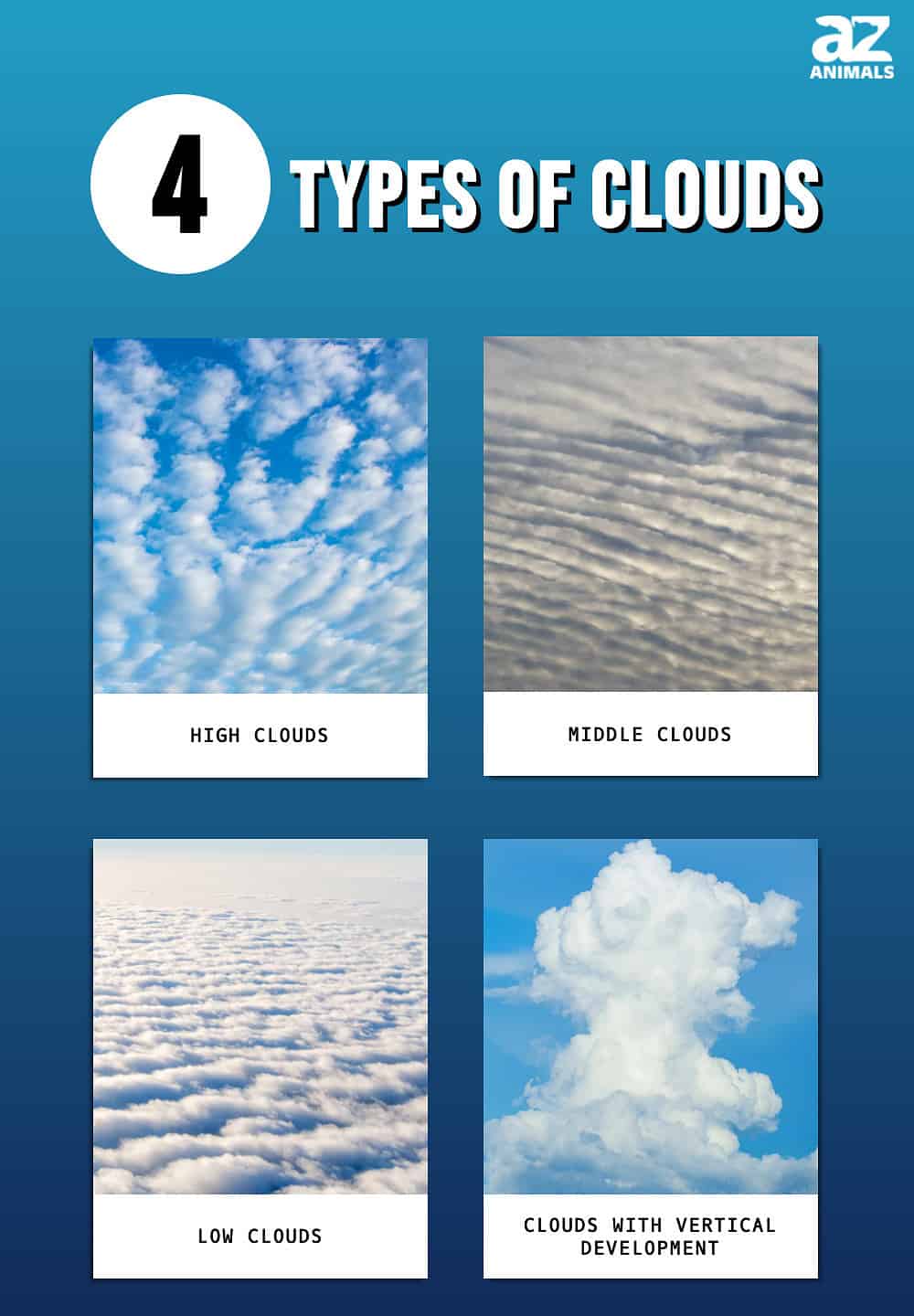
There are three types of cloud service provision:
I will explain each in turn.
public cloud
Public cloud refers to a type of cloud in which the environment built by a cloud provider is used jointly with individuals and companies that apply.
Anyone can apply and use it, and the cost is low, so it is easy to use, but unlike the private cloud described below, it is not possible to customize the environment provided by the cloud provider.
Major public clouds include Amazon Web Service (AWS) and Microsoft Azure.

private cloud
A private cloud is a type of cloud where you build and use your own cloud environment.
It has the advantage of being able to be customized to suit your company’s purpose of use, but it has the disadvantage of being more expensive to build the system compared to public clouds.
If you have a large number of employees and want to operate the system in a unified manner, or if you want to increase security, a private cloud may be suitable.

hybrid cloud
A hybrid cloud is a cloud that uses a combination of the above public cloud and private cloud. For example, one way to use the cloud is to handle important data such as customer information in a private cloud, and use a public cloud for other business data.
Private clouds have the advantage of high security, while public clouds have the advantage of wide sharing scope. Hybrid cloud allows you to take advantage of the best of both worlds.
However, it has the disadvantage that it is more complex to manage than public clouds and private clouds, and users may feel inconvenienced.
.jpg)
Features and benefits you should know about the cloud
When using the cloud, we recommend that you understand the features and benefits of the service. The cloud has the following three main characteristics.
I will explain each in turn.
Can reduce initial costs
The cloud has the advantage of reducing the initial cost of introducing a service. For example, if a company purchases
servers
for data sharing and builds a network, the initial costs are typically high.
However, if you apply for a cloud service and use online storage, there are no high initial costs. Using the cloud is recommended for companies that want to install a server but don’t want to spend too much on initial costs.

Services can be introduced quickly
The cloud allows for very rapid deployment of services. This is because you do not need to prepare your own equipment or environment.
In the case of cloud, you can use the service immediately by applying for the service from the cloud provider. It takes time and effort to build a server in-house and install software for all employees.
In the case of cloud services, similar services can be used immediately without requiring such operations.
Operational load can be reduced
With the cloud, the operational load can be reduced. For example, if you set up your own storage environment, there will be operational burdens such as regular maintenance and security monitoring and maintenance.
If a problem occurs, you will have to deal with it in-house, which will increase your operational costs. In the cloud, these operations are handled by the cloud provider, which greatly reduces the operational burden on your company.
Using the cloud is also recommended for companies that are not confident in troubleshooting storage or software issues.
Additionally, with the increase in remote work and telework, the cloud is playing a very important role. More details below.
Cloud services can be accessed from anywhere with an internet connection. This allows employees to continue working from home or on the go, without having to be in the office.
Cloud-based tools allow team members to edit and comment on the same document at the same time. This allows you to collaborate effectively even when you are physically separated.
Cloud services also allow businesses to reduce the cost of purchasing and maintaining physical servers and hardware.
Cloud services allow you to quickly increase or decrease resources depending on business demands. This allows companies to quickly respond when demand for remote work spikes.
:max_bytes(150000):strip_icc()/cloud-computing-4199287-f346729f8f574000a3058b9ad69e9a41.png)
Disadvantages of the cloud that you should know about
Although the cloud is easy to use and operate, there are some disadvantages that you should keep in mind.
Less customizability
The cloud does not allow for much customization. When you build your own server environment, you prepare the necessary equipment yourself, so you can prepare the hardware that suits your company’s environment and freely configure the settings.
However, in the case of the cloud, you use an environment provided by the provider, so you cannot change the hardware or settings to suit your company’s environment. Therefore, it is necessary to devise ways to adapt business operations to some extent to the functions of the cloud, such as covering by operations what cannot be done with the cloud.
There is a security risk
Cloud environments managed by cloud providers always have a certain level of security measures in place. However, it cannot be said that it is always 100% safe.
This is because the cloud itself is often used via the Internet, and there is a risk of being hacked. Therefore, it is important to properly manage authentication information such as IDs and passwords for cloud services used internally.
Additionally, data must be encrypted at rest, in transit, and during use. This protects your information from being readable even if your data is accessed by unauthorized persons.
Access restrictions are also an effective means of maintaining security. Cloud services require strict control over who can access what data. Access can be restricted through user authentication such as passwords and two-factor authentication, and management of access privileges such as read-only and writable.
If the service is discontinued, it will be a hassle to switch.
With the cloud, there is a possibility that the service itself will be discontinued, and if it is discontinued, it will be a hassle to switch. If a service is discontinued, data stored in the cloud must be migrated to another service.
It would be great if the data could be migrated smoothly, but if there is data in a format that is not supported by the destination cloud, you may have to go through the trouble of converting the data, or you may not be able to migrate the data.
Also, since the migration involves a large amount of data, it may take some time to migrate. When using the cloud, you must keep in mind the risk of service termination.

Cloud service example
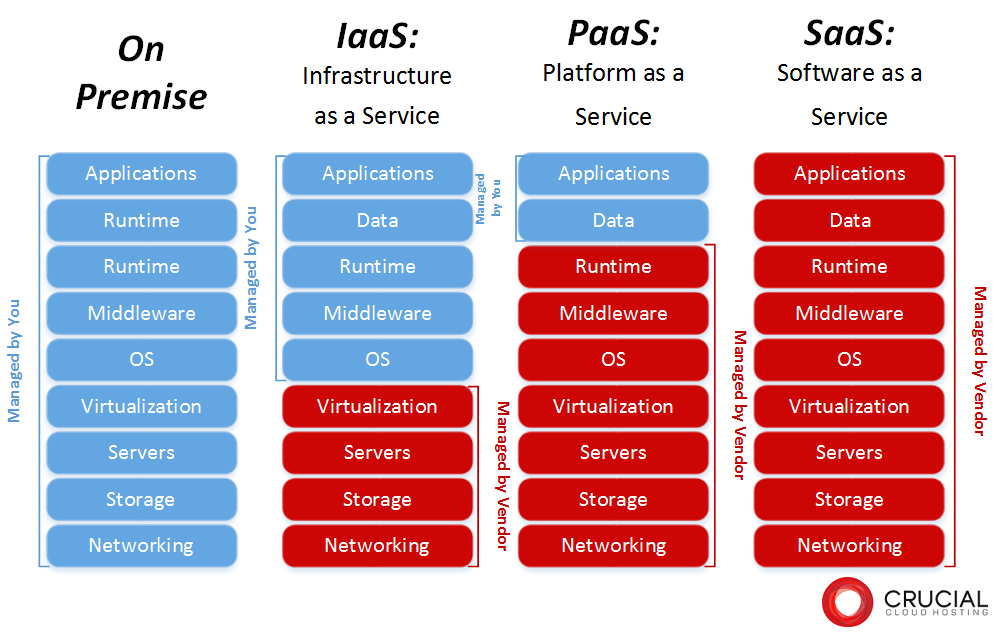
By using the cloud, a variety of tasks that used to be done locally can now be done from anywhere. Work that can be performed in the cloud can be broadly divided into the following three categories:
-
SaaS
- PaaS
- IaaS
I will explain each in turn.
SaaS
SaaS is an abbreviation for “Software as a Service,” and refers to a service that provides software functions over the Internet.
Until now, in order to use software, it was common to purchase it, install it on your computer, and use it.
In the case of SaaS, you sign up for a subscription contract and run the software on a browser, so you can operate it from anywhere with an internet connection.
There are many SaaS services such as “Microsoft 365”, “Google Workspace”, and “Yayoi Accounting Online”.
PaaS
PaaS is an abbreviation for “Platform as a Service” and refers to a service that provides
a platform
such as an application development environment on the cloud.
This platform part includes the OS, middleware, etc. PaaS is often used mainly by application developers, but it is attractive because it can be used online without the need to prepare the servers and databases required for the development environment.
Major PaaS include Amazon Web Service (AWS) and Microsoft Azure.
IaaS
IaaS is an abbreviation for “Infrastructure as a Service” and refers to a service that provides networks, shared disks, and virtual servers on the cloud.
Although it is included in the above PaaS, whereas with PaaS, middleware, OS, etc. are also the responsibility of the cloud provider, IaaS is mainly related to infrastructure, such as networks and servers, which are the responsibility of the cloud provider. The difference is in the range.
Similar to PaaS, the most commonly used IaaS services are Amazon Web Service (AWS) and Microsoft Azure.
summary
In this article, we explained the meaning, types, advantages and disadvantages of the cloud.
Cloud services, which allow users to access storage, software, and application development environments without spending time or money, are becoming increasingly popular. In addition, cloud services, which can be used anywhere, are a usage format that may continue to attract attention, partly due to the influence of remote work in recent years. Read this article to get an overview of the cloud, and use cloud services to suit your business needs.