

Even if you try to type a blank character, it doesn’t turn out as you expected, and many people may not know how to type the blank character. Additionally, space characters can have a negative impact on SEO, so site operators need to remember how to use them appropriately.
Therefore, in this article, we will introduce an overview of white space characters and four types of usage. We will also explain the impact of white space characters on SEO and when to use white space characters, so please use this as a reference.
What is a white space character?
First, let’s start with an overview of whitespace characters. Whitespace characters literally mean typing blank characters between lines or characters to create spaces. Space characters can usually be typed in using the space bar or tab key, but this is said to have a negative impact on
SEO
.
Therefore, as a method other than the above, you can insert a br tag to create a space, or adjust the spacing between p tags using
CSS
margin. There may be many situations where you want to create a blank space, but it is important to use it appropriately depending on the situation.
There are four ways to type (use) blank characters.
Generally, there are four ways to type (use) a space character.
- full-width space
- Make it transparent with CSS
- Use CSS inline-block elements
- character entity reference
Let’s look at each in turn.
full-width space
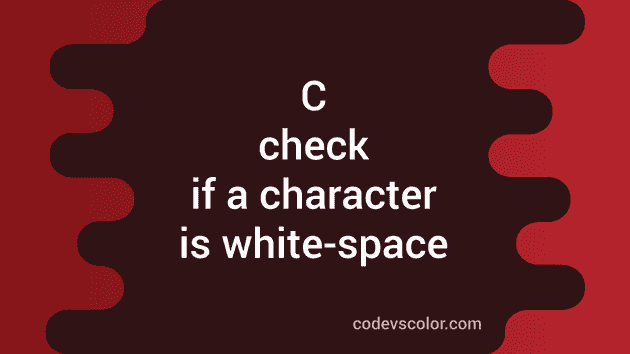
First of all, it’s a full-width space. Many people may use double-byte spaces when entering blank characters. If you type the space key, it will be displayed as a blank character on the browser, so it can be said that it is the easiest way to type a blank character.
However, double-byte spaces are said to have a negative impact on SEO. That’s because Google risks penalizing you for meaningless whitespace. Therefore, refrain from actively using double-byte spaces.

Make it transparent with CSS
Space characters can also be entered by making regular text transparent using CSS. For example, when you type “〇〇<span class=”kuhakumoji”>aiueo</span>〇〇, you can make the aiueo part transparent.
The actual
HTML
and CSS are as follows.
HTML
“〇〇<span class=”kuhakumoji”>Aiueo</span>〇〇”
CSS
.kuhaku{
color:transparent;
}
By setting the above, the text string of AiUeO will become transparent on the browser. However, this method also risks being penalized by Google, so it is not recommended from an SEO perspective.
Use CSS inline-block elements
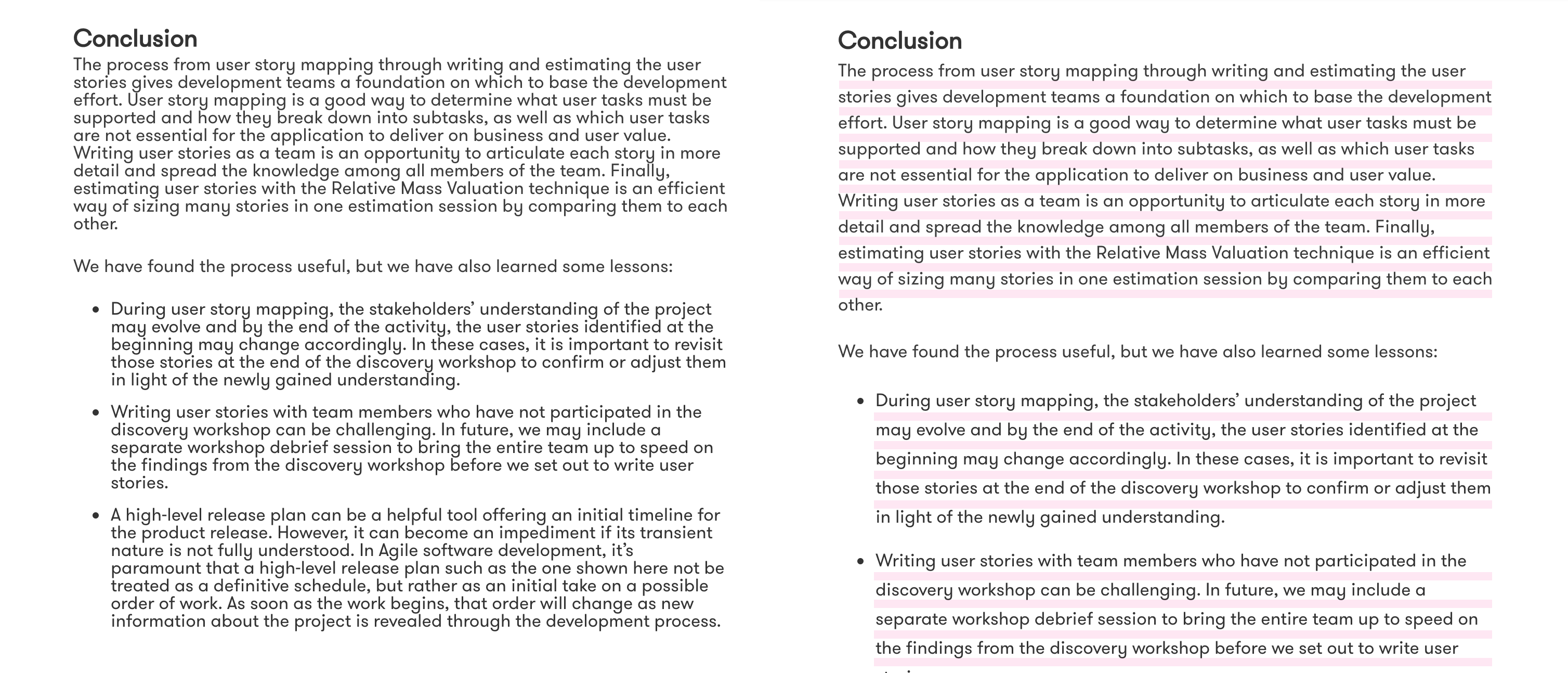
By using the CSS inline-block element, it is possible to create spaces without having to type spaces. Also, since the risk is minimized from an SEO perspective, it is the most recommended method when you want to create white space. Specifically, enter the HTML and CSS below.
HTML
〇〇<span class=”blank_space”></span>〇〇
CSS
.blank_space{
display:inline-block;
width:20px;
}
By typing the above, a blank space will be created between 〇〇 and 〇〇. You can also change the blank space by changing the CSS “width:20px;” number. If you are not an engineer or have no knowledge of markup, please try using it by copying and pasting.

character entity reference
Finally, there is a way to type blank characters using character entity references. Character entity reference is a markup language, also called entity language. By using a character entity reference, you can directly specify a blank character.


Please copy and paste the above HTML into the part where you want to create a blank character. The space for white space increases from top to bottom. Also, if you type “    ”, you can type as many blank characters as you typed. Therefore, why not try combining character entity references to match the blank space you want to create?

Do whitespace characters affect SEO?
Up to this point, we have explained the outline and usage of whitespace characters. This article also states that white space affects SEO, but what kind of effect does it have? From here, we will introduce the impact of three whitespace characters on SEO.
- Double-byte spaces have a negative impact on SEO
- Transparent text is also at risk of being penalized.
- If you want to use white space, adjust it with CSS
Let’s look at each in turn.

Double-byte spaces have a negative impact on SEO
First, double-byte spaces have a negative impact on SEO. Although Google can determine the content by looking at character strings and words, it cannot determine what the operator’s intention was in creating the current content or character string.
If you use full-width spaces with these in mind, for example, if you set a title tag or p tag using full-width spaces, such as “Real Estate Tokyo Recommended Cheap,” it will be recognized as just “stuffing keywords.” There is a risk that the This also applies to half-width spaces.
Therefore, if you really want to type a space character, we recommend adjusting it using CSS as described above.

Transparent text is also at risk of being penalized.
Google has a history of algorithm updates called Panda updates and Penguin updates in the past. These updates are intended to lower the search rankings of sites that place hidden text or hide links that may disadvantage users, potentially leading to unintended consequences. After the update, the algorithm was changed to penalize sites that use what is called “black hat SEO.”
Therefore, if you try to represent white space using transparent characters, there is a risk that it will be recognized as hidden text as described above, and the risk of being penalized will greatly increase. If you receive a penalty, your search ranking will drop, and the site operator’s reputation will also drop, so it should be avoided at all costs.
If you want to use white space, adjust it with CSS
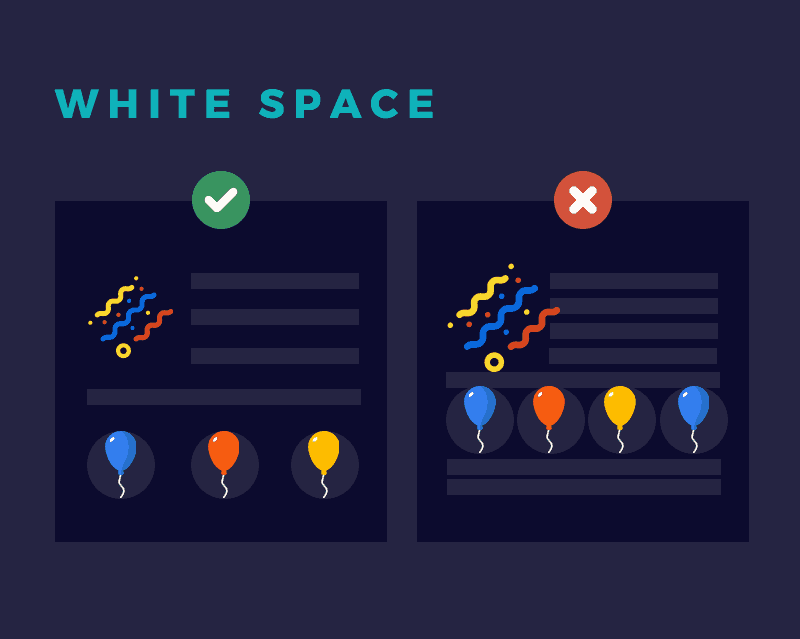
Considering the negative impact on SEO explained so far, as of 2022, if you want to use white space, the most recommended method is to adjust it with the CSS inline-block element. Google recognizes CSS as a “design adjustment”, so it is safest to use CSS rather than HTML.
Although it is certainly convenient to use the space bar to type in blank characters, be careful not to deviate from the essential purpose of running your site without being penalized and increasing its reliability.

When do you use blank characters?
So far, we have explained how to use white space and how it affects SEO. Finally, I will introduce situations where you can use space characters, and HTML and CSS that can be typed in by copying and pasting.
between surname and first name
The most common use of white space is between the first and last name. For example, if there is a person named “Taro Yamada”, the HTML and CSS to insert a space between the first and last name is as follows.
HTML
Yamada<span class=”blank_space”></span>Taro
CSS
.blank_space{
display:inline-block;
width:10px;
}
The space between blank characters is set to 10px, but if the blank space is not what you envisioned, try adjusting the size.
Between company name and service name
You may also want to use spaces between company names and service names. For example, if a company called “Bakumoji Co., Ltd.” exists, the HTML and CSS for the blank characters would be as follows.
HTML
Co., Ltd.<span class=”blank_space”></span>Blank character
CSS
.blank_space{
display:inline-block;
width:10px;
}
As you may have already noticed, when using the CSS inline-block element, all you have to do is set <span class=”blank_space”></span> between the HTML text before and after the space you want to create. After that, by copying and pasting the CSS, you can create whitespace characters that have little negative impact on SEO.

summary
In this article, we have explained about white space characters. Entering white space characters using normal double-byte spaces or using the transparent property in CSS will have a negative impact on SEO. As a result, if your search rankings drop due to whitespace, you may find yourself in a situation where you should not have used whitespace.
When using whitespace characters, basically adjust it with CSS, but if you want to simplify it, use character entity references.