

Some people may have been surprised to receive an error message when sending an email. If you don’t deal with error emails as soon as possible, there are many disadvantages such as lost opportunities and damage to credibility.
In this article, we will introduce the list and contents of error emails in detail. By reading this article, you will be able to deal with error emails without worrying.
What is invalid in email delivery?
Invalid in email delivery means invalid email. When there is a problem with the recipient’s email address, the email cannot be delivered and an error email is returned.
Email addresses that become invalid often meet the following conditions:
If you try to send an email to an email address that does not belong to the standard formats mentioned above, or to an email address for which there is no receiving email server, it will be invalid and an error email will be returned.

Where is the error email written?
An error email is a reply that is sent after the email has been sent, and means that the email could not be sent.
By reading the information in the error email, you can find out the cause of the error email. There are two types of error email information: the header and the email body, so we will introduce them separately below.
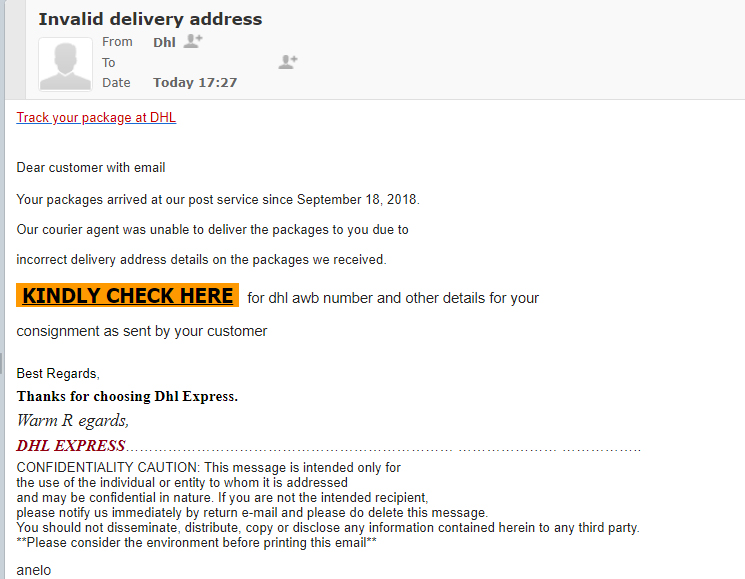
email header
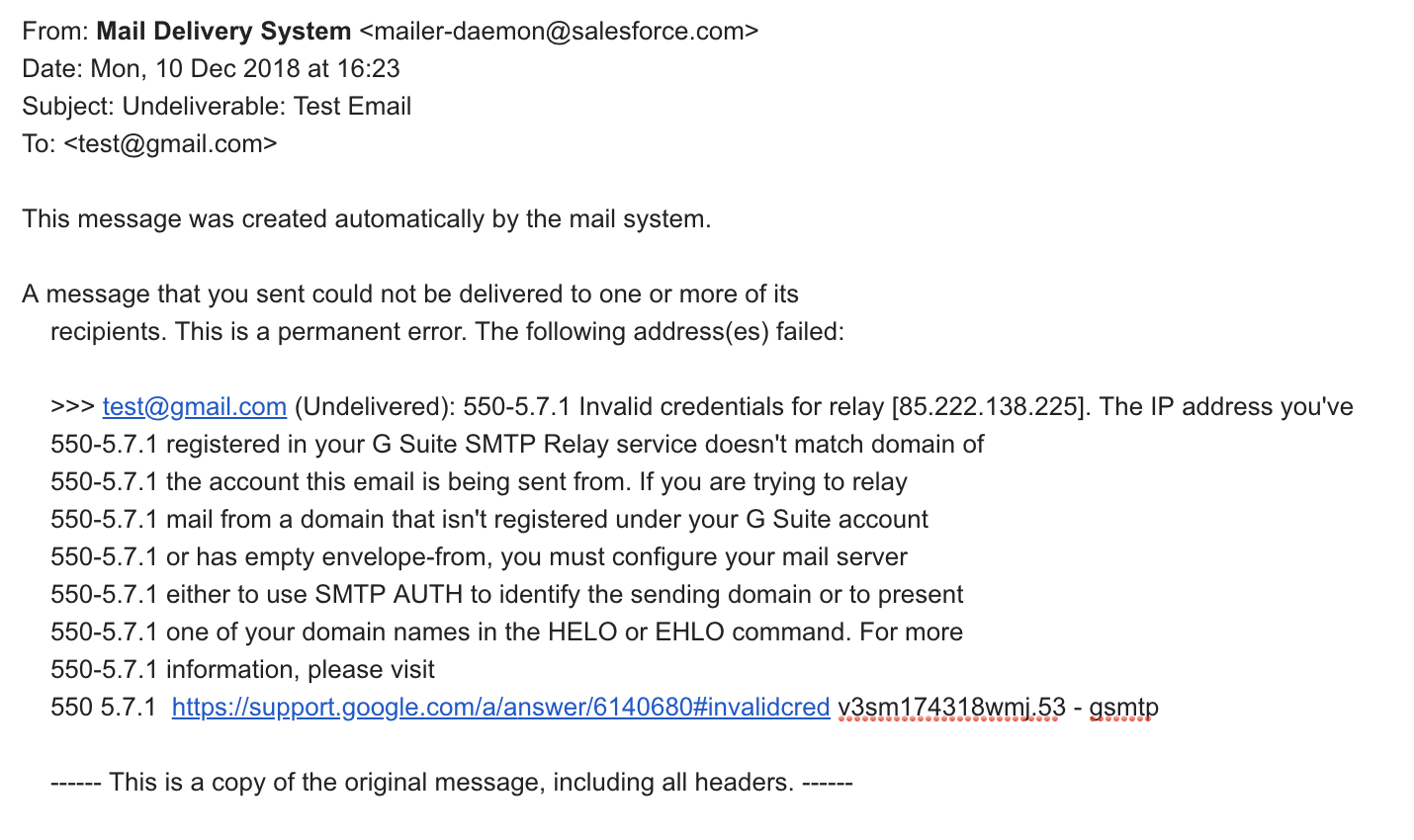
The email header is where the sender’s and recipient’s email addresses, the time the email was sent, and the subject line are listed. An example of an error email written in the email header is as follows.
The entire error email is written in English. The numbers are error codes.
The above example means that the host name (the part after the @) is an email address that does not exist.

Email body
Since the meaning varies depending on the error content written in the email body, we have summarized the most common errors in a table.
| What is written in the main text | What does the error mean? |
| User unknown | The username (the part before @) of the sent email does not exist. |
| Host unknown/host not found | The host name (the part after @) of the sent email does not exist. |
| the file 〇〇 has been infected with the virus △△ |
The sent email is infected with a virus 〇〇 is the file name, △△ is the virus name |
| Message size exceeds remaining quota | The recipient’s mailbox is full and cannot receive messages. |
| Message exceeds maximum fixed size | The attachment file size is too large.It exceeds the size that can be sent per email. |
| Message could not be delivered for 5 days | I couldn’t send an email for more than 5 days |
Error emails are written in English, so you may be confused. However, if you can find the above information, you can easily find the cause of the error email.
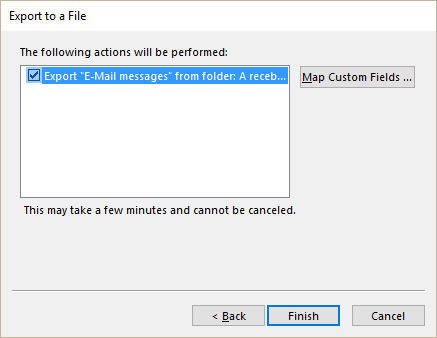
List and contents of error emails
When you receive an error email, you can find the cause by looking at the header and body of the email, which will include the error code and reason. Below is a list of error emails and their contents.
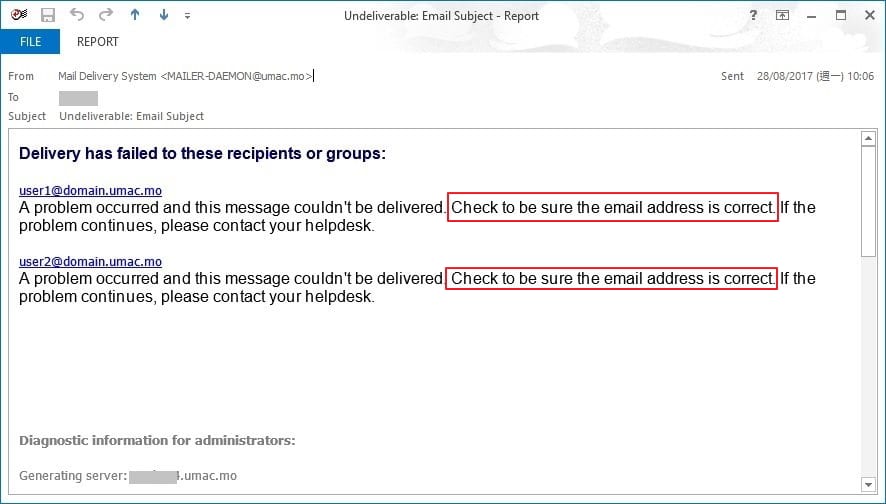
550 Unknown user Status:5.2.0
This is when the body contains “reason: 550 Unknown user” and “Status:5.2.0” in the header.
The error is caused by the settings on the recipient side. You may have configured the following settings:
Depending on your mobile phone, the default setting may be to reject emails as shown above, so you need to check this.
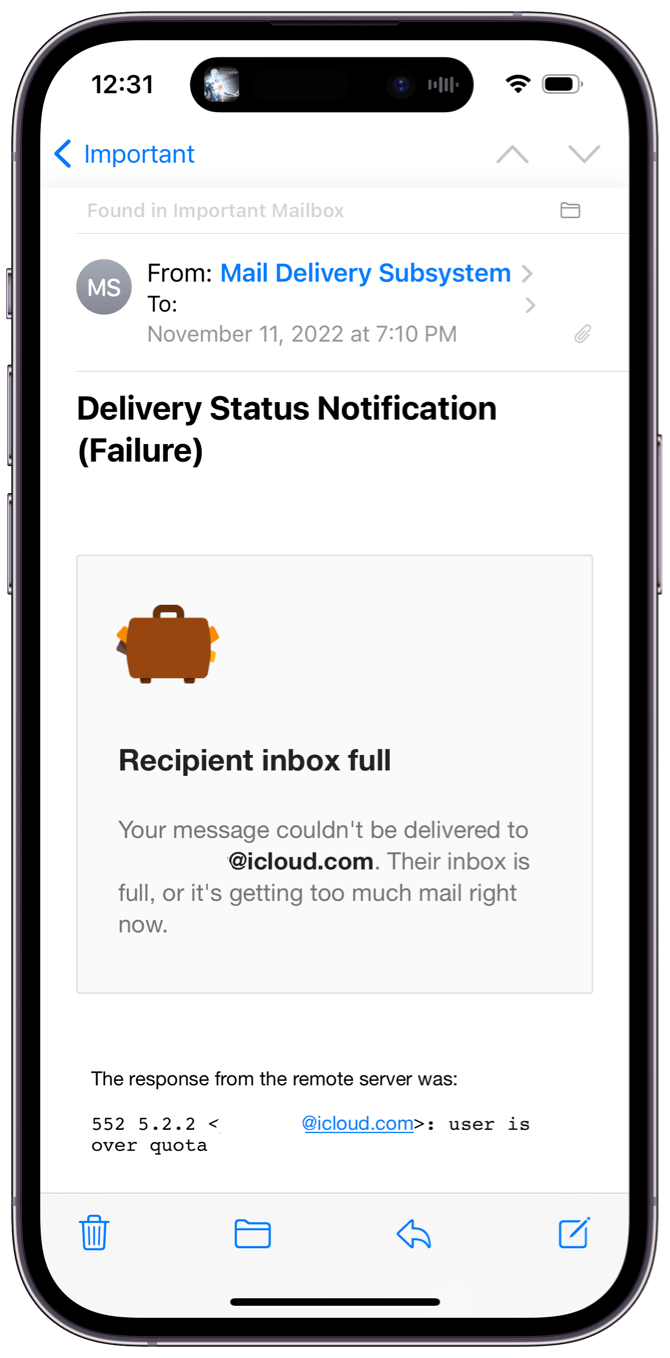
550 Unknown user Status: 5.1.1
This is the case when the body contains “reason: 550 Unknown user” and “Status:5.1.1” in the header.
The cause is that the destination email address does not exist. You may have entered the wrong email address.
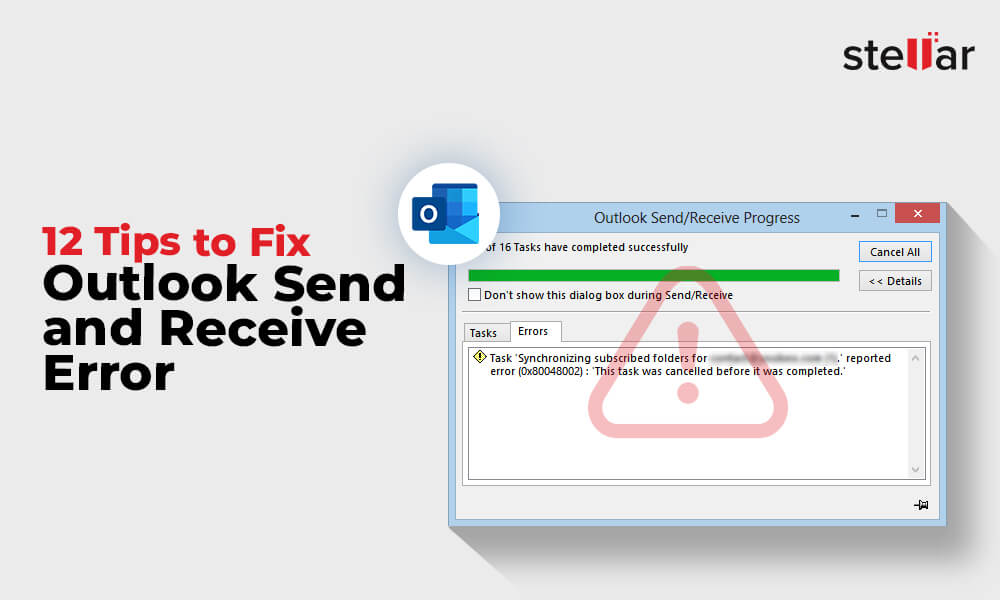
550 Invalid recipient Status: 5.1.1
This is the case when the body text says “reason: 550 Invalid recipient” and the header says “Status:5.1.1”.
The cause is that the destination email address does not exist. You may have entered the wrong email address.
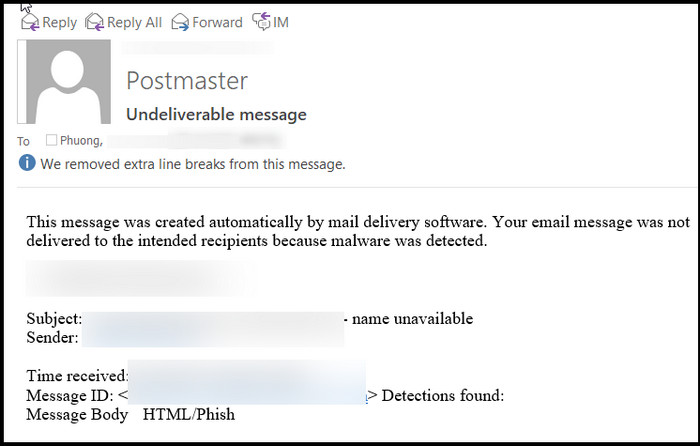
550 Requested action not taken: mailbox unavailable
This is the case when the body text says “reason: 550 Requested action not taken” and the header says “Status: 5.1.1”.
The cause is that the destination email address does not exist. You may have entered the wrong email address.
552 Message size exceeds
This is the case when the body text says “reason: 552 Message size exceeds” and the header says “Status:5.3.4”.
The cause is that the mailbox storage capacity on the receiving side exceeds the specified capacity. You are not ready to receive new mail.
exceeds size limit
This is when the text states “message size 〇〇〇 exceeds size limit △△△ of server”. Numerical values are written in 〇〇〇 and △△△.
The cause is that the receiving mailbox storage capacity exceeds the specified capacity. You are not ready to receive new mail.
Status: 5.1.2
There is no body and the header says “Status: 5.1.2”.
The cause is that the host (destination server) does not exist. Your email address may be incorrect.
Status: 4.4.7
There is no body and the header says Status: 4.4.7. This is a case where the host (destination server) exists, but there is a problem with the recipient’s mail server settings.
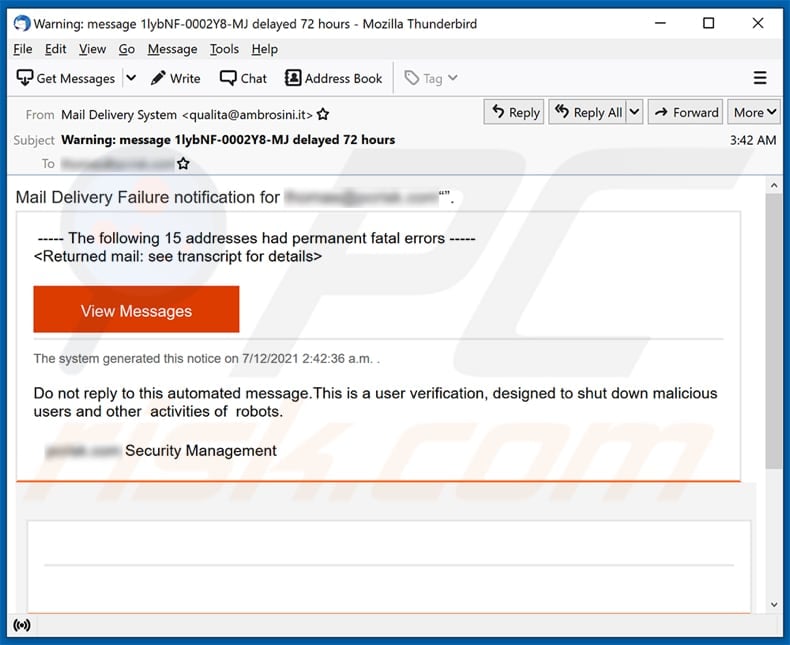
Major free mailers have their own error codes.
Major free email services such as Gmail and Outlook have their own error codes. Examples of error codes are shown below.
Gmail
We have summarized the typical Gmail error codes in a table.
| error code | Contents written in the email body | Cause of error |
| 421, “4.4.5” | Server busy, try again later. |
The server is overworked. Try again later |
| 421, “4.7.0” | Temporary System Problem. Try again later. |
Temporary system issue. Try again later |
| 450, “4.2.1” | The user you are trying to contact is receiving mail at a rate that prevents additional messages from being delivered. Please resend your message at a later time. If the user is able to receive mail at that time, your message will be delivered. For more information, see Limits for sending & getting mail. |
The destination user has received a large amount of email in a short period of time and cannot receive any more. If you try again after a while, the email will arrive normally. |
| 451, “4.3.0” | Mail server temporarily rejected the message. | The mail server is temporarily rejecting your email. |
Yahoo! Mail
The table below summarizes typical error codes for Yahoo! Mail.
| error code | Contents written in the email body | Cause of error |
| 443 |
CNAME lookup failed temporarily. (#4.4.3) I’m not going to try again; this message has been in the queue too long. |
The destination domain is invalid. Your email address may be incorrect |
| 550 |
IP address does not like recipient. Remote host said: 550 … User unknown Giving up on IP address |
The recipient’s email address may be incorrect or may have been changed to a different email address. |
| 554 |
(Recipient email address): IP address does not like recipient. Remote host said: 554 (sender’s email address): Recipient address rejected: Access denied Giving up on IP address |
This is because the relevant server is denied relaying to the destination. There is a possibility that the recipient has set the recipient to reject the reception. |
| 554 | delivery error: dd Sorry your message to (recipient email address) cannot be delivered. This account has been disabled or discontinued. | The recipient’s email address has been suspended for some reason. |
Outlook
Typical Outlook error codes and causes of errors.
| error code | Cause of error |
| 421 RP-001 | The mail server IP connecting to the Outlook.com server has exceeded the allowed rate limit. |
| 550 SC-001 | Email was rejected by Outlook.com due to policy |
| 550 SC-004 | The email was rejected by Outlook.com due to policy. We’ve received complaints about emails sent from this IP address |
| 550 OU-002 | Email was rejected by Outlook.com due to policy |
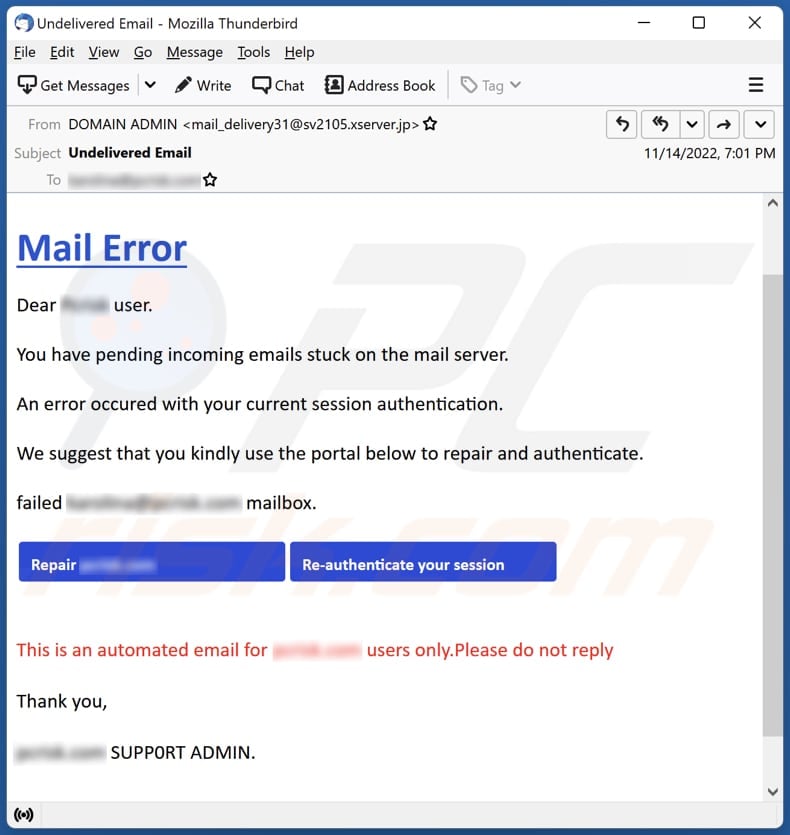
How does error email affect marketing?
Error emails often occur when sending emails. If you don’t quickly find the cause and deal with it, your marketing will be greatly affected. I will explain in detail how this affects you below.
May damage credibility in business
If you don’t find the cause of the error email and deal with it quickly, it can damage your reliability.
Because of error emails, you may not receive the information you need, or you may not be able to respond to an inquiry.
Not only does it affect your company, but in the worst case scenario, it can also affect your business partners and clients.
Error emails can cause you to lose trust from both your customers and business partners.
Opportunity loss occurs in new sales
If you are unable to send your planned email due to an error email, you will not be able to generate new sales. As a result, opportunity losses occur.
If you are able to open new business, you will gain profits such as acquiring new customers. However, because we were not able to make new sales due to the error email, we were not able to make a profit.
If an email cannot be delivered due to an error email, you will lose opportunities for new sales.
When distributing e-mail newsletters, sales may be lost.
If you sell products through
e-mail
newsletters and the e-mails are not delivered, you may lose sales by the number of e-mails that are not delivered. If the cost per customer per email is 10,000 yen, if you do not receive 10 emails, you will lose 100,000 yen.
If you are unable to send your email newsletter due to an error email, your sales will decrease by the number of emails that are not delivered.
summary
In this article, we explained the error email that causes email delivery to be disabled. Since the error email is in English, it may seem difficult to deal with it. However, by checking the error code, you can quickly find out the cause and take corrective action.
Also, the cause is very often an incorrect email address. If you do not receive an email, first check that your email address is correct.
Delays in dealing with error emails not only result in lost opportunities, but can also damage credibility. Please refer to this article and take appropriate action.