

In April 2022, Google announced a new service called “multisearch,” which has been attracting attention. This announcement also includes groundbreaking features, and I’m sure many of you are looking forward to further updates in the future.
Multi-Search, which specializes in image search functions, is effective in improving convenience for many users, and depending on future improvements, it has the potential to completely overturn the concept of search.
In this article, we will introduce the basic information of multisearch in detail, starting with “What is multisearch?” and information on “Google Lens,” which is essential for using multisearch. Masu.
What is Google multisearch?
The globally influential Google announced the beta version of a new service called “Google multisearch” in April 2022.
Google is always on the cutting edge and attracts attention by announcing groundbreaking services, but this announcement also has a unique content.
First of all, let’s start with a simple introduction: “What exactly is multisearch?”
“Multi-Search” is a new service announced by Google, which allows you to combine text with “Google Lens” developed by Google when performing search actions. By using multi-search, when you use Google Lens to search for a subject that you are actually interested in, a system that allows you to add additional text information to the search results for a more detailed search. Equipped with
The feature that allows you to search for products using Google Lens is already available in the Japanese version of the Google app, but with the newly announced multi-search, you can add related words called queries to search results. By doing so, we have created an innovative content that allows you to obtain various related information for the search results at once.
[Search with Google Lens + Text search]
Multi-search can be used, for example, by following the steps below.
1. When you capture a black hoodie in Google Lens, similar hoodies will appear in search results. This feature is an existing feature found in classic Google Lens.
2. There is a search box on the screen that says “Add to your search”. Add the text “blue” into this box.
3. It will be possible to display a “blue” hoodie in search results, with a design similar to the black hoodie captured in Google Lens.
Those who are sensitive to trends may have been able to predict that multisearch and MUM are related.
MUM is an abbreviation for “Multitask Unified Mode” and is a new type of search
algorithm
announced by Google. It is a state-of-the-art search algorithm that returns answers from various angles to complex questions that would normally require multiple searches.
Currently, Google’s AI functions are used to enable complex searches, but MUM is said to be 1,000 times more powerful, so it is attracting attention. In addition, MUM’s ability to understand images and collaboration with Google Lens have been announced. In the future, MUM’s capabilities will be incorporated into the newly announced MultiSearch, and the latest search AI model will likely be highly effective in a variety of situations.
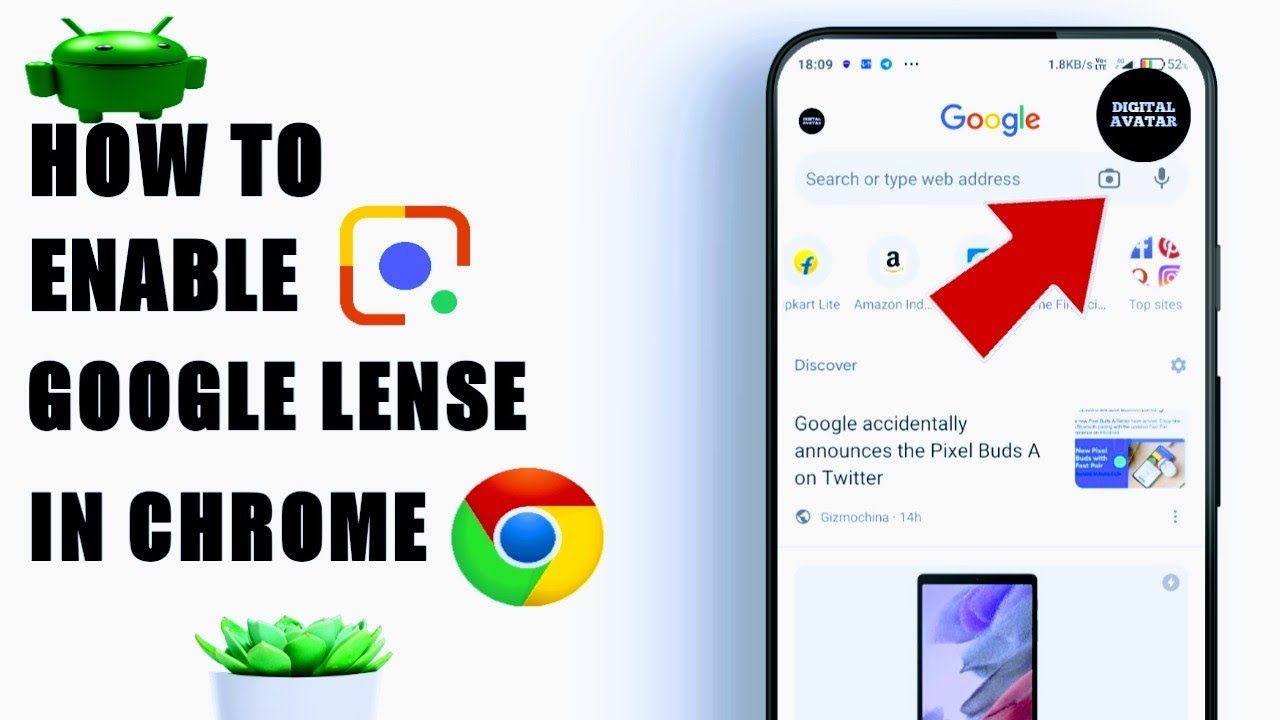
How to use multi-search
From here, I will briefly introduce how to use multi-search.
Multi-search can be used in one of the following ways:
- Launch the Google app and use “Google Lens” to take a picture of the subject you’re interested in.
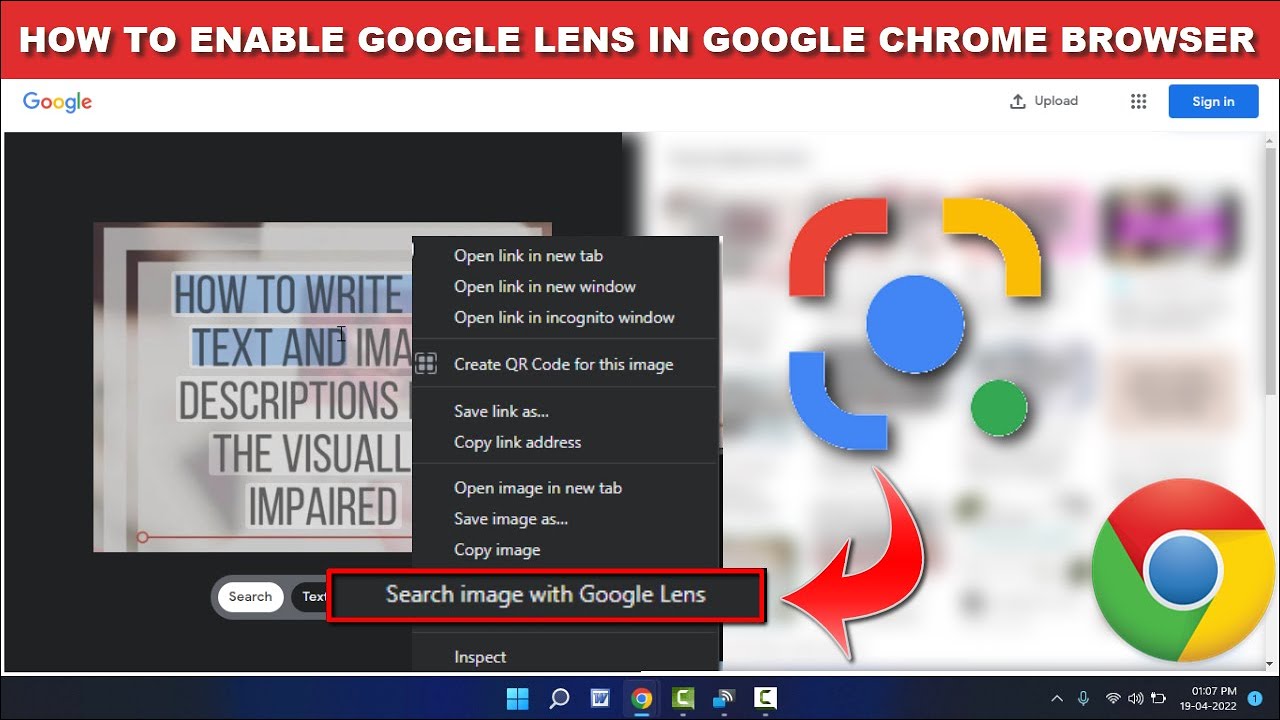
- Select a photo saved in the Google Photos app and launch Google Lens
*Both Android and iOS are compatible with Google apps.
Now, I would like to try using MultiSearch right away, but since it has only recently been announced and it is currently only available as a beta version for English users in the United States, it is difficult to start using it in Japan. will probably require some time.

Background to the Multi-Search announcement
Google’s search engine usage rate boasts the highest market share in the world. It is also famous for holding diverse search data from users all over the world who gather there. For example, consumer users know what kind of apparel products are trending at the moment, but when making a decision to purchase a product that they are actually interested in, each user I needed to deepen my understanding of what kind of inspiration I receive.
That’s why Google launched its Inspired Shopping Report, which surveyed 2,000 American shoppers who purchased products focused on beauty, apparel, and home decor. Here’s what we gleaned from that report.
- Many users who are considering purchasing products specializing in beauty, apparel, and interior design spend about two weeks researching and comparing the relevant and similar products before making a purchase decision.
- 65% do not have a particular product that they are interested in or think about purchasing, but they use their free time to
Browsing unconsciously using shopping sites and SNS
- 60% of people have a strong desire to purchase, but have experienced a stimulus that triggered an impulse purchase even when they were not shopping.
- 39% of people search for products online after seeing a friend or other user use or wear the item
- 48% of people save screenshots of products they are interested in, such as clothes, interiors, accessories, etc. when using an online environment (70% have searched for them later or actually purchased the products)
- When searching for a product you are interested in or interested in using an online environment, you may have had the experience of not being able to find a specific product even though you tried searching using only words or text.
- 66% have experienced wanting to know about similar products or other colors or designs when they come across a product that matches their tastes.
It is said that Google has started developing multi-search with the aim of greatly developing the valuable experience that consumer users have experienced in its future business.
Reference:
Here’s how online shoppers are finding inspiration
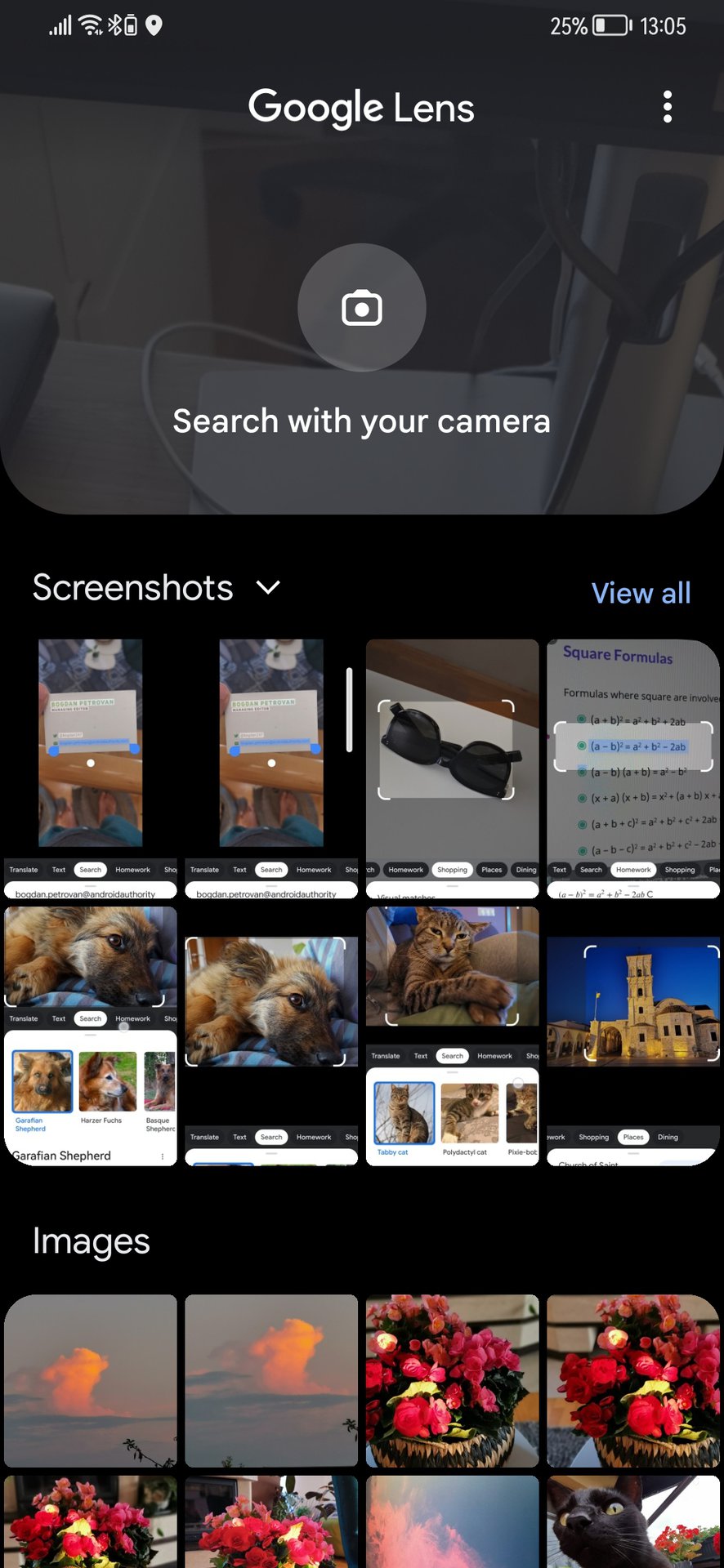
About Google Lens
From here, we will introduce in detail Google Lens, which is closely related to the multi-search introduced this time, based on basic knowledge.
When Google Lens was first announced, the number of devices that were compatible with Google Lens was extremely limited, and despite its popularity, it did not catch on quickly.
Currently, the range of service availability has expanded, and it can now be used on iPhone and Android devices, which are popular among users. In addition, the service has been improved to be fully compatible with Japanese, and has a comprehensive support system that includes details on how to use it and a help page, so you can now enjoy the service with peace of mind. Ta.

What is Google Lens?
Google Lens is a relatively new service that is based on Google’s AI functions and specializes in image searches.
Based on subjects such as photos, screenshots, and saved images actually taken by each user, it is possible to instantly recognize and identify information about objects in images, and perform image searches and read text information.
Image analysis using highly accurate AI has the ability to automatically recognize everything in an image, including the location, information about a specific product, and text.
Detailed information about the searched information can be displayed based on the various data that has actually been read, without the need to input keywords or difficult operations, and text that appears in images can be automatically edited. It demonstrates versatile abilities, including the ability to translate and provide services.
In your daily life, many of you may have felt confused because you could not remember the names of certain “things” such as products. Even in such cases, Google Lens will be effective in solving problems smoothly as long as you have images as an information source.

Recognize text and copy and paste it
As mentioned above, Google Lens has the feature of being able to recognize text when it appears in an image and collect various information. In addition, by tapping the information displayed based on the recognized text, you can easily go to Google Search and take detailed search actions again, and you can copy and paste specific text and use it on mobile devices. It also has the advantage of being able to be used as a memo pad that can be managed internally and within each SNS.
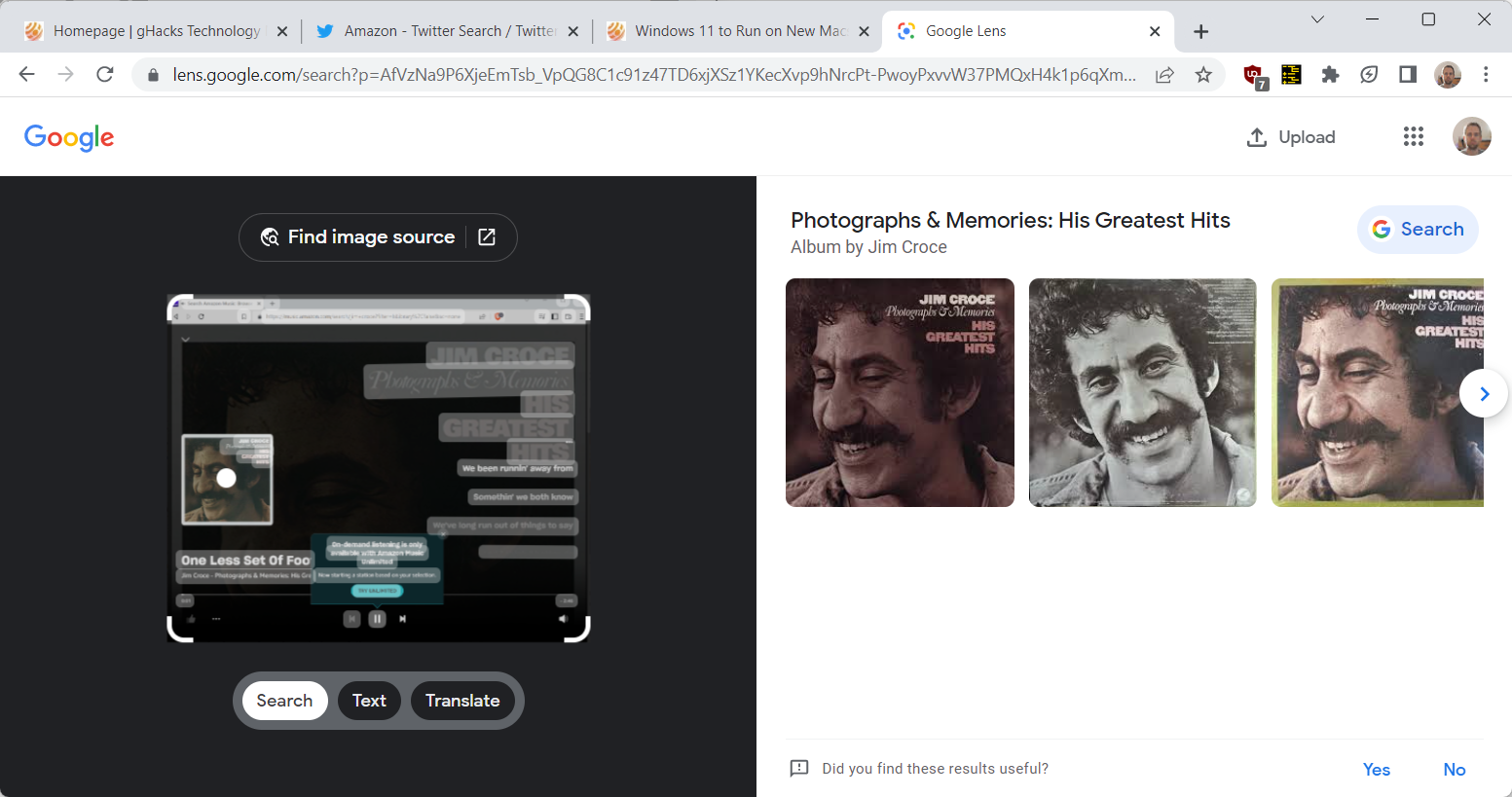
Translation is possible by copying the text
It is said that more than 100 languages can be recognized within Google Lens, and its wide variety of abilities are not only useful in daily life, but can also be used safely when traveling abroad. Probably.
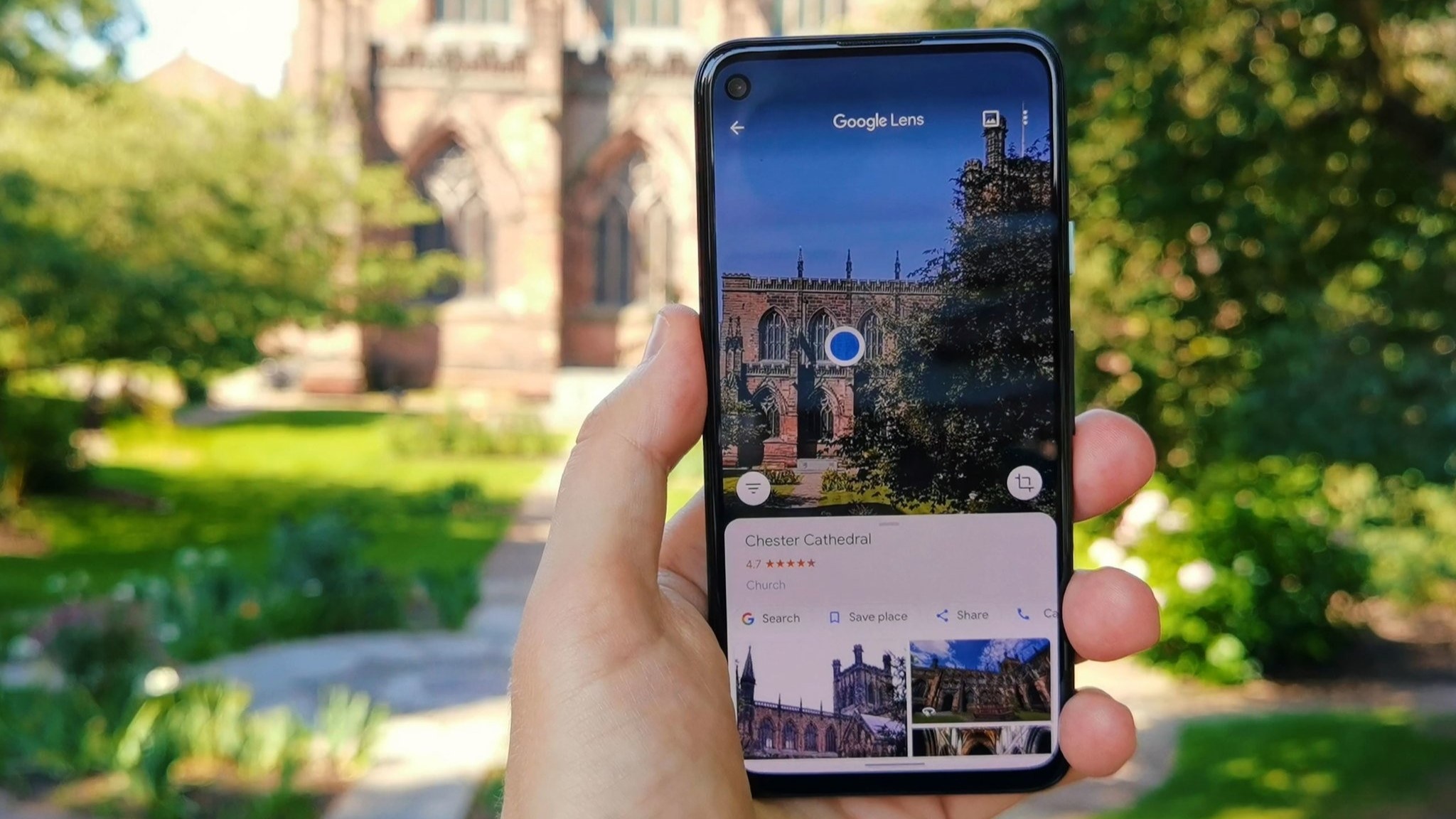
Can be linked to everything from building information search to directions.
Google Lens is also effective when you want to search for tourist facilities and stores. By importing images of actual tourist facilities and stores, detailed information can be derived based on those images. The acquired detailed information allows you to check detailed information specific to the facility or store, such as store business hours and reviews from other users, and in conjunction with Google Maps, you can easily find your way to your destination. Another major feature is its high level of convenience, such as the ability to use directions.
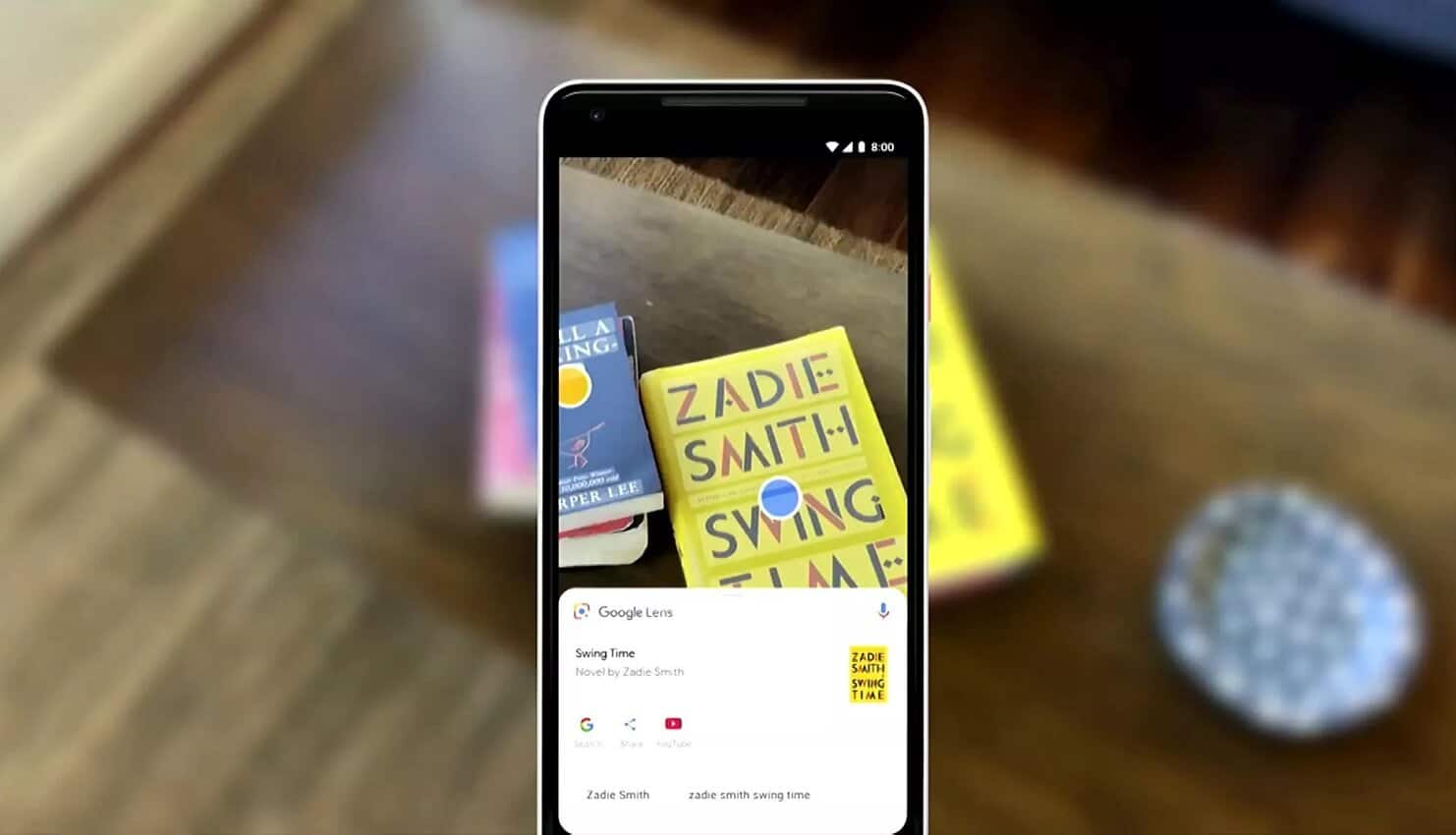
A product search will lead you to the sales site.
Just as spot information can be collected from images, it is also possible to search for products based on images. By using Google Lens, you can easily check detailed information about a specific product, including CDs and DVDs, as well as books on store shelves.
The search accuracy is extremely high, and if the item has been commercialized and is on the market, you can obtain detailed product information with a high probability.
Another feature is that you can easily check product reviews from other users, price range, and other information beyond the title, and a seamless path to purchase via the online site. You can
Google Lens can also identify and read barcodes attached to products and the now-ubiquitous QR codes.
Can be used in business situations such as business cards and schedule management
If you copy a business card, you can extract the address and phone number as text, so you can simply copy and paste them into your contacts. You can also import plans with handwritten notes and save them as data.
summary
In this article, we have introduced the basic information about multisearch, including “What is multisearch?” and information about “Google Lens,” which is essential for using multisearch.
I now understand that multi-search can be useful in a variety of situations.
Currently, the MultiSearch announcement remains in beta, so it is expected that improvements will be made steadily and functionality will further improve.
We will continue to monitor Google’s trends and stay up to date with the latest information.