

Generally speaking, a parameter refers to a statistical value unique to a population. However, the parameters used in the web industry have slightly different meanings. Parameters in the web industry mainly refer to programs that communicate between URLs and browsers, and are used to measure the effectiveness of listing advertisements and MA tools.
This article provides an overview of the parameters, usage scenarios, and precautions for each, so please use it for future data analysis.
What is a parameter?
In statistics and mathematics,
a parameter
refers to a statistic unique to a population, such as the population mean and population variance. In other words, parameters are used in the world of statistics and mathematics to mean “parameters.”
The word parameter is often used in the web industry, but what does it mean in the web industry? Let me explain.

Web industry parameters
In the web industry, the term parameter refers to a program that a web browser sends to a web
server
.
When I say program, I am referring to something like an instruction manual. The server that receives the instructions returns data matching those instructions to the browser. So how are the instructions sent to the web server? This is where URL parameters are used.
Have you ever seen a URL with a “?” at the end while browsing the Internet? For example, the URL is “https://aaaaaa.co.jp?color=red”. In this example, the “color” part after the “?” is the parameter name, and the “red” part is the parameter value.
The server receives the individually input parameter names and values and returns the data “red in the color group” from the database to the browser.
In other words, URL parameters are variables that are inserted externally to send instructions to the server. By the way, if you want to send multiple parameters, separate them with “&”. (Example: https.//aaaaaa.co.jp?color=red&color=blue)
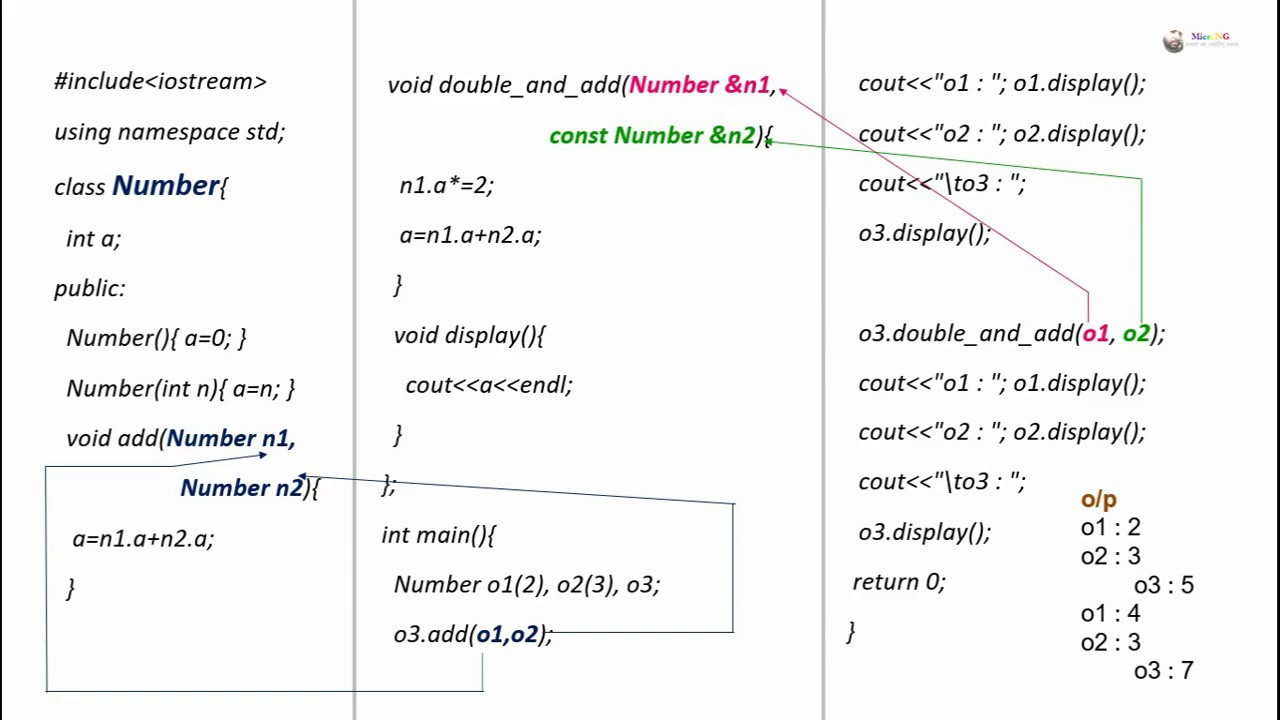
passive parameters
URL parameters are divided into two types: passive parameters and active parameters.
A passive parameter is a type of parameter that cannot be influenced externally. Passive parameters do not change the content whether URL parameters are included or not. This is called a static page.
Used by access analysis tools to collect information such as the number of user accesses and routes. This is detailed below.
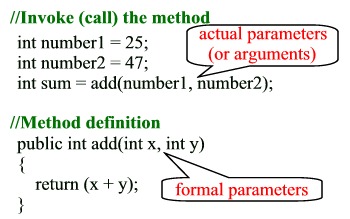
active parameters
An active parameter is a type of parameter that changes the content of the web content by sending the parameter. This is called a dynamic page, and is a parameter often used for e-commerce sites.

For example, let’s say there is a store called “clothes” and the URL of the store’s website is “https//clothes.com”. Opening this URL will take you to the top page of the shop’s website, but if you add the parameter “?shirt=yellow” at the end, the yellow shirt from the shop’s website will be displayed.
In this way, active parameters change the content depending on external URL parameters.

There is no difference in SEO effect with either parameter.

If both passive parameters and active parameters are correctly indexed, the evaluation in terms of SEO measures will not change.
Not so long ago, static pages tended to be rated higher than dynamic pages. In other words, passive parameters were considered more advantageous for SEO than active parameters.
However, due to improvements in search engine algorithms, it is said that there is almost no difference between passive and active parameters.

Parameter usage scene [Web industry]
So far, we have explained the concept of parameters, but how are parameters actually used? Here, we will explain the scenes in which parameters are used in the web industry.
Measurement of effectiveness of listing advertisements, etc.
URL parameters are used when measuring the effectiveness of listing ads.
URL parameters are used in Google Analytics, access analysis tools, etc. By adding parameters to the link destination URL of an ad, Google Analytics can analyze visits and
via the ad.
Let’s give an example. For example, if the traffic comes from Google listing ads, add the URL parameter “?source=Google”. If the traffic comes from the top page, add the URL parameter “?source=index”. If the traffic comes from a specific email, add the URL parameter “?source=mail”.
In this way, by adding parameters to each URL destination, you can find out which route users are coming from, allowing for more detailed analysis. If you do not add URL parameters, you will not be able to analyze where users are coming from. Therefore, URL parameters are essential for advertising, Google Analytics, and access analysis tools.
<Change parameter values depending on the inflow source>
Individual identification using MA tools
When using
MA (marketing automation)
tools, URL parameters often appear.
MA tools are tools that visualize and automate
marketing
activities for new customer development. The MA tool has the feature that it automatically adds a user ID as a URL parameter to the URL included in the email it sends.
Therefore, if a user clicks on that URL, you can determine which user clicked it. At this time, the user ID is registered in the browser’s
cookie
, so if the user continues to view the web page, the MA tool will be able to tell at any time.

Points to note when using parameters
Using URL parameters may cause Google to consider your content to be duplicate content.
For example, let’s say a user on an e-commerce site selects a product color and filters the content. However, the content is almost the same, only the color of the product selected by the user has changed. Even if you add parameters at the same time as filtering, it will be recognized as the same as the original URL without parameters.
Google tends to dislike duplicate content. Google’s crawler tries to serve different pages to users, so duplicate pages are not shown in search results.
Therefore, in order to avoid receiving a low rating from Google, there is a way to use the “URL parameter tool”. If you use this, even if you filter on e-commerce sites, the probability that your content will be judged as duplicate content will be lowered.
Summary: Deepen your understanding of URL parameters
In this article, we have explained about URL parameters.
URL parameters are like instructions that give instructions to the web server. The web server receives the instructions and returns matching results from the database to the browser.
There are also passive and active URL parameters. Passive parameters are not influenced by outsiders and are used for advertising and analytics tools. Active parameters are influenced externally and the content changes accordingly.
There are many opportunities to use URL parameters in the web industry, and there are advantages, but there are also disadvantages such as being judged as duplicate content by Google, so be careful.
Let’s deepen your knowledge of the URL parameters explained in this article so that you can use them effectively in your own marketing.