

I think many people have heard of the term anchor link, but many people find it difficult to clearly explain what kind of marketing and web measures it is.
In fact, anchor links are very important if you want to further improve the quality of your products when creating
your homepage
or blog. The phrase “Return to TOP” is probably the most familiar.
It’s a pain to read all the way to the bottom of the page and then scroll back to the beginning.
Proper use of anchor links can improve
SEO
and improve user satisfaction.
In this article, we will introduce the benefits, usage, and precautions of using anchor links.
Please refer to it.
What does anchor link mean?
An anchor link is a link that, when viewed on a web page, can be clicked to take you to a specified location on the page. Also called in-page links.
Anchor means to lower or fix in English.
By setting and fixing anchor links in the desired location, users can easily access the information they want.
Users who visit a web page are likely to leave the site if they cannot find the content they are looking for.
Anchor links are very important because they allow users to quickly navigate to the content they want to see, saving them the trouble and time of searching for the content they want to know.
How to use anchor links
There are three ways to use anchor links in
HTML
.
Please select according to the element you want to specify as the link destination.
[href attribute] How to specify the link destination URL
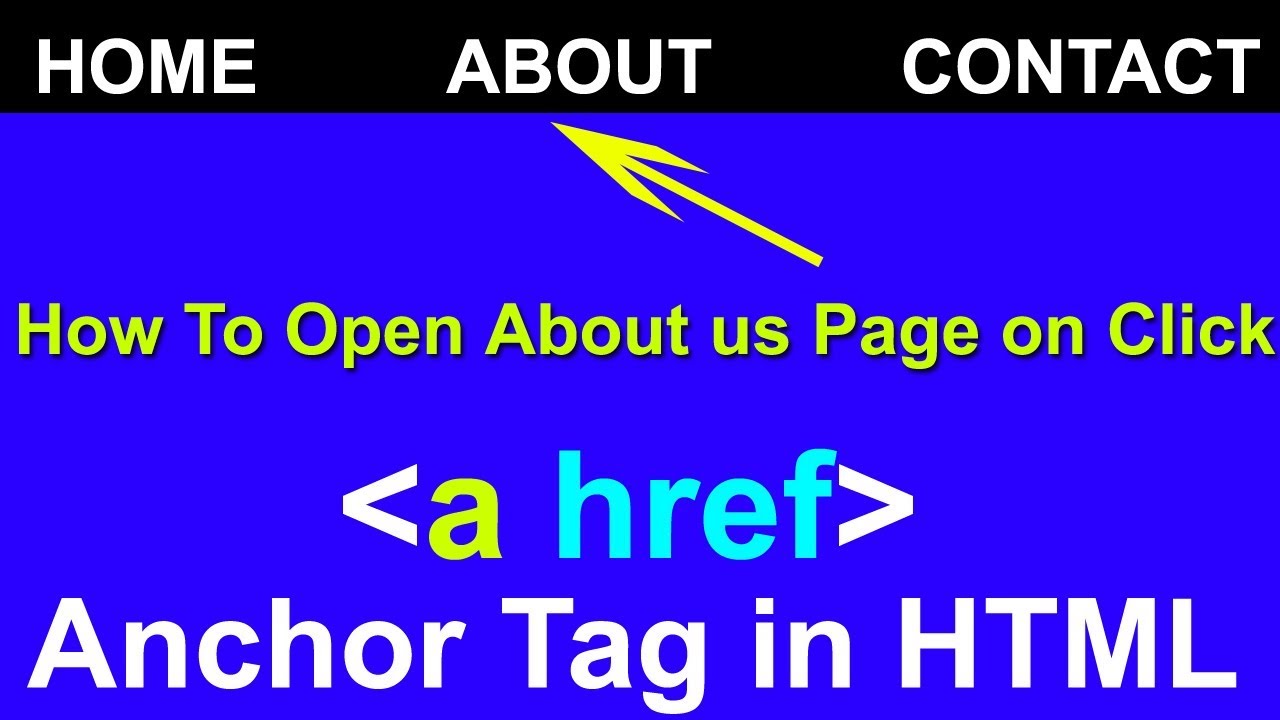
Use this tag when you want to specify a link with one of the a tags.
<a href=”https://○○○.jp”>Link name you want to display
Set the URL of the link destination you want to specify in “Link name to display”.
Clicking on the “link name you want to display” will take you to the specified URL.

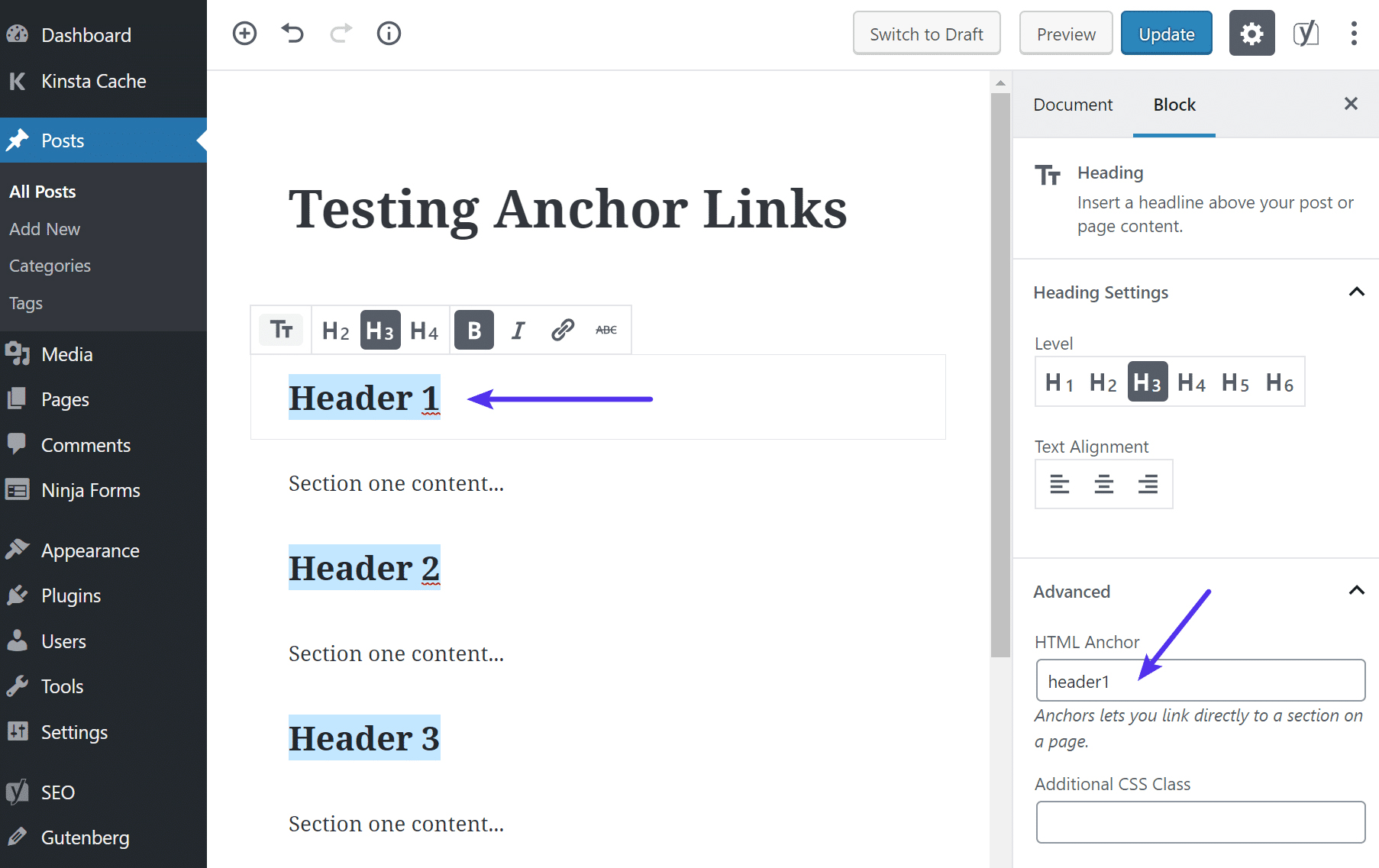
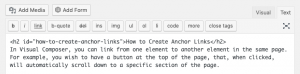
[id attribute] How to create a specific position on the page
This is a method to create an anchor link to uniquely identify it with the second a tag.
The advantage of using id is that you can specify the transition destination to a specific part of the page.
When creating an anchor link for the id attribute, you will need to enter the following characters.
<p id=”test”>Text
Enter the name of the anchor link you want to specify in “test” and the text to be displayed in “text”.
[target attribute] How to display on a separate page or window
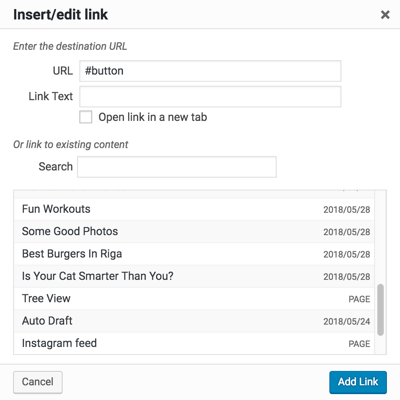
The third a tag is how to create an anchor link that opens a new tab page.
The target attribute opens a new page in a separate window. When using an anchor link with the target attribute, you will need to enter the following characters.
<a href=”https://○○○.jp” target=”_blank”>New tab
Please enter the link name in the new tab section.
This is highly convenient as it allows users to go back to the original page.

[nofollow attribute] When setting a link to an untrusted page
This setting method is used when you do not want to associate the link destination with the site, or when you want to prevent the linked page from being crawled from the site.
When adding an anchor link with the nofollow attribute, you will need to enter the following characters.
<a href=”https://○○○.jp” rel=”nofollow”>Text
Enter the text to be displayed in “Text”.
[alt attribute] Set an image link and explain the image
Search engines such as Google have difficulty understanding the content of images.
You can add a description to your image to tell search engines what it’s about.
When using an anchor link with the alt attribute, you will need to enter the following characters.
<a href=”https://www.○○○.jp”><img src=”image.jpg” alt=”Image description”>
It is a good idea to include a concise image description with SEO in mind.

It is also effective for SEO measures! What is the best way to install anchor links? What are the benefits?
Creating anchor links on your web pages also helps with SEO.
This is because when a user is browsing the information they want to know, by setting up a related anchor link, they can obtain new useful information, which increases their satisfaction level.
Users who do not use anchor links will find it very frustrating to have to check the information they want on various pages, or to move to different pages within the site many times.
It becomes very difficult to find the information you want to know.
Convenience of finding the information you want quickly
Users browse web pages in search of the information they want.
Users often find it difficult to use web pages without links because it takes time to find the information they are looking for.
Therefore, by using anchor links to create in-page links, users can quickly navigate to the desired information and increase their satisfaction.
This will improve usability and increase the number of people who will favorite and bookmark your site.
An improved user experience means they stay on your page longer and improves your bounce rate.
It also leads to an increase in repeat visitors, which improves site performance and is effective for SEO measures.
Leads to improved site evaluation and indexing
Google’s crawler follows, crawls, and indexes internal links.
The crawler evaluates your site, indexes it, and shows it in search results.
That’s why it’s so important to make it easier for your site to be evaluated by Google through internal links.
By connecting related pages with internal links, Google will recognize your pages as being of high quality, increasing your chances of ranking higher.
Points to keep in mind when using anchor links
While anchor links are very convenient, there are some things to keep in mind when using them.
Concise text that explains what the link is about
Please be aware of the text that is easy to understand on the specified link page.
Rather than saying “Click here for details,” it’s better to have a more specific image of the content.
Furthermore, anchor text is an important means for Google and others to understand the content of a web page.
Abstract anchor text makes it difficult for crawlers to determine the relevance of the link, which can lower the overall site’s reputation.
Including
SEO
keywords in the anchor text makes it easier to convey what the content of the web page is about.
It is preferable to be specific about the content, but be sure to keep it concise, as too long text can confuse users.
Make it clear that it is a link
If people don’t know it’s a link and people don’t click on it, it’s completely meaningless.
Change the color of the text or make it bold so that users can easily tell that it’s a link, so it’s easy to see at a glance.
Check the status of the linked page
If the linked page is private, has a broken link, or has an incorrect link, users will quickly leave your site.
You should also be careful when unrelated pages are registered as link destinations, as this can confuse users and search engines.
Furthermore, be sure to check links to so-called spam sites, such as sites that may be infected with viruses or sites with low-quality content, as this will lower your site’s reputation.

What to do when the anchor link shifts
If the header is fixed with position:fixed;, the anchor link will shift by the height of the header.
There are two ways to improve this:
Adjust with CSS
You can eliminate the misalignment by setting padding-top for the fixed header height and margin-top for the negative margin for the header height.
margin-top:-100px;
padding-top:100px;
Adjust with JavaScript
Use jQuery to adjust the jump destination position of in-page links.

anchor link design
There are two main types of anchor link designs.
- text character design
- button design
text character design
Use CSS to design text color, thickness, underline, etc.
Simple and traditional items tend to get more clicks.
text character design
Design the shape, color, and size of the button using images, illustrations, and
CSS
.
If you have a large number of links, it may be easier to visualize them with images or illustrations.
summary
It is better to add anchor links to increase user satisfaction and site ratings.
Anchor links also play an important role from an SEO perspective. It helps emphasize the importance of content, define the structure of the page, and improve on-page SEO analysis data. By understanding the structure of anchor links and responding to Google’s crawling, we can provide more information about your content to both Google and users.
By skillfully adding anchor links, you can create even higher quality web pages.
Use anchor links to create highly usable pages that allow users to quickly access high-quality content.