

FAQ is one of the most important items on a website. Having a FAQ can increase the number of inquiries on your website, while also reducing the number of simple inquiries. However, some people may not understand the outline of FAQ or the difference between it and Q&A.
Therefore, in this article, we will provide an overview of FAQ and explain how it differs from Q&A. We will also explain what is important when setting up a FAQ on your website, so please refer to it.
What is FAQ?
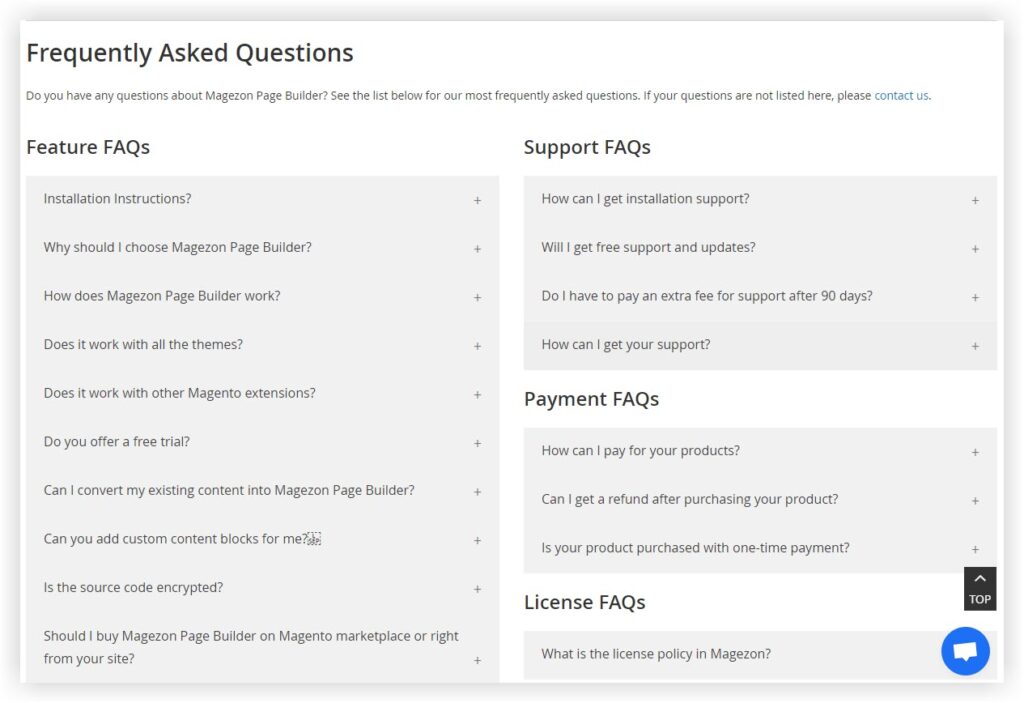
First, let’s take a look at the FAQ. FAQ is an abbreviation for “Frequently Asked Questions,” meaning frequently asked questions and their answers. Frequently asked questions are compiled into frequently asked questions and their answers are available on the website.
From the user’s point of view, the question they were trying to ask has already been answered on the website, so there is no need to contact the operator, which has the advantage of increasing satisfaction.
Difference between FAQ and Q&A
Earlier, I gave an overview of the FAQ. From here, I will explain the difference between FAQ and Q&A.

What is Q&A?
Q&A is an abbreviation for Question & Answer, which means questions and answers. In the case of FAQ, the meaning is “frequent questions and answers,” but Q&A has a different meaning, just questions and answers. There is no problem if you think of it as a difference between frequent and infrequent.

How to use FAQ and Q&A
So far, we have explained the difference between FAQ and Q&A. However, in reality, there are very few cases where FAQ and Q&A are clearly used. There are websites that use FAQs as Q&A, and vice versa. Therefore, there is no problem if the person in charge and the people in the company involved with the website use the one that is easier to understand as a nuance.
Purpose of providing FAQ on website
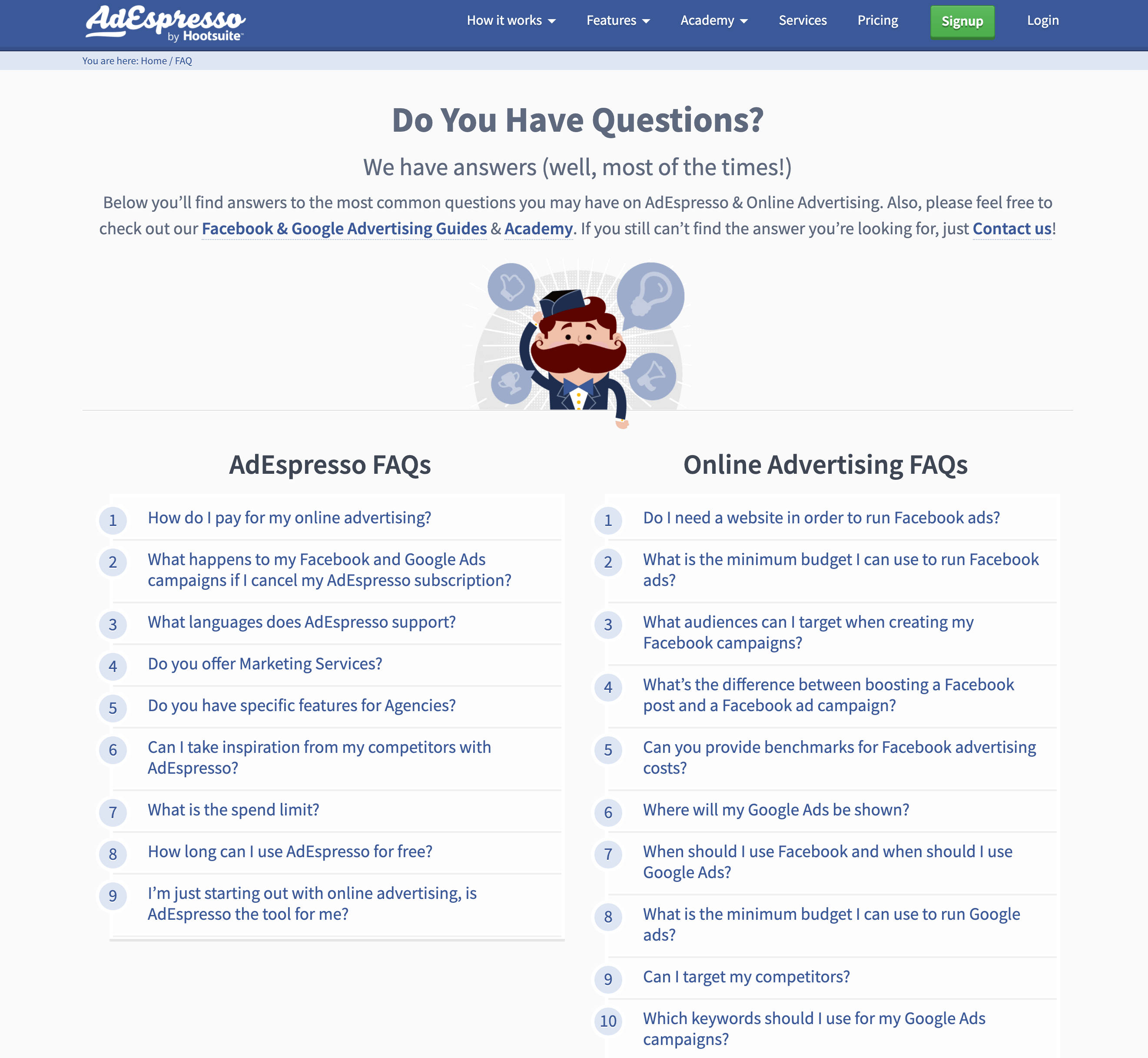
By the way, why do we have a FAQ on our website? Here, we will explain the three purposes of having a FAQ on your website.
- Reduce customer support burden
- Improving inquiries (contract rate)
- Improving customer satisfaction
Let’s look at each in turn.

Reduce customer support burden
If there is a lot of unknown information on a website, customer satisfaction (CS) will definitely drop. Additionally, some users may wish to contact customer support or customer success to resolve their questions. Dealing with these users increases the burden on customer support. However, by having a FAQ on your website, you will be able to resolve any questions users may have in advance, which will reduce the burden on customer support and customer success.
Let’s say that customer support receives about 100 inquiries per month asking for answers to their questions, and 50% of them can be answered using FAQs. By doing so, your monthly customer support burden will be cut in half, allowing you to focus on more essential tasks.

Improving inquiries (contract rate)
If a website has many questions, there will be a certain number of users who leave the website. However, this is a huge opportunity loss from the website’s perspective. However, by solving the questions of these users in advance, you can increase the number of inquiries (contract rate) on your website.
The number of inquiries is an indicator that is directly linked to sales, so it is important to constantly strive for improvement. Furthermore, if you do not currently have a FAQ page, we recommend that you create one as soon as possible.

Improving customer satisfaction
From a user’s point of view, reducing the number of unnecessary inquiries made by simply asking questions will lead to improved customer satisfaction. In addition, improving customer satisfaction means increasing the reliability of your website, which will definitely lead to an increase in the number of inquiries.
Creating a FAQ page can improve customer satisfaction, increase the brand value of your website, and increase credibility.

Using structured markup for FAQs also has benefits for SEO.
Earlier, I explained that the purpose of creating FAQs is to improve customer satisfaction. Additionally, creating a FAQ page and implementing structured markup will have great benefits for
SEO
. Structured markup is a measure (technology) that makes it easier for
search engine
robots to understand the content of your website.
By creating a FAQ page and implementing structured markup, search engines will recognize your website as more likely to help users solve their problems. In other words, users will recognize your website as highly reliable and professional, which will increase your website’s search rankings.
When creating your FAQ page, be sure to also implement structured markup.

Important things when setting up a FAQ
From here, we will explain the following important points when setting up a FAQ.
- Consider what to include as a FAQ
- Consider the requirements from the user’s perspective
- Create surveys as needed
- Aggregate inquiry data
Let’s look at each in turn.
Consider what to include as a FAQ
First, it is important to consider what content you want to include in your FAQ. The purpose of setting up FAQs is to increase customer satisfaction and increase your company’s sales. Therefore, it is necessary to set up FAQs in advance that will lead to sales. For example, let’s say you run a website that sells high-priced products.
In this case, you may post a FAQ such as “Do you accept installment payments?” or “What payment methods are available?” By listing these items, users who are worried about paying large amounts have the advantage of making it easier for them to make inquiries.
Consider the requirements from the user’s perspective
Even if you set up a FAQ, users will not feel like asking questions if they are filled with unnecessary questions. Therefore, while preparing questions that will lead to sales, it is important to always include FAQs that are desired from a user’s perspective.
Create surveys as needed
If you can create a survey for your customer list, it would be a good idea to compile the questions you have in advance. The questions that your customers have are likely to be asked by users who will become your customers in the future.
Also, if you don’t have your own customer list, it would be a good idea to use a crowdsourcing service to take a survey about any questions you have about your website. By reflecting statistical data from those surveys in the FAQ, you can create FAQs from the user’s perspective.
Aggregate inquiry data
Finally, if your company receives inquiries regarding questions, it is important to compile the data. Even if you reflect the data from one inquiry in the FAQ, it will be meaningless if it is not a question that other users have. It is important to prioritize FAQs based on the questions that are asked the most.

Where should I place the FAQ?
Finally, we will explain where you should place the FAQ on your website.
- Creating a dedicated page
- Creating a search function
- Consider introducing a chatbot
Let’s look at each content in turn.
Creating a dedicated page
First, let’s create a dedicated FAQ page. This means creating a one-page page with frequently asked questions and answers. Once you have created your dedicated page, be sure to include the link in the footer and top page of your website.
Create search functionality as needed
It’s also important to implement a search function on your website for users who want to get their questions answered without having to browse the FAQ page. Setting up a search window on your website that responds to specific keywords or categories will improve user convenience.
In the case of FAQ pages, it takes time to find the questions that each user has. However, with the search function, it is possible to instantly resolve the questions that each user has.
Consider introducing chatbots
Finally, consider introducing a chatbot if necessary. Create a section in the bottom right corner of your website or LP (landing page) where users can enter a chat message. By preparing automatic responses in advance for keywords entered by users, users will be able to resolve their inquiries and questions in real time.

summary
In this article, we have explained the FAQ. FAQs are frequently asked questions and answers, and are set up for the purpose of increasing customer satisfaction and reducing the burden on customer support. Also, if you can answer users’ questions in advance with the FAQ, it will lead to an increase in the number of inquiries.
Why not start by considering what to include in the FAQ?