

Proper operation of robots.txt is a big key to improving your reputation with
SEO
measures. By using robots.txt appropriately, pages on your website that you want to be evaluated will be prioritized.
However, although many people know that robots.txt is effective as an SEO measure, many people do not understand in detail what role it actually plays or why it is important for SEO. Is it?
In this article, we will comprehensively explain the basic meaning of robots.txt, how to configure it, and precautions regarding robots.txt.
If you are running your own website or want to run web media with enhanced SEO, please use this as a reference.
What is robots.txt?
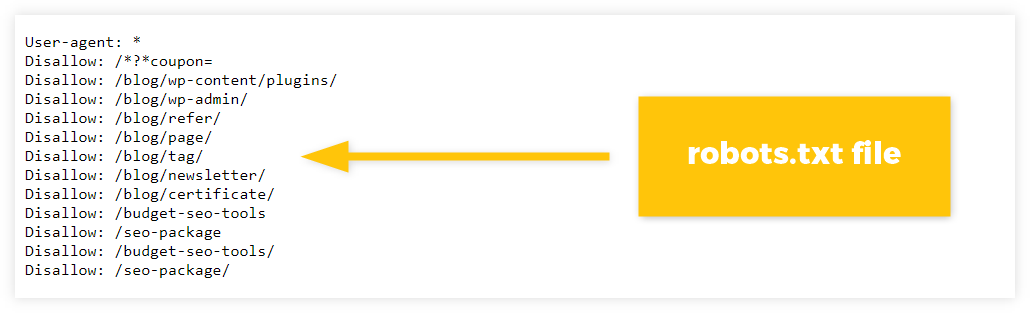
robots.txt is a file that instructs Google’s search engine whether to crawl specific content or not.It is a file that is implemented for content on the web, and allows control over crawlers. Crawling is when Google’s
search engine
, called a crawler, collects content on the web.
By using robots.txt, Google’s crawlers will no longer be able to roam around, allowing them to focus on other important content. This allows important content on your website to receive SEO evaluation faster.
What is the difference between robots.txt and noindex?
Some people may understand the role of robots.txt, but may not know the difference between it and noindex. From here, I will explain the difference between robotx.txt and noindex and when to use them properly.

When to use robots.txt and noindex properly
noindex is a meta tag that tells crawlers not to
index
your page. While robots.txt controls what content is actually read by crawlers, noindex instructs crawlers to read the content and then not display it in search results.
Therefore, robots.txt is used to encourage crawling of specific content within a website. On the other hand, noindex is implemented for content that simply does not need to be indexed by search engines because it is crawled.
SEO effects of robots.txt
As mentioned earlier, by using robots.txt, the used web content will not be crawled. This allows other web content to be crawled with priority.
Therefore, the frequency of crawling of important content within a website is relatively increased, and the period until receiving an SEO evaluation can be shortened.
When operating a website, you want the content that is important to you to see quick results in SEO. In order to index important content efficiently, implement robots.txt for unnecessary content to encourage crawling to important content.
Type of robots.txt
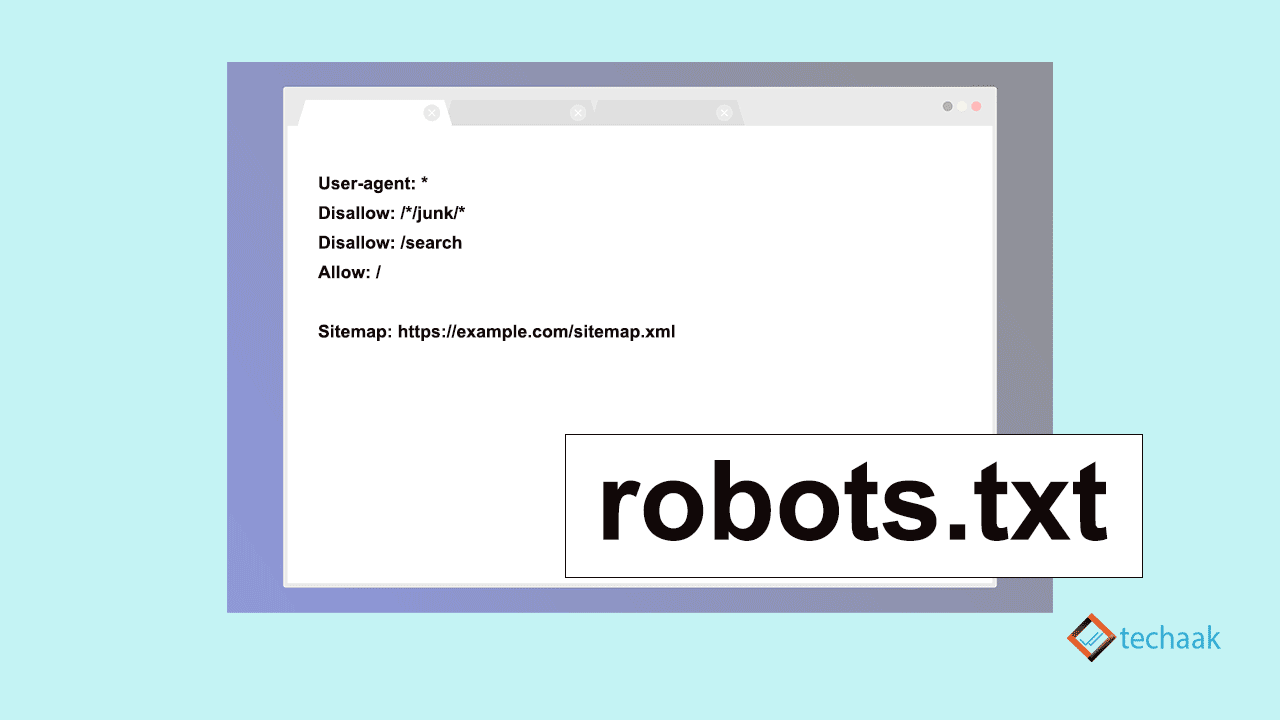
The types of robots.txt are divided into the following four types.
I will explain each in turn.

User-Agent
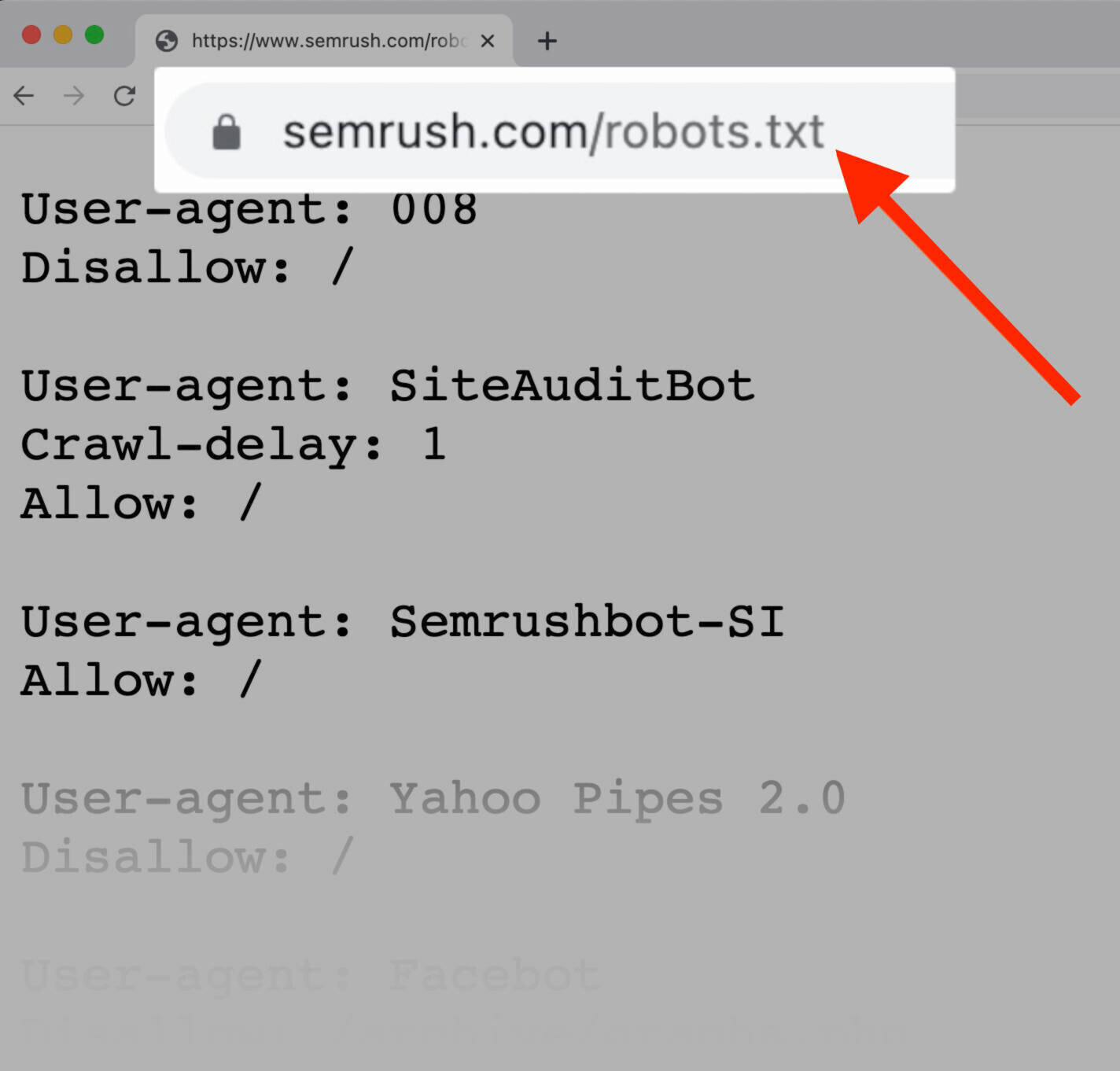
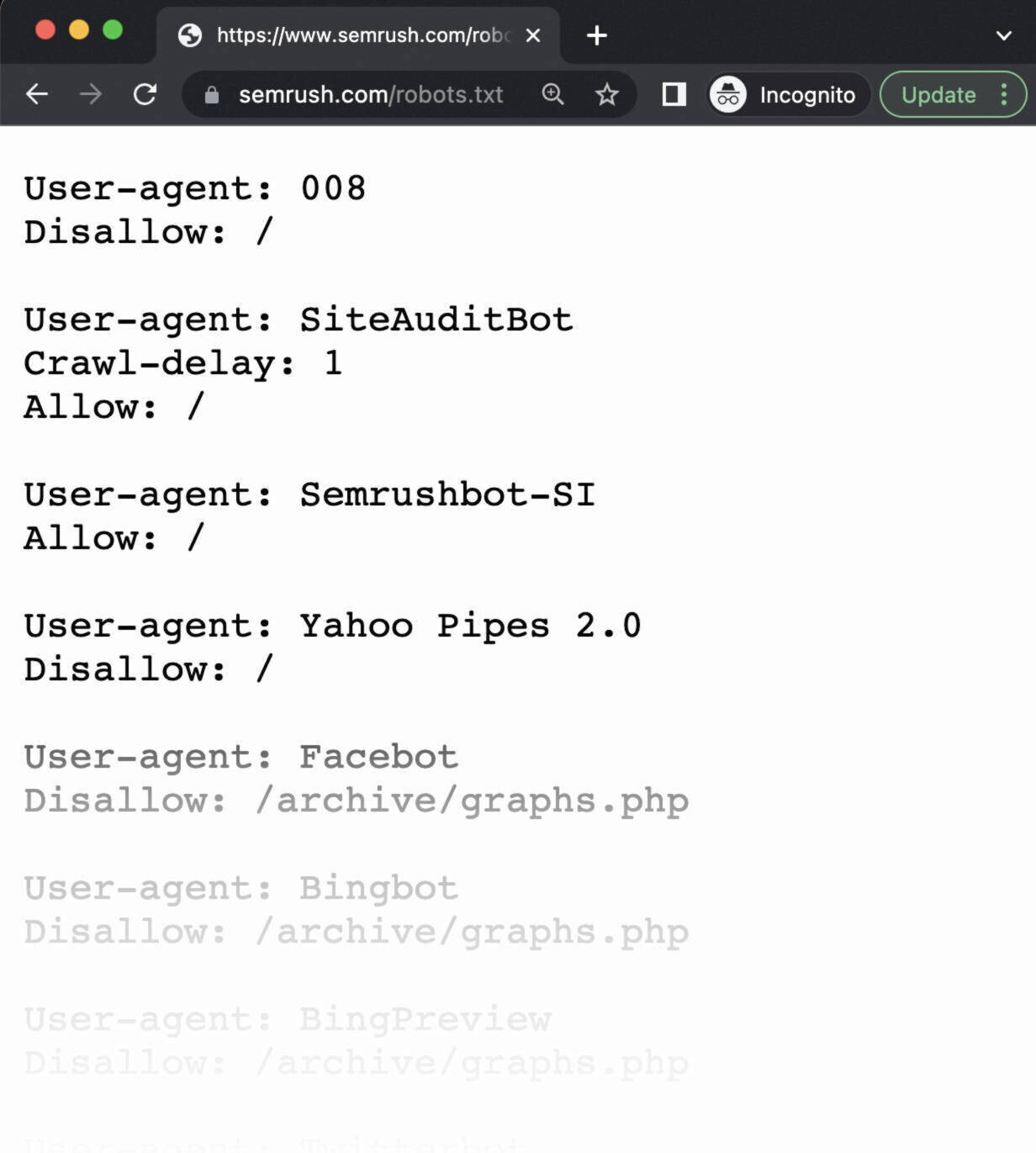
In User-Agent, it is possible to specify which crawler’s movement will be controlled using robots.txt. As of November 2022, although Google is the leading search engine, other search engines such as Yahoo! and Bing are also used, and each has different crawlers.
For example, if you want to be recognized only by Google and not by Bing, you can do so by configuring this User-Agent.
However, it is rarely configured to prevent specific search engines from recognizing it, so in most cases it basically controls the crawling of all search engines.
Disallow
Disallow specifies the file to which crawler access is restricted. Crawling is blocked by specifying files and directories that you do not want crawled using Disallow.
On the other hand, if Disallow is left blank, crawling will not be restricted for any files or directories, so be sure to check this when configuring robots.txt.

Allow
Allow, in contrast to Disallow, specifies which pages are allowed to be crawled. Allow has stronger authority than Disallow, so if there is a page you want to crawl in
the directory
specified by Disallow, only that page will be crawled even if it is under Disallow.
Sitemap
Sitemap is responsible for telling the crawler where “sitemap.xml” is located. “sitemap.xml” is an xml file that compiles a list of URLs that you want to be crawled, and can record the update date and time of each URL, the importance of crawling, etc. The crawler determines the priority of crawling using sitemap.xml.
If you write Sitemap appropriately, the crawler will actively read sitemap.xml and perform efficient crawling, so be sure to write it.

How to write robots.txt?
In robots.txt, write and specify the above four types in order from the top. In the case of
WordPress
, you will need to add code according to the following format, so we recommend that you avoid using this format first.
User-agent: *
Disallow: /wp/wp-admin/
Allow: /wp/wp-admin/admin-ajax.php
Disallow: /directory1/
Sitemap: https://sample.jp/sample/sitemap.xml
The contents of robots.text above are as follows.

How can I check if robots.txt is written?
Many people may have written robots.txt, but are concerned about whether it has been written properly and is functioning properly. You can check whether your robots.txt is properly written using Google Search Console. The steps to check robots.txt from Google Search Console are as follows.
If robots.txt is written properly, the part written with Disallow will be displayed in red.

Two points to note about robots.txt
When using robots.txt, be sure to keep the following two points in mind.
I will explain each in turn.
If it is indexed, it will remain in search results.
As mentioned earlier, robots.txt has a different function from noindex, but many people confuse them. In fact, some people may think that implementing robots.txt will prevent them from appearing in search results.
In conclusion, that’s incorrect, and even if you specify it in robots.txt, it will still remain in search results if it’s already indexed. The reason is that robots.txt controls crawling, not noindexing indexed content. It just won’t be crawled, but the previous evaluation specified in robots.txt will remain and will be indexed continuously.
So if you have content that you don’t want indexed, use noindex instead of robots.txt.
Users can view article content
One misconception about robots.txt is that it can block users from viewing content, which is also a big misconception. robots.txt blocks crawler access, not users.
Therefore, it is possible to transition from the URL to the page written in robots.txt without any problems. Therefore, when operating limited content for members or paid pages, be sure to use other methods to ensure security in addition to using robots.txt.

summary
In this article, we have comprehensively explained the overview of robots.txt, its effects on SEO, types, etc. Proper use of robots.txt is also very important for SEO, so it is essential if you want to grow your web media.
Proper use of robots.txt also ensures that important content is prioritized for crawling, rating, and indexing. As a result, it will have a big positive impact on attracting customers from the web.
Why not use this article as a reference to review robots.txt and use it appropriately?