
Homepage creation software is very useful for people who say, “I don’t have detailed knowledge about creating
a homepage
, but I want to create one myself.” Among them, ”
Homepage Builder
” in particular has a reputation as a software that is easy to use even for beginners who have no knowledge of programming or coding.
Although the homepage builder is paid software, there is also a trial version, which can be used for free for 30 days after installation, although there are some functional limitations. In this article, we will explain the advantages and disadvantages of homepage builders, precautions when using the trial version, and how to try out homepage builders.
If you want to try out a homepage builder for free, please refer to this article.
What is a homepage builder?
Homepage builder is homepage creation software released by IBM Japan in 1994. The copyright and trademark rights were transferred to JustSystems in 2010, so it is currently being sold by JustSystems as of 2023.
Homepage builders have become widely popular among beginners who want to create their own homepages because they allow people who do not have the intricacies of creating homepages to easily create the layout and design of their homepages.
For homepage layouts, we offer up to 352 different design templates, and even beginners can flexibly customize the templates to create an original, professional-quality website.
In addition, there are many image materials available and customization is possible, so there is no need to collect all the materials needed to create a website from scratch.
A homepage builder can be said to be a tool that provides all the necessary materials for beginners who have no knowledge of homepages to create a homepage.
Homepage builders include “Homepage Builder 22 Business Premium (regular version package: 29,700 yen including tax)” and “Homepage Builder 22 Standard (regular version package: 17,600 yen including tax)”, and the standard can be used for free for 30 days. There is a trial version and an academic version available for faculty and students.
Benefits of homepage builder
The benefits of using a homepage builder are as follows:
I will explain each in turn.
No knowledge of HTML, CSS, etc. required
When creating a homepage with a homepage builder, no knowledge of HTML, CSS, etc. or coding skills are required. This is because you can intuitively edit the layout of your homepage and automatically generate HTML and CSS code.
Therefore, you can perform processes that would normally have to be written in HTML/CSS, such as changing text colors and font styles, and arranging images, without any special knowledge.
If you create a homepage with a homepage builder, there is no need to study difficult HTML and CSS.
can be used for free
The homepage builder has a 30-day free trial version. Although the functionality is limited, you can experience the basic operability of the homepage builder before purchasing.
Since you can try out the operability of paid software before purchasing it, you can avoid the risk of “buying it and making a mistake.”
Paid homepage creation software other than homepage builder includes Adobe Dreamweaver (Adobe) and Homepage V4 (Sourcenext), but only homepage builder offers a 30-day free period.
“Adobe Dreamweaver (Adobe)” has a 7-day free period, and “Homepage V4 (Sourcenext)” has no free period. Before you purchase the homepage builder software, you can try out its usability for free for 30 days, so you can purchase with confidence.
Compatible with responsive design
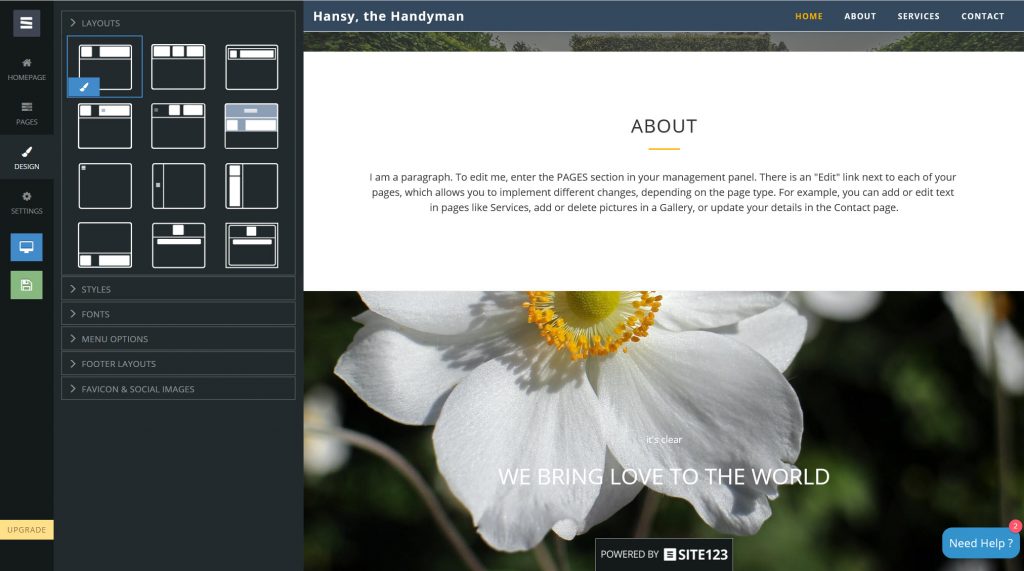
The homepage builder supports responsive design, so you can create a homepage that is optimally viewed on devices other than PCs such as smartphones and tablets.
If it supports responsive design, there is no need to create pages for each device and separate URLs,
search engines
will evaluate the same URL, and it will be easier to improve search rankings, which is advantageous for
SEO
. is.
Nowadays, more and more users are viewing web pages on smartphones and tablets, so it is essential that your website supports responsive design.

A certain amount of illustration material is available
Another advantage of homepage builders is that they have a certain amount of illustration materials available. There are a certain amount of illustrations and image materials available without having to search for and download them from an illustration material site, so you can save yourself the trouble of downloading, and you will be less likely to have duplicate image materials from other sites.
The homepage builder provides 40 illustrations in the standard version and 1,176 illustrations in the business premium version. Furthermore, the standard version has 200 photo materials and the business premium version has 1,400 photo materials, which can be used to create attractive homepages.

Disadvantages of homepage builders
Homepage builders also have their disadvantages. There are five disadvantages:
I will explain each in turn.
Fewer design templates compared to other services
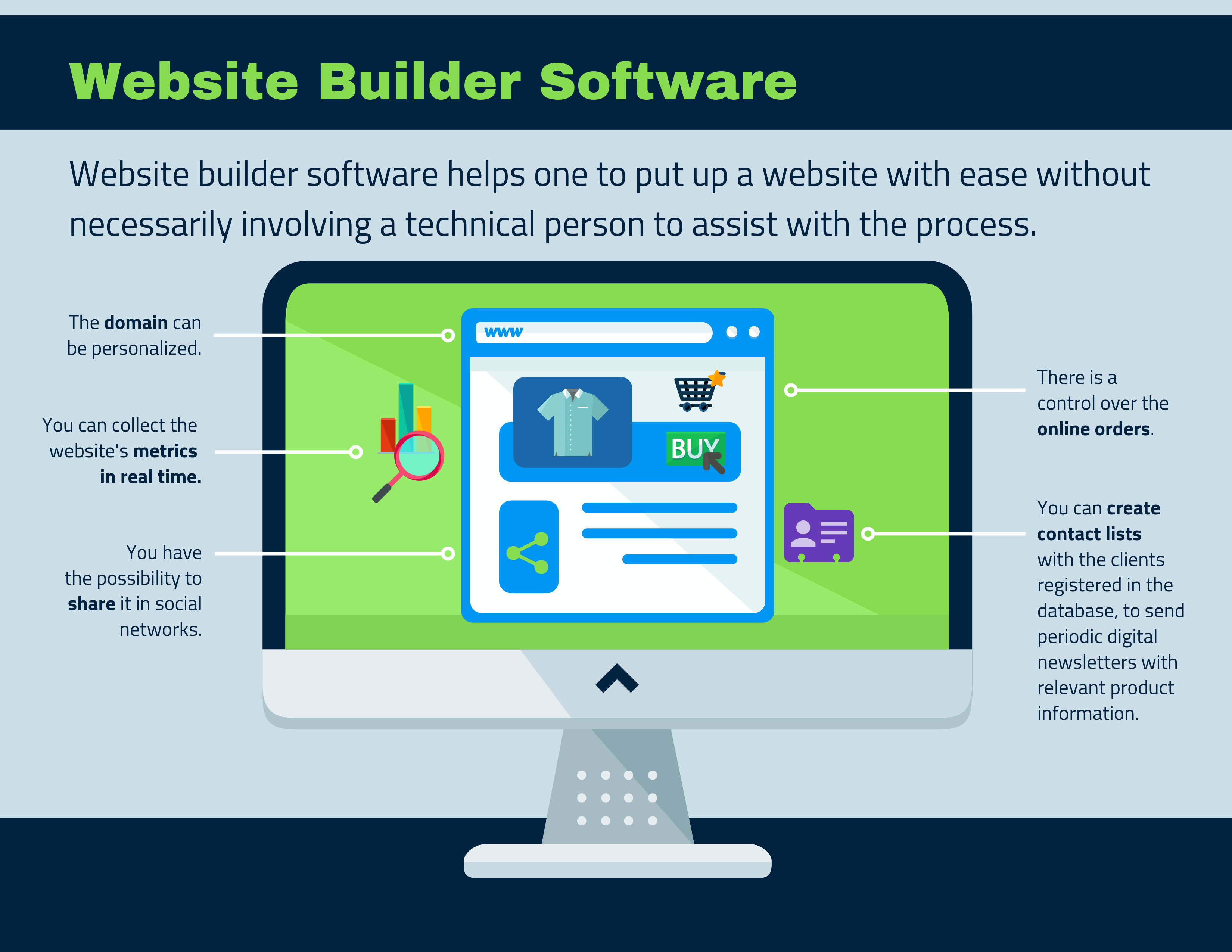
Compared to other homepage creation software, homepage builders have fewer design templates. Homepage builders have up to 352 types of design templates, but Sourcenext’s “Homepage V4” has about 400 types, and “
WordPress
”, which is
open source
and can be used for free, is free. There are over 10,000 types, so it can be said that there are not many types of homepage creation software.
Another disadvantage is that many of the templates have slightly outdated designs. Therefore, it may not be suitable for people who want to create a homepage with an original design.
There is a cost to use the product version
Of course, there is a cost involved in switching from the free trial version of a homepage builder to a commercial version such as Business Premium or Standard.
There are other homepage creation software tools that can be used for free, but using a homepage builder costs tens of thousands of yen. By the way, the costs for the product version are as follows.
| homepage builder 22 | business premium | standard | |
| Regular version | packaged products | 27,000 yen (29,700 yen including tax) | 16,000 yen (17,600 yen including tax) |
| Download version | 25,000 yen (27,500 yen including tax) | 15,000 yen (16,500 yen including tax) | |
| Upgraded version | packaged products | 20,800 yen (22,880 yen including tax) | 9,800 yen (10,780 yen including tax) |
| Download version | 20,000 yen (22,000 yen including tax) | 9,000 yen (9,900 yen including tax) | |
| Academic version | packaged products | – | 11,800 yen (12,980 yen including tax) |
(As of February 2023)
Support is limited
Homepage builders have a limited number of support. The Q&A on JustSystems’ homepage states the following:
(Source: Homepage Builder 22 Q&A before purchase
https://www.justsystems.com/jp/products/hpb/qa/index.html#qa07
)
In other words, you can only receive support over the phone twice for product operation or troubleshooting.
Although it says that you can contact us free of charge, you will be charged a fee for the call, so the longer the inquiry takes, the higher the call charge will be.
If you want to solve the problem for free, you need to refer to the FAQ page and solve it within that range.
Cannot be operated by multiple people
The homepage builder cannot be operated by multiple people. The Q&A on JustSystems’ homepage states the following:
“You may install the product on up to three computers for exclusive use by a single customer, provided that the product is not used at the same time.”
(Source: Homepage Builder 22 Q&A before purchase
https://www.justsystems.com/jp/products/hpb/qa/index.html#qa06
)
Since it is a computer used only by that person, it is basically one
license
per person. If multiple people want to use the homepage builder, it is more suitable to use the “J-License” for corporations.
Only Windows version exists
The homepage builder is only compatible with Windows 10 and Windows 8.1. It is not available on MacOS PCs, so Mac users will need to consider other homepage creation tools.
Also, even if it is Windows, it is not compatible with older Windows OS that Microsoft has ended support for.

Notes on the trial version of the homepage builder
The trial version of the homepage builder has the following points to note.
The business premium product version of the homepage builder has up to 352 types of design templates, but only one type can be used in the trial version. Therefore, with the trial version, you can use one type of design template to check the basic operation method, rather than creating a new homepage.
The trial period of the trial version is 30 days. After 30 days, you will not be able to start the software even if you reinstall it.
Unlike subscription services, you will not be automatically charged after the trial period, and you can rest assured that the number of days remaining in the trial period will be displayed when you start the software.
How to try a homepage builder
Here are three steps on how to try out a homepage builder.
Please note that this article provides explanations based on the “Homepage Builder 22 Trial Version” (as of February 2023).
download
The trial version of the homepage builder can be
downloaded
from the official website.
The download procedure is as follows.
1. Access
the official website of the homepage builder
.
2. Click the “Trial version” button at the top right of the screen.
3. Click the “Download trial version” button in the center of the screen.
The above steps will download the “hpb22try.exe” file to your PC.
install
The installation procedure for the trial version of the homepage builder is as follows.
1. Double-click the downloaded “hpb22try.exe” file.
2. When the dialog box for specifying the extraction destination folder appears, specify the extraction destination folder and click the “Extract” button.
3. The file will be unzipped and stored in the “hpb22try” folder.
4. Double-click the “setup.exe” file located in the “hpd22try” folder.
5. Click “Agree” on the license agreement screen.
6. On the application selection screen, make sure that “Homepage Builder 22 Classic Trial Version” and “Homepage Builder 22 SP Trial Version” are checked, and click the “Next” button.
7. Click the “Start Installation” button.
8. When “Installation has been completed” is displayed, click the “Finish” button.
That’s all for the installation procedure.
When the installation is complete, shortcuts for “Homepage Builder 22 SP Trial Version” and “Homepage Builder 22 Classic Trial Version” will be created on your desktop.
Start the software
Before starting the software, let’s explain the difference between “Homepage Builder 22 SP Trial Version” and “Homepage Builder 22 Classic Trial Version”.
- Homepage Builder 22 SP Trial Version
It is suitable for beginners because you can create a homepage without editing HTML/CSS.
- Homepage Builder 22 Classic Trial Version
You can edit HTML and CSS.
We will explain the flow after startup for each software.
[Homepage Builder 22 SP Trial Version]
1. Double-click the “Homepage Builder 22 SP Trial Version” shortcut.
2. When a dialog appears informing you of the number of days left in the trial period, click the Close button.
3. Click the “Create new” button at the top left of the screen.
4. Select a template on the template selection screen and click the “Next” button.
5. On the basic information input screen, enter information such as the site name and catchphrase, and click the “Finish” button.
After performing the above steps, the editing screen will be displayed.
[Homepage Builder 22 Classic Trial Version]
1. Double-click the “Homepage Builder 22 Classic Trial Version” shortcut.
2. When a dialog appears informing you of the number of days left in the trial period, click the Close button.
3. Click the “Create new” button at the top left of the screen.
4. Click “Full CSS Template” displayed at the bottom left of the screen.
5. Select the “Company[0001]-Blue” template and click the “OK” button.
6. Enter basic information such as data storage location and company name, and click the “Save” button.
After performing the above steps, the editing screen will be displayed.
Consider WordPress along with a homepage builder
If you are a beginner in creating a website, consider using WordPress in addition to a website builder.
WordPress, like homepage builders, is famous as a free tool that allows even beginners with no knowledge of HTML or CSS to edit the design and layout.
It is more suitable for creating a blog than a homepage, and by customizing the design template called a “theme”, you can create a layout similar to a store or company’s homepage.
WordPress has over 5,000 themes available for free, so you can customize them to create a more original homepage.
Some rental
servers
have the ability to easily install WordPress on their servers, so preparation is easy.
In addition, you can also create a “WordPress compatible site” with the homepage builder. If you use a homepage builder and WordPress together, you can update your homepage from your computer or smartphone, which is very convenient.
In addition to a homepage builder, consider using WordPress as a means of creating a homepage.

summary
In this article, we explained how to try a homepage builder for free and the advantages and disadvantages of a homepage builder.
The homepage builder allows you to edit the layout with intuitive operations without any knowledge of HTML or CSS, and it also comes with templates, so even those creating a homepage for the first time can easily create one.
However, in addition to the purchase cost of 10,000 yen to 20,000 yen, there are also disadvantages such as a small number of design templates and many templates with old designs. Therefore, we recommend using it in conjunction with WordPress, which is free to use and has a wide variety of templates.