

A mind map is a useful framework when you want to organize your thoughts. If you can create a mind map in the correct way, you can use it in a wide range of situations, such as generating ideas at work, giving presentations, reviewing your studies, and self-analysis.
In this article, we will provide an overview of mind maps, usage scenarios, how to write them, and recommended mind map creation tools in an easy-to-understand manner.
What is a mind map?
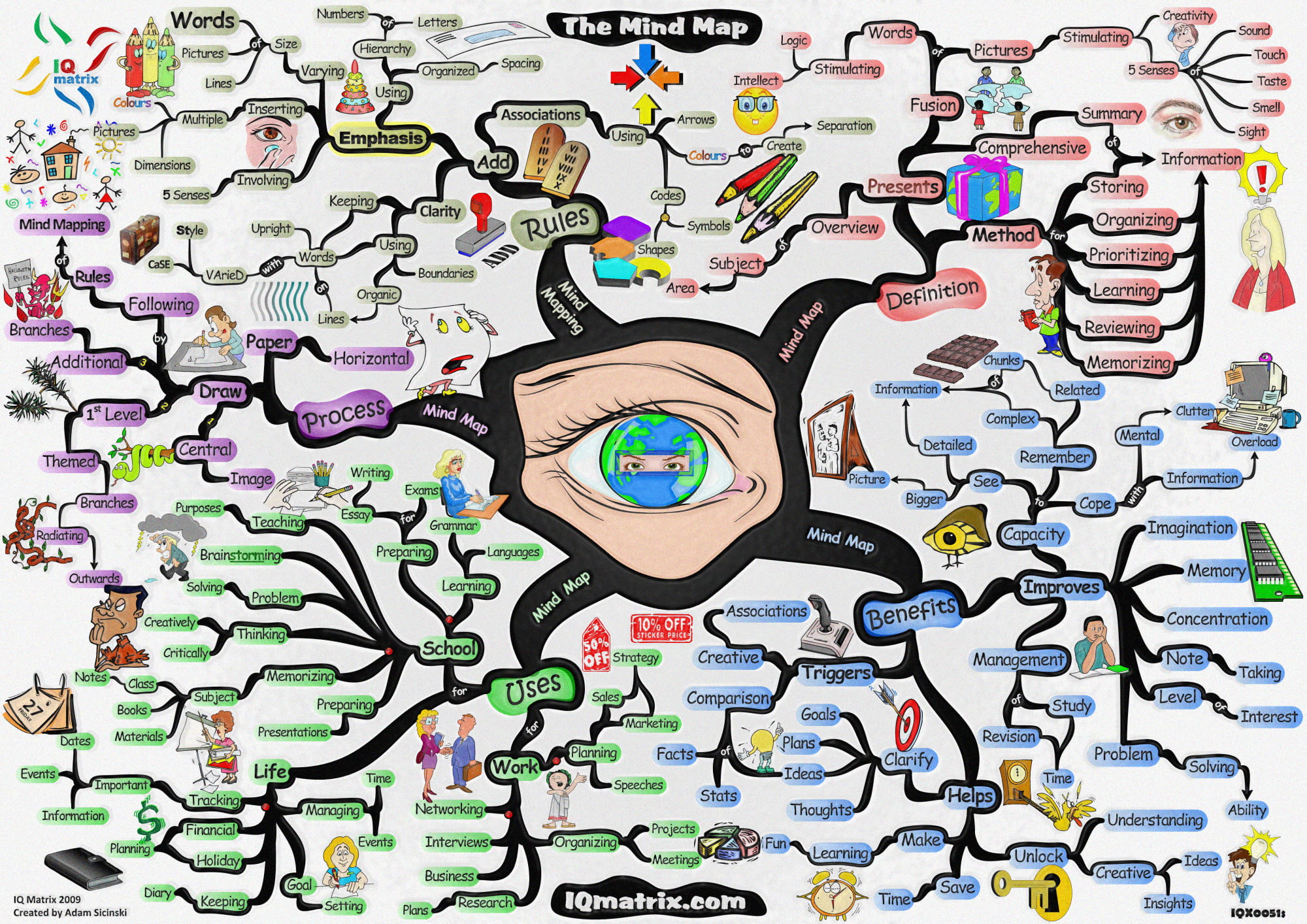
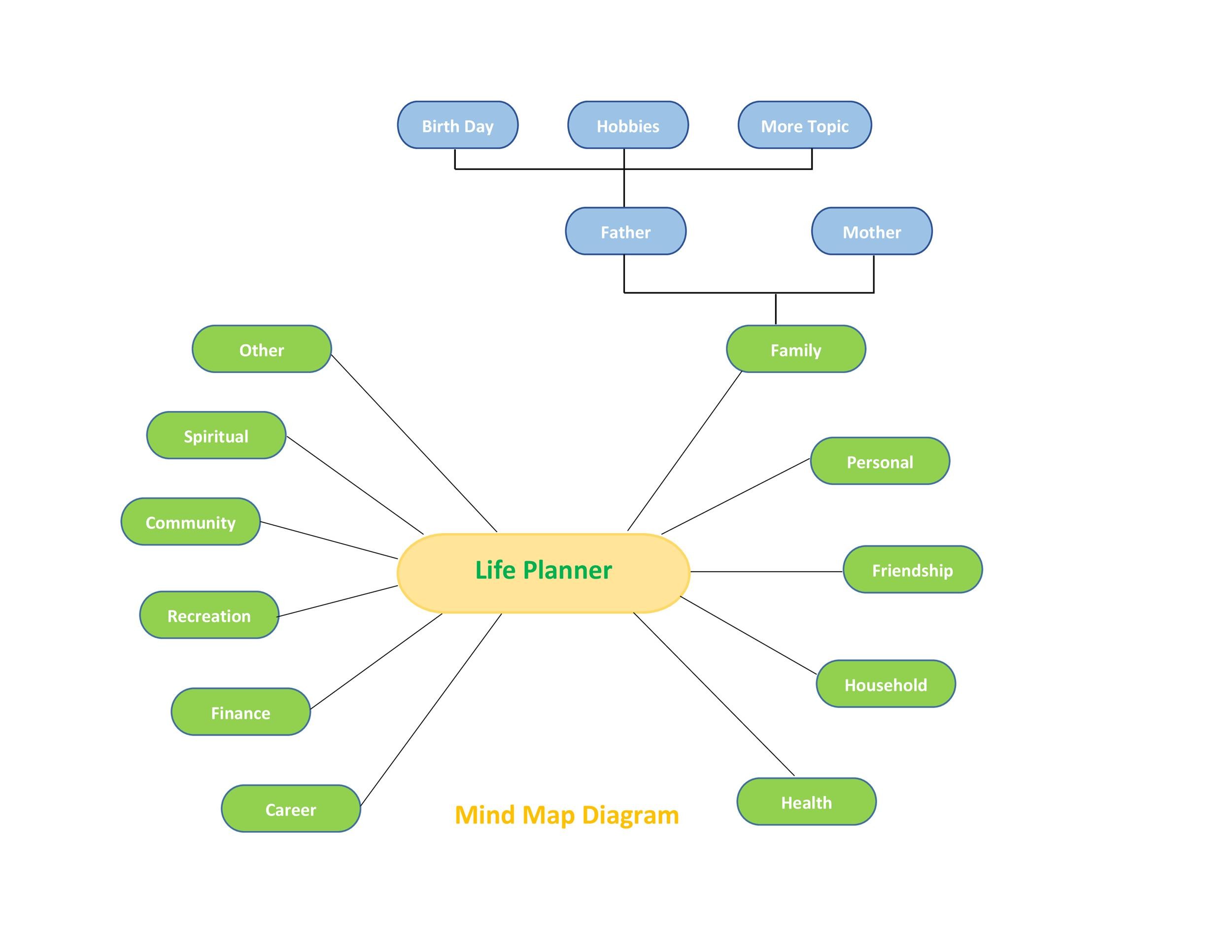
A mind map is a radial diagram that represents the thoughts and ideas that pop into your head. Decide on a central topic, and then branch out and develop related keywords and images. By organizing your thoughts and ideas using a mind map, you can understand the information as a whole and also visualize your thoughts.
Mind maps can be created with just paper and a pen, but in recent years many tools and apps have been provided specifically for creating mind maps.
Differences from webbing map
Webbing map is a framework similar to mind map. Both mind maps and webbing maps are effective for organizing thoughts and ideas, but they have different detailed rules, so don’t mix them up.
Similar to mind maps, webbing maps are written by developing related keywords from a central topic. It is characterized by a high degree of freedom because you can immediately write down what comes to mind. For mind maps, the rules are more detailed than for webbing maps, such as the color of the text, the thickness of branches, and the presence or absence of images.
Mind map created by Tony Buzan
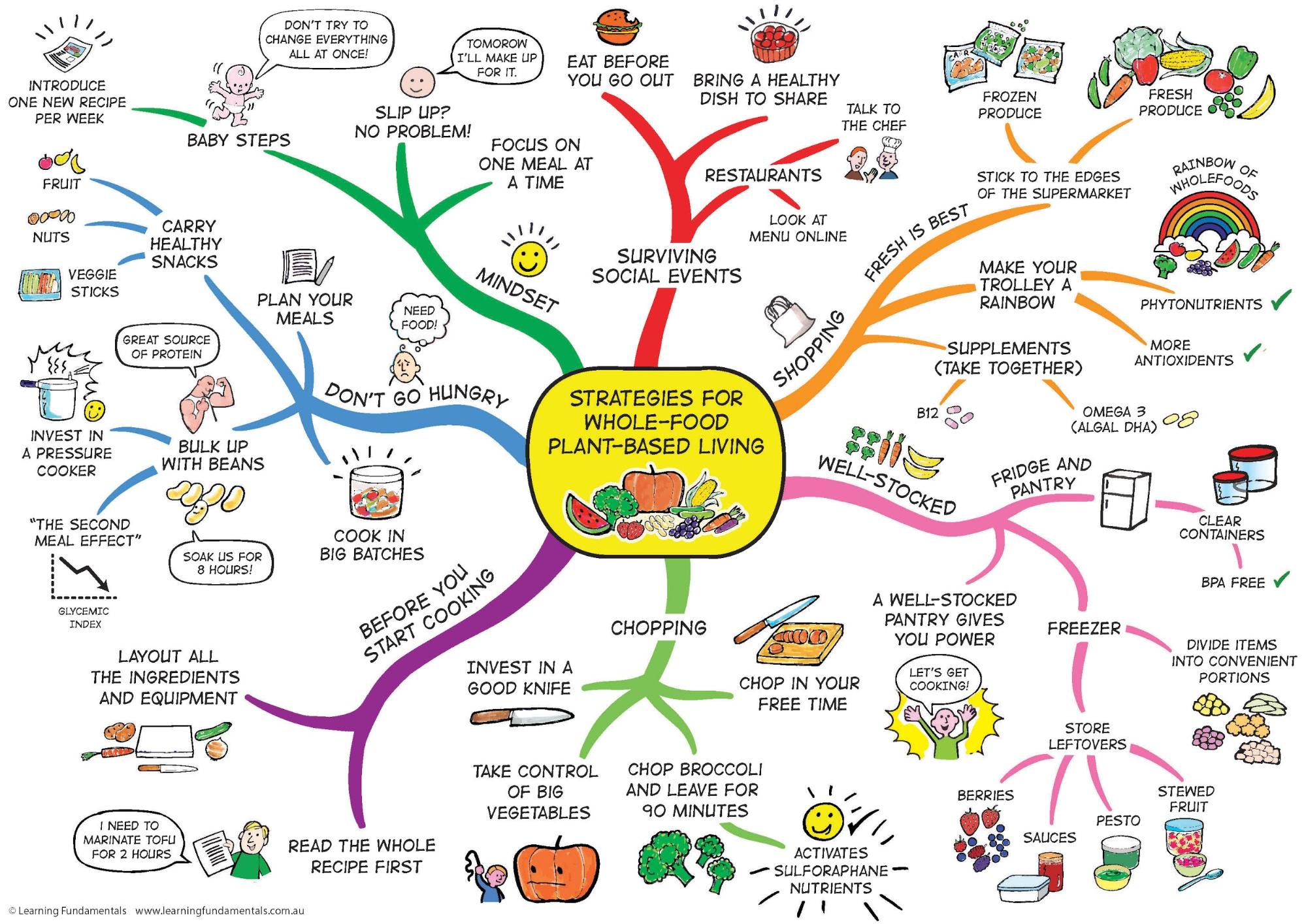
The concept of mind mapping was proposed by British author Tony Buzan. The mind map proposed by Mr. Buzan in the 1970s allows you to develop and draw the thoughts and ideas in your head as they are like a picture. Therefore, it is effective for generating ideas and learning, and is also effective for increasing creativity.
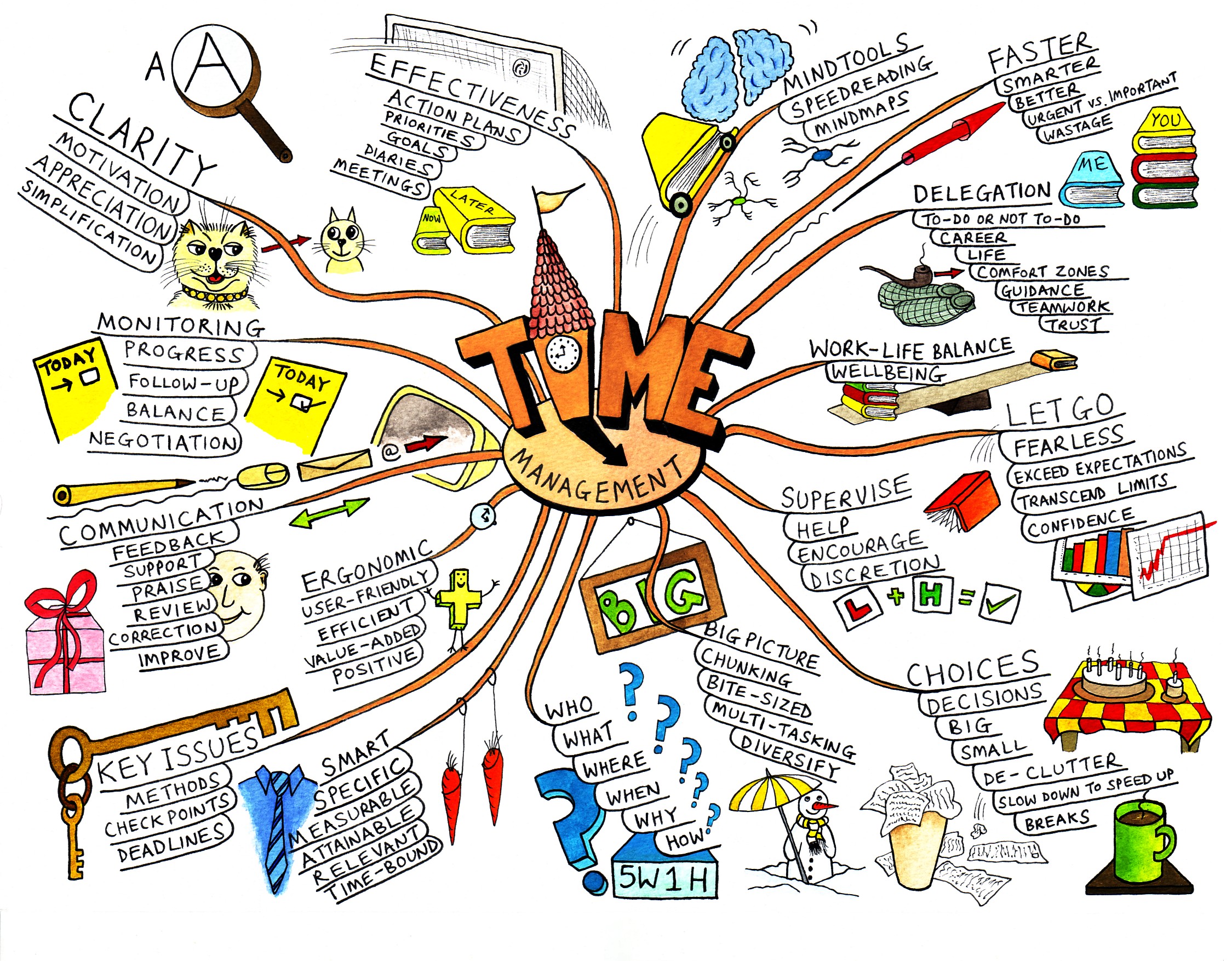
Currently, if you look into mind maps, you will find various ways of writing and diagrams, but the only formal mind map is the one proposed by Buzan. Mr. Buzan’s mind maps are characterized by the use of colorful images and images to take advantage of the brain’s natural characteristics.
Scenes in which mind maps are used
There are various situations in which mind maps can be used. At work, you can use it to generate ideas, create project plans, and make presentations, and in daily life, you can use it for learning and self-analysis.
Let’s use a mind map that allows you to grasp all the information at a glance, and use it in necessary situations in your work and daily life.
Generating ideas and brainstorming
If you’re stuck coming up with an idea, mind mapping can be helpful. By creating a mind map to organize information in your head, you may come up with new ideas.
Mind maps are also effective for brainstorming, where you brainstorm ideas in a group. Brainstorming is often used to plan new businesses and come up with solutions to problems.
A mind map develops and connects related keywords from a central topic, making it easier to come up with ideas without straying from the meeting theme.
Summary of meetings, creation of minutes
A mind map is a framework that helps you organize information. It is also useful in situations such as summarizing the contents of business meetings and creating minutes.
To organize the content of the meeting, it’s a good idea to summarize the information and data discussed using a mind map. When creating minutes, you can write out the key points of the meeting in addition to the decisions made on a mind map, and summarize the content in an easy-to-understand manner at a glance.
Project planning and presentation
Mind maps can help you plan your new project by helping you clarify your goals and the tasks needed to achieve them. Mind maps are also effective for presentations at work.
In a presentation, using a mind map that makes it easy to understand information visually will attract the attention of the audience and help convey the content in an easy-to-understand manner.
Business strategy, marketing strategy
Mind maps can also be used for business strategy and marketing in management. When setting goals, it is possible to identify not only the necessary tasks but also the company’s strengths, weaknesses, opportunities, and threats (SWOT analysis). In fact, major companies such as Microsoft, Apple, and Sony conduct SWOT analysis using mind mapping tools.
Additionally, mind maps can be used as information to make optimal decisions in decision making. If decision-making becomes smoother, you will be able to dig deeper into business strategy and marketing planning.
Review of lectures and learning
The scope of use of mind maps is not limited to work. You can organize the information and important points obtained using mind maps, such as summarizing the contents of classes and lectures, or using them to review your studies.
Even if you create a mind map later using the notes you compiled during your studies, it will be easier to understand visually and you will get a better study effect.
Self-analysis, self-development
When conducting self-analysis during job hunting or self-development aimed at improving your own skills, it is a good idea to organize information using a mind map.
By using a mind map, you can help promote yourself, organize your strengths and weaknesses, and set future career plans. Mind maps are useful for setting annual goals and managing work and life tasks because you can refer back to them.
Benefits of using mind maps
Mind maps can be used in many situations in work and life, so you can get various benefits by using them wisely.
Here we will explain four benefits of using mind maps.
Ideas can be visualized
When you’re thinking, ideas may pop into your head one after another. It’s good to come up with new ideas, but have you ever lost track of what you were thinking before?
Considering this situation, mind maps can be said to be very easy to use. The basic idea of a mind map is to write down the ideas you come up with using keywords and images rather than text. By writing down keywords and branching out your ideas, you can organize the ideas that pop up in your head and visualize them in an easy-to-understand manner.
Generate associations and expand your thinking
The human brain naturally makes associations. You may have the experience that when you think of something, things related to it come to mind one after another.
When you write down your thoughts using a mind map, you will be able to create more associations from keywords and have the effect of expanding your thoughts. It allows you to expand your associations, makes it easier to organize your thoughts, and allows you to grasp the information, tasks, and issues that come to mind at a glance.
Easy to remember because it is visualized
Mind maps are created using not only text, but also color coding, images, and symbols. The human brain easily recognizes things that have shapes and colors, which makes it easy to recognize the contents of a mind map at a glance.
Mind maps are easy to remember, so even if you write them out with keywords scattered throughout, your brain will capture the content as an image, making it easier to grasp the overall picture.
Makes it easier to see the whole thing and get a bird’s-eye view
When you encounter a problem at work or in your daily life, you need to think of a solution. Mind maps can also be useful in solving these problems.
By writing down your problems using a mind map, you can get a comprehensive overview of what problems you are having. By looking at it from a bird’s-eye view, solutions to the problem will emerge.
Disadvantages of mind maps
Mind maps have advantages such as visualizing ideas and making it easier to remember them, but at the same time, be aware of their disadvantages. Below are two main disadvantages of mind maps.
It takes time to create if you are not used to it.
When creating a mind map, it takes a certain amount of time to set keywords, divide the map, use illustrations, color code, etc. Therefore, if you are creating a mind map for the first time or are not used to it, it may take more time.
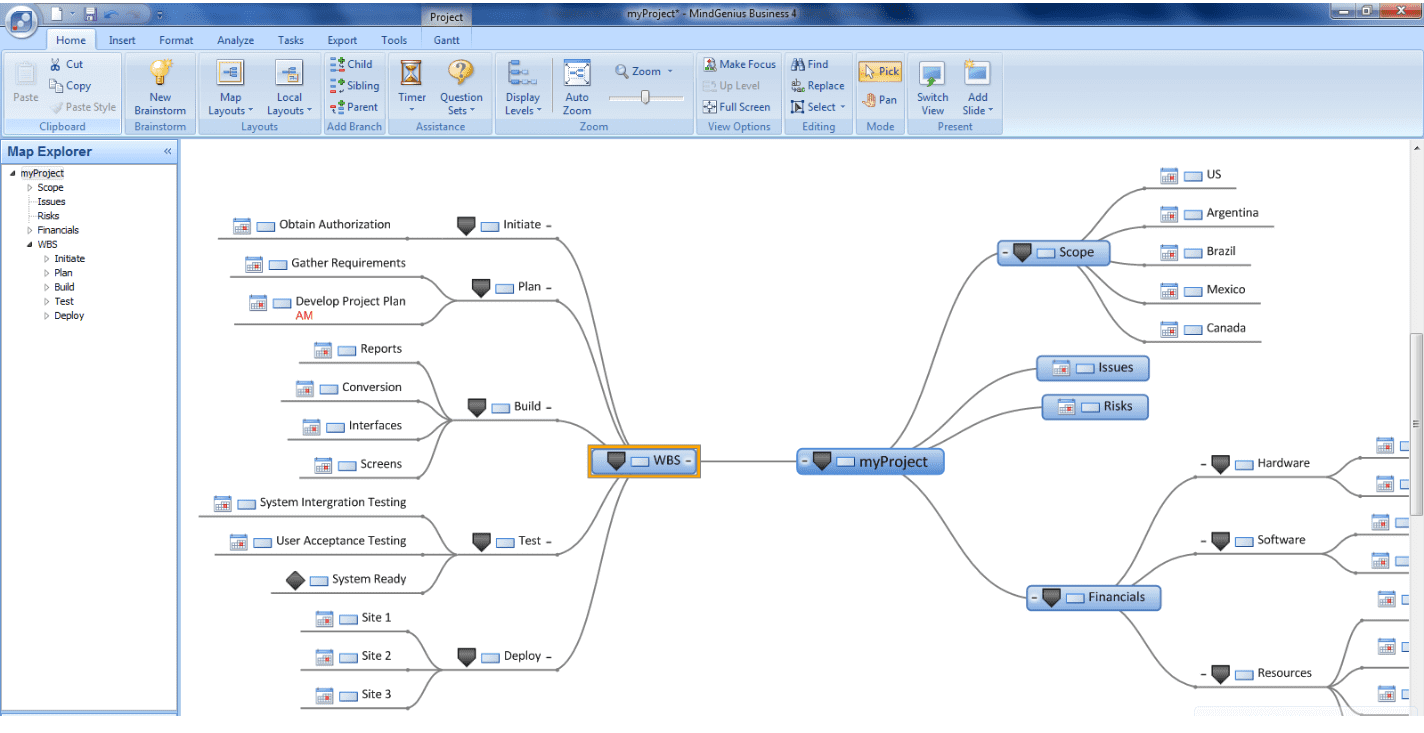
You can create a mind map by hand, but if you are not used to it, we recommend using a specialized tool or app.
Clarification of purpose is necessary
Mind maps have a high degree of freedom and allow you to write down as many ideas as you have in your head, giving you a sense of accomplishment when you create one. However, if you create a map with the aim of completing it, you will not get the desired results.
Also, if you do not clarify the purpose of creating a mind map, it may be difficult to come up with new ideas. Decide on your purpose and why you are creating a mind map before you start working on it.
How to write a mind map
For a mind map to be effective, it must be written correctly. Here we will explain how to create a mind map, following the 7 steps listed below.
decide on a purpose
A mind map is a way to visualize the thoughts and ideas that come to your mind. Before you actually proceed with creating the mind map, decide on the purpose of creating the mind map.
Think about why you want to use a mind map, such as wanting to expand your thinking to come up with new ideas, or wanting to conduct a new self-analysis to change jobs.
Prepare plain paper with horizontal writing
If you want to create a mind map by hand, prepare paper and a pen. Choose plain paper for your mind map; avoid using lined or graph paper. The reason for using plain paper is that you may unconsciously place restrictions on your ability to freely express your ideas.
After preparing the paper, start writing horizontally. The size of the paper you use depends on the purpose, but if it’s too small you won’t have enough space to write, so it’s a good idea to prepare a size with plenty of room.
Write the theme in the center of the paper
The first thing to write is the main theme that will be the center of the mind map you create. Keep the main theme short and not too long. The completed mind map will be influenced by the main theme you set, so place words that suit your purpose.
Write the main theme in the center of the paper placed so that it can be written horizontally, but arrange the theme so that words can be written in the surrounding spaces. When writing the main theme, it is also recommended to draw an illustration that matches the image of the theme.
Draw a curve outward from the theme and write the associated elements (main branch)
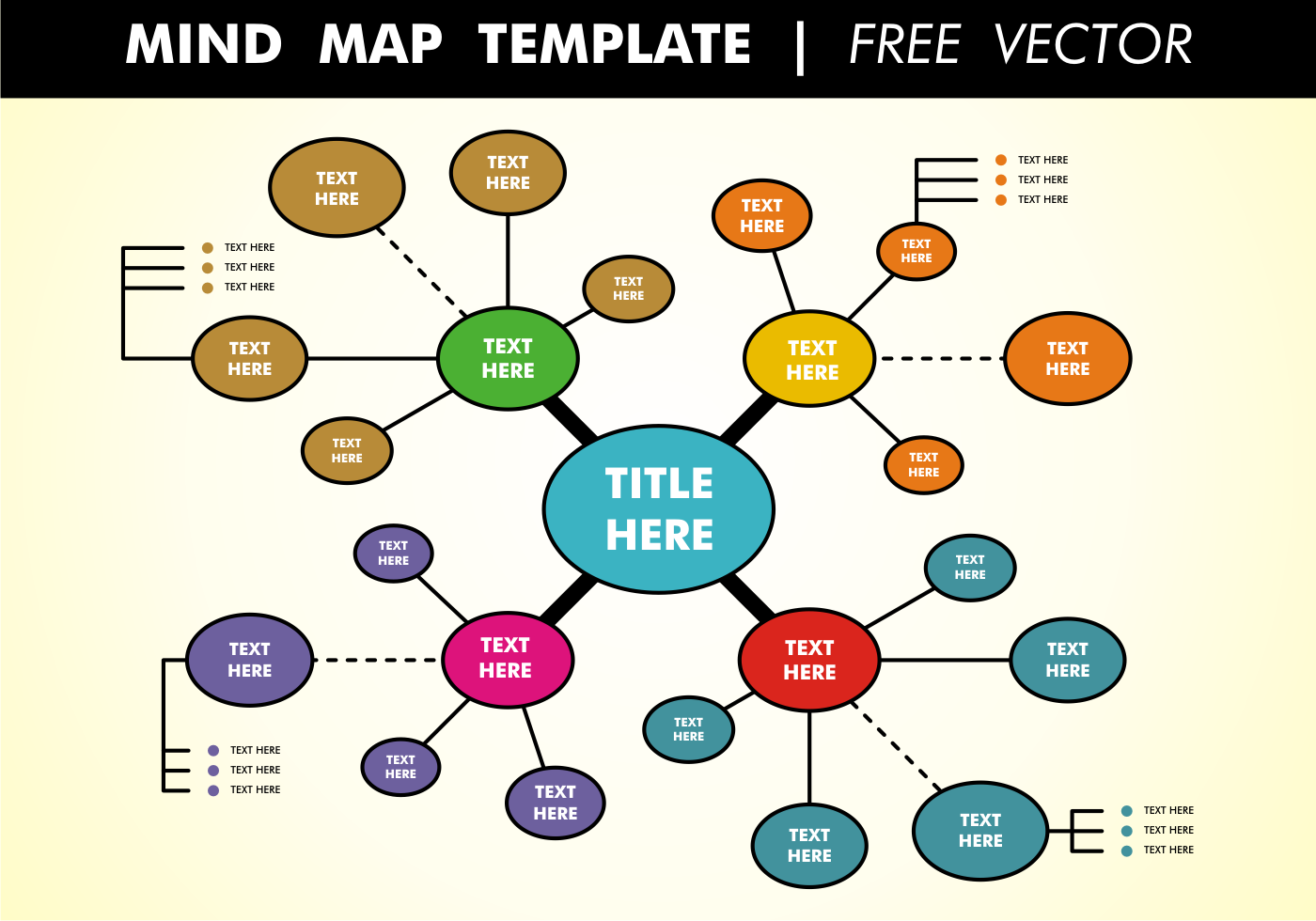
From the main theme written in the center, draw curves radiating outwards and write some words that you can associate with it. The curve that extends directly from the main theme is called the “main branch,” which is likened to a “branch.”
Write about 6 main branches
There is no particular limit to the number of main branches, but it will be easier to remember if you have at most 7 main branches. The main branch will be written in short and simple words, just like the main theme.
When writing the main branches, color-coding each branch will give a sense of unity and make the map easier to read.
Add elements to subbranches branched from the tip of the main branch
From the main branch you wrote out, extend it by drawing more words that you can associate with it. A line that connects and extends from the main branch is called a “sub-branch.” The basic rule is to write sub-branches as short and simple as the main branch.
When extending sub-branches from one main branch, there is no limit to the number of branches. Feel free to write down any words that come to mind, and branch out from sub-branches. When branching a sub-branch from the main branch, always branch at the tip of the main branch so that you can understand how far one branch continues.
Add colorful visuals such as arrows and illustration images
By adding symbols and illustrations such as arrows to your mind map, and color-coding each branch, you can process information visually and make it easier to remember.
Specifically, you can make the lines thicker in areas that you think are important, use arrows to connect words to make them stand out, and use colored pens to color-code items to make them more colorful. In addition, it is also effective to attach images related to the ideas you have written.
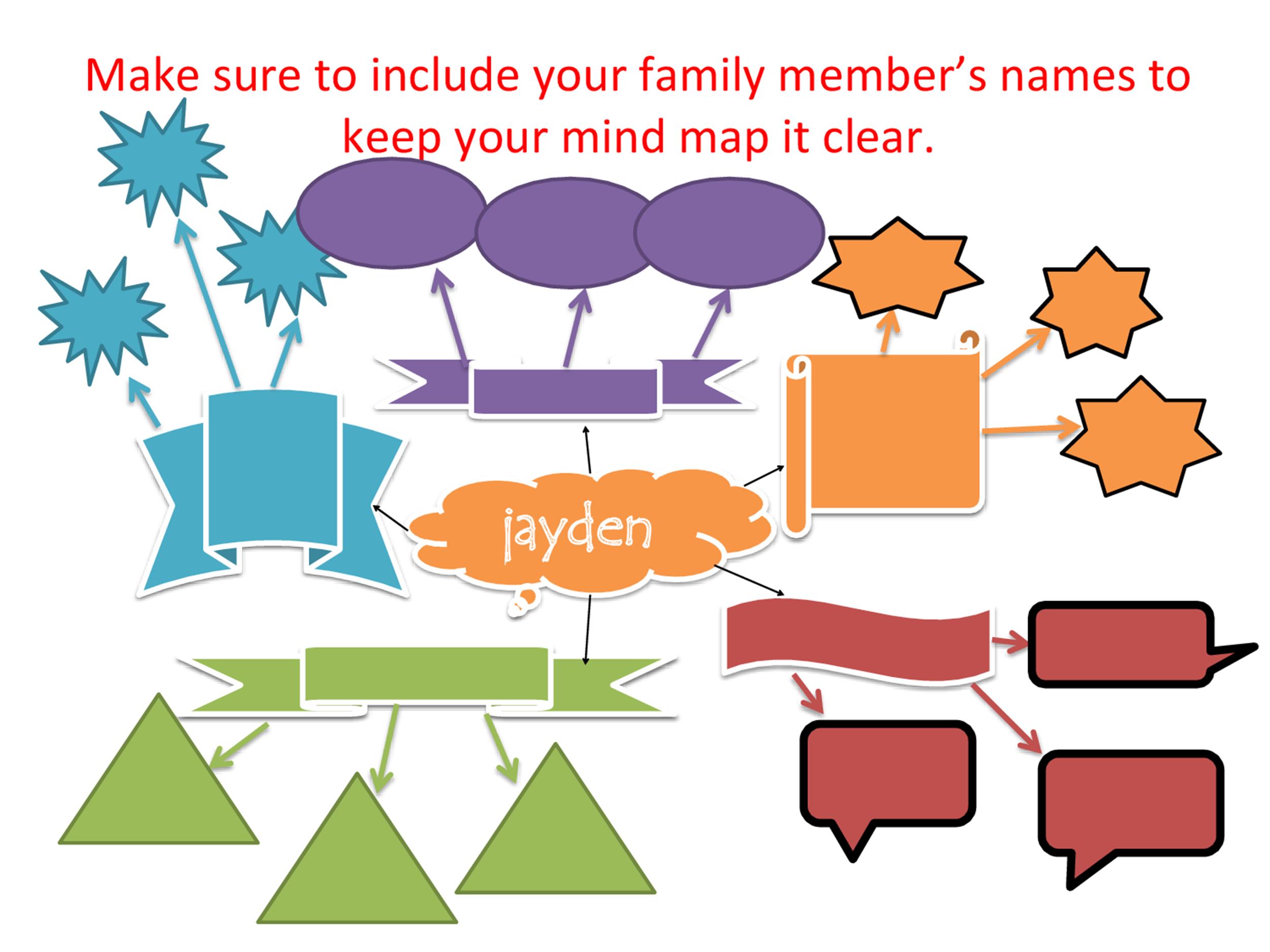
Table 1: Mind map (example)

Points to note when creating a mind map
Mind maps allow you to write your ideas freely, but there are some detailed rules. If you are an inexperienced person creating a mind map, be sure to check the precautions in advance.
Below are three things to keep in mind when creating an effective mind map.
Write keywords on lines (branches)
When writing out the main branch and sub-branches, write words on the lines. The branch tip only creates a branch and does not write a word.
The words you write on the line should be written in a well-balanced manner along the curve of the branch. You don’t need to be too conscious of writing neatly, but if you write in a well-balanced manner, the words and branches will look cohesive when you look at the mind map from above.
write one word on one branch
In mind maps, the rule is to write words above branches. Please only write one word per branch, and be careful not to write long sentences.
If the word becomes long, break it down into words and write them out by connecting them to each branch. By separating the words, you will be able to incorporate additional ideas that come to mind later.
Make your mind map look like a single picture
A mind map is characterized by writing words on the top of a curved line, along with symbols and illustrations, to create a picture-like image. By viewing the completed map as a picture, the image becomes more memorable.
Creating a mind map once is not the end. It is important to create a map that will make it easy to understand the contents when you look back on it later. If you make it look like a picture, you will be able to understand the content even if you look back at it later, and you will be able to easily add or change words.
How to choose mind mapping apps and tools
You can create mind maps by hand, but there are also many specialized apps and tools. To effectively utilize mind maps, choose an app or tool that is appropriate for your current environment.
Here, we will explain four ways to choose apps and tools that allow you to create mind maps.
Introduction format
There are mainly three types of apps and tools for creating mind maps: installation type, cloud type, and app type. In addition, there are free and paid versions of apps and tools, and the free versions often have limited functionality, while the costs of paid versions vary depending on the type.
Below is a summary of the characteristics of each type.
- installation type
This type of software is installed and used on a terminal such as a computer. Your data is saved on your device. The ability to work offline is an advantage, but you have to update the software yourself. With the installation type, you pay the usage fee for the number of users as an initial cost at the time of installation.
- Cloud type
Use online via the Internet. It does not require any software installation and can be used directly from a browser. Your data is stored in the cloud, so you can access and work on it from another device. In addition, the cloud-based version allows you to use the latest applications and does not require manual updates. Most of the usage formats are subscription type, and fees are incurred on a monthly or annual basis.
- App type
This type can be used on smartphones and tablets. Many mind map creation apps are easy to use, and basically have a cloud synchronization function. Most apps can be started for free, or require an initial cost when introducing them. In the case of free apps, it is common to see features expanded by paying.
Existence and format of output
Another important point to consider when choosing is the format in which you can output your mind map. Let’s check how you will use the created mind map and the file formats that can be output.
There are many cases where there are differences in the file formats that can be output between the free version and the paid version. Paid versions often support basic formats such as Word, Excel, PowerPoint, PDF, and PNG.
Functional aspects such as collaborative editing and task management
Think about when multiple people will be editing a mind map, and choose an app or tool that allows collaborative editing. Not only can multiple people check the mind map at the same time, but it can also be edited in real time.
There are cases where the contents of the mind map become the tasks that need to be done. Therefore, it would be useful to have a task management function. If you can use the task management function, you won’t have to use a separate tool to post tasks, which will save you time and effort.
Cooperation with external services
Some mind map creation apps and tools can integrate with external services. If you have a service that you use, we recommend actively collaborating with it.
However, the services that can be linked differ depending on the app/tool. It is a good idea to check whether it can be linked with the service you are using.

Free mind map apps, tool examples
There are various pricing structures for apps and tools that allow you to create mind maps. Here are seven free mind mapping apps and tools. Please note that the free version often has restrictions on the functions that can be used.
EdrawMind
EdrawMind is a tool that can be introduced in various types such as installation type and app type. In addition to the free version, we also have a paid version.
EdrawMind has a wide variety of templates in addition to radial maps, and you can choose the map you want to create depending on the purpose and ease of use, such as an organization chart, tree, or fishbone map. One of the features is that mind maps can be easily shared, collaboratively edited, and output to PDF, etc.
MindMup
MindMup, a cloud-based mind mapping tool, can be used in conjunction with Google Drive. The free version does not require an account login and allows you to create an unlimited number of maps. It also supports attaching images and files, and outputting to PDF and PowerPoint.
Mind maps created with the free version of MindMup will only be saved and published for 6 months. The paid version allows you to save privately, so if you often use Google tools, you may want to use the paid version of MindMup.
XMind
XMind is an installable mind map creation tool, and it also has an app version that can be used on smartphones and tablets. There are plenty of map templates, and there is no limit to the number of maps you can create even with the free version.
XMind is an installed version, so collaborative editing is not possible, but it is useful for personal use. If you subscribe to the paid version, you will be able to attach images, insert equations, and output to Word, Excel, etc.
Mind Meister
Mindmeister is a cloud-based mind mapping tool with over 37 million users worldwide. Since it is cloud-based, no installation is required and it can be accessed from other devices.
You can share mind maps in the free version, but please note that the number of maps you can create is limited to 3. By subscribing to the paid version, you can add features such as creating an unlimited number of maps and attaching images.
Coggle
The free version of Coggle, a cloud-based tool, allows you to create an unlimited number of mind maps when set to public, but when you want to save them privately, the maximum number of mind maps you can create is 3.
If you don’t want to limit the number of mind maps you can create, one option is to subscribe to the paid version. In addition, the free version has features such as collaborative editing and image attachment, but if you sign up for the paid version, you can also upload high-quality images and save chat history.
Lucidchart
Lucidchart is a cloud-based mind mapping tool that supports Japanese. It can be accessed from a variety of devices, and maps can be created with intuitive operations.
You can create up to 3 mind maps with the free version. There are 100 templates available even in the free version, and one map can use 60 shapes.
SimpleMind
The free version of SimpleMind is an app and can be used on iPhone, iPad, and Android devices. The free version has limited functionality but does not require registration.
It is easy to use even if you are creating a mind map for the first time, and is recommended for people who want to start creating mind maps easily on their smartphones or iPads. There is also a paid version, but if you are creating a mind map on one device, the free version will be fine.

summary
A mind map is a framework that helps you organize your thoughts and ideas, organize information, and organize tasks. You can also create it using paper and pen, but it may take a while if you are not used to it.
If you are new to creating mind maps, we recommend using an app or tool. There are some tools that you can start using for free, so choose the tools that suit your purpose and use and use them in your business and daily life.